Docs sections
Search⌘KStorage and automatic cleanup
dodocast can delete files you no longer need after processing and save storage space.
Account settings
Settings → Storage:
| Setting | What gets deleted | What you can still do |
|---|---|---|
| Delete the original after processing | the uploaded file, right after its tracks are extracted | stream, add new qualities, re-transcode; you can't download the original |
| Delete all intermediate files after processing | the original and the extracted sources; only the finished stream remains | watch only; for new qualities or re-transcoding, upload the source again |
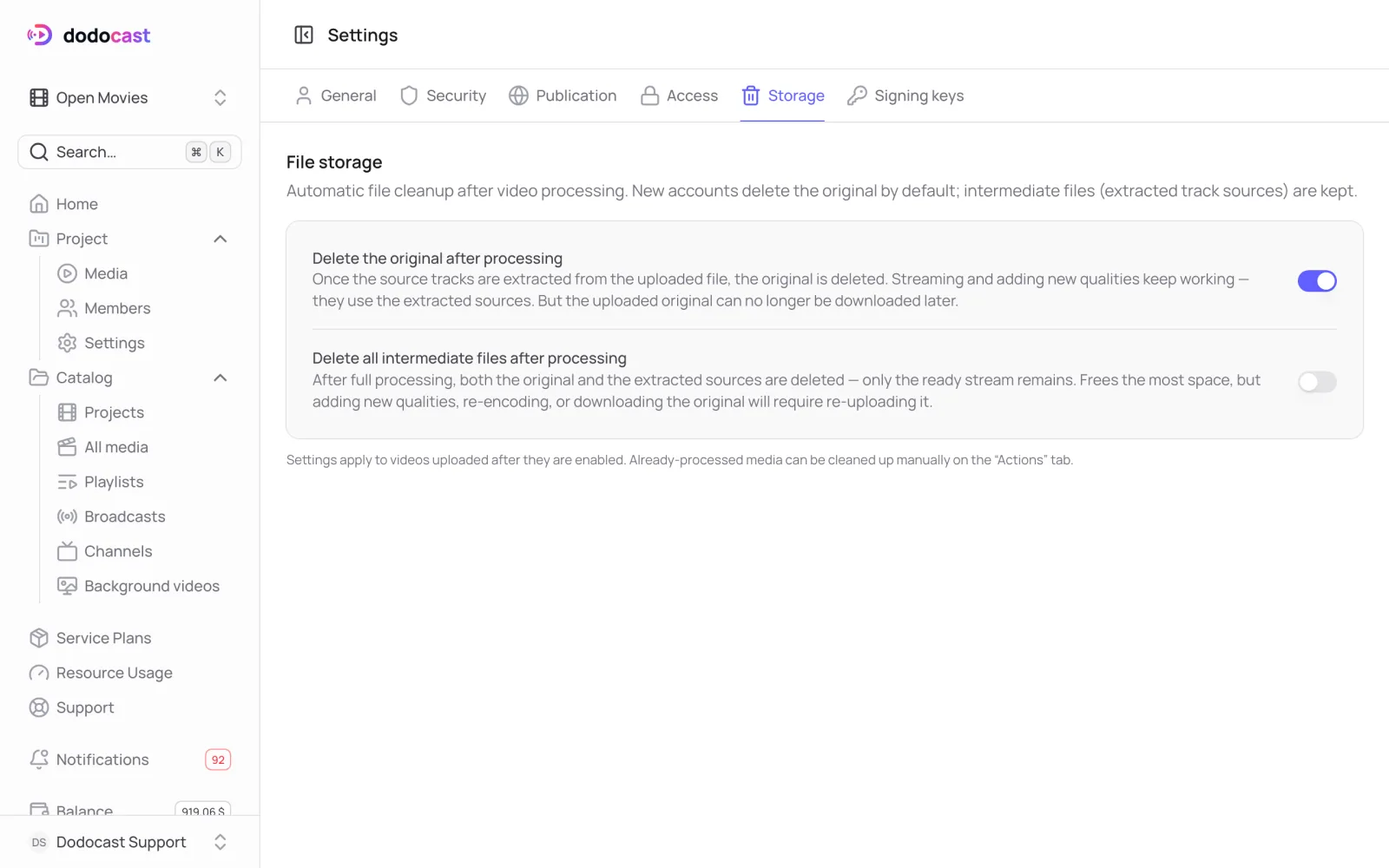
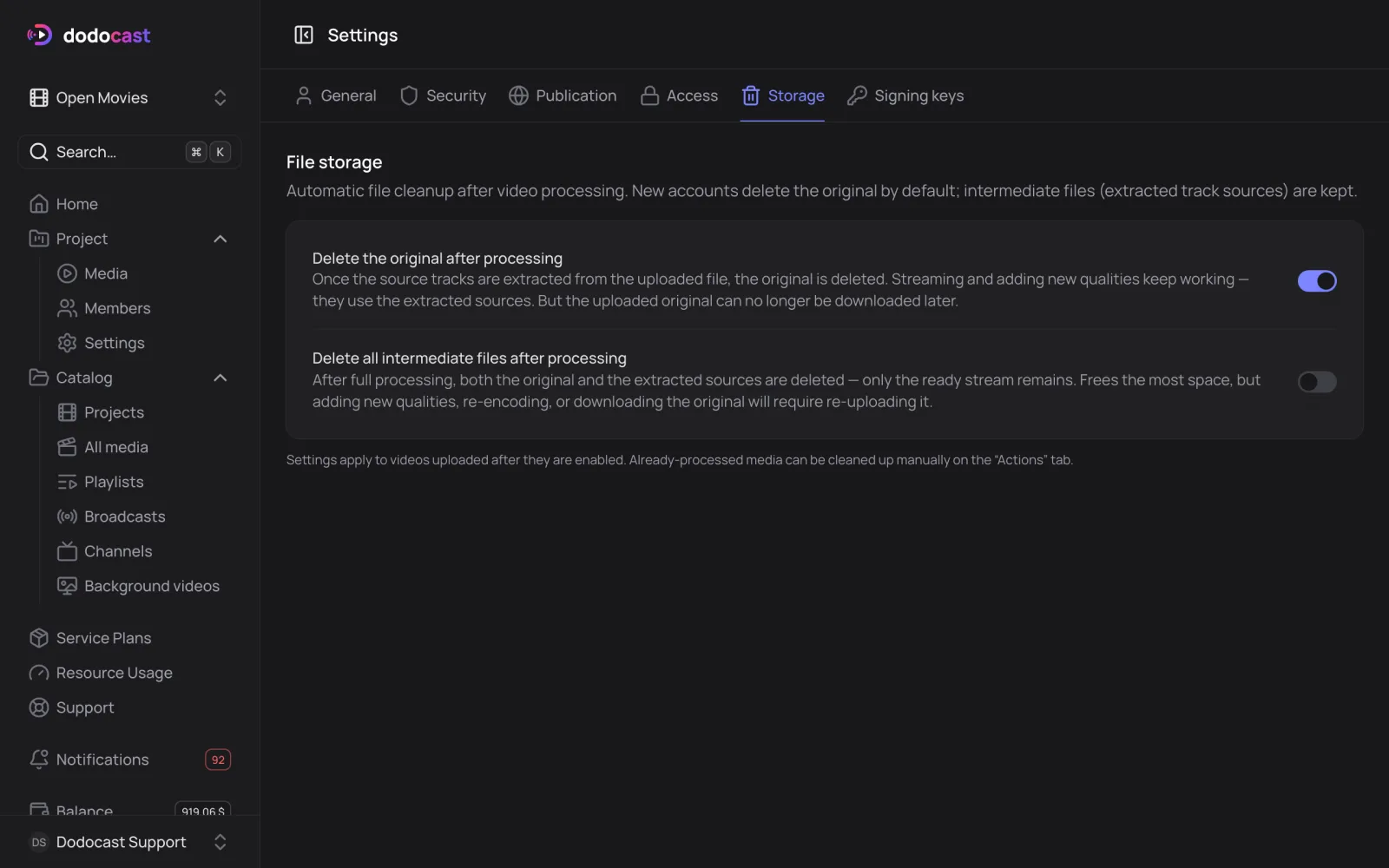
New accounts delete the original by default and keep the track sources. The settings apply to videos uploaded after you turn them on.
Project-specific rules
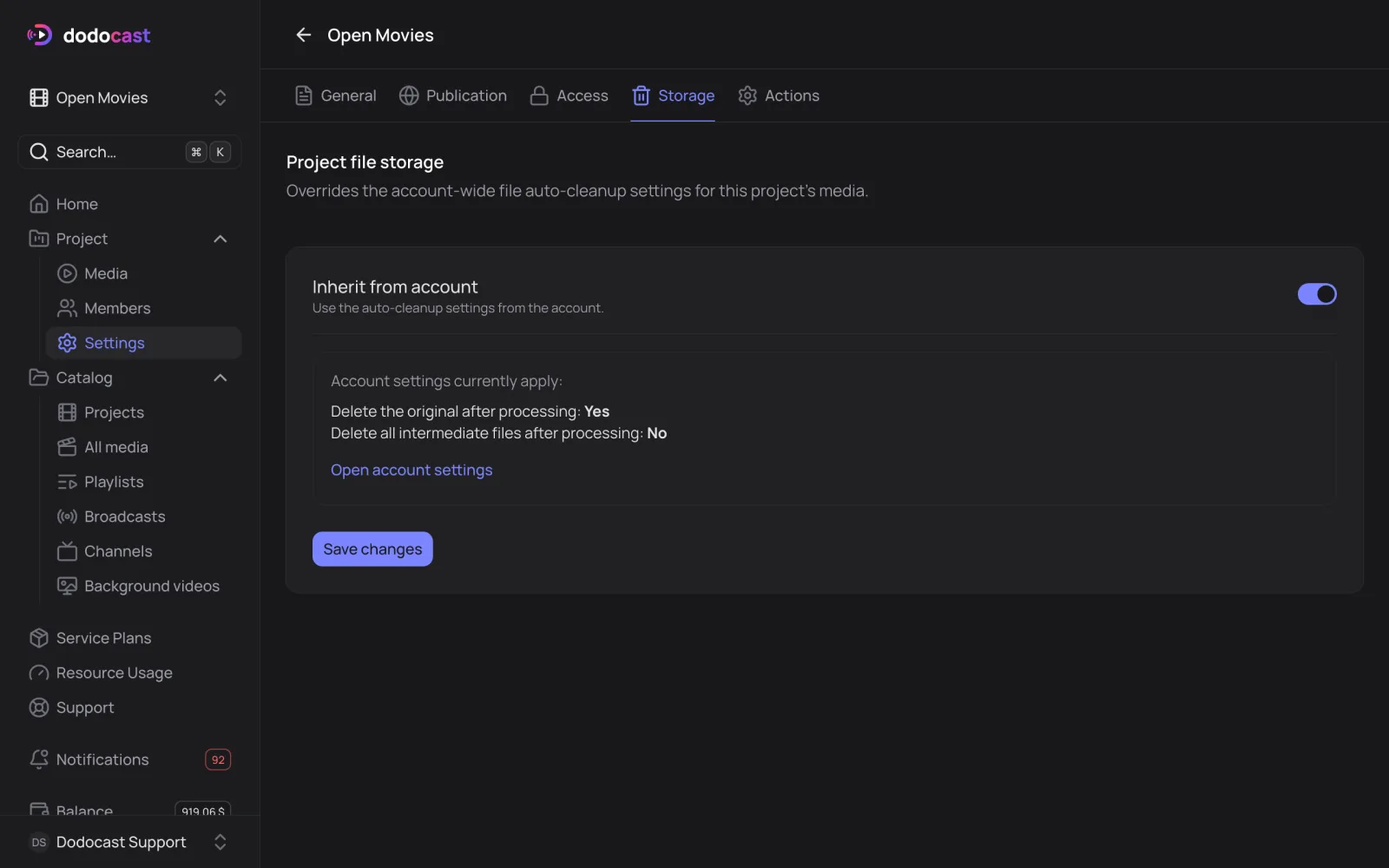
On the project's Storage tab, turn off Inherit from account and set your own rules for this project's videos.
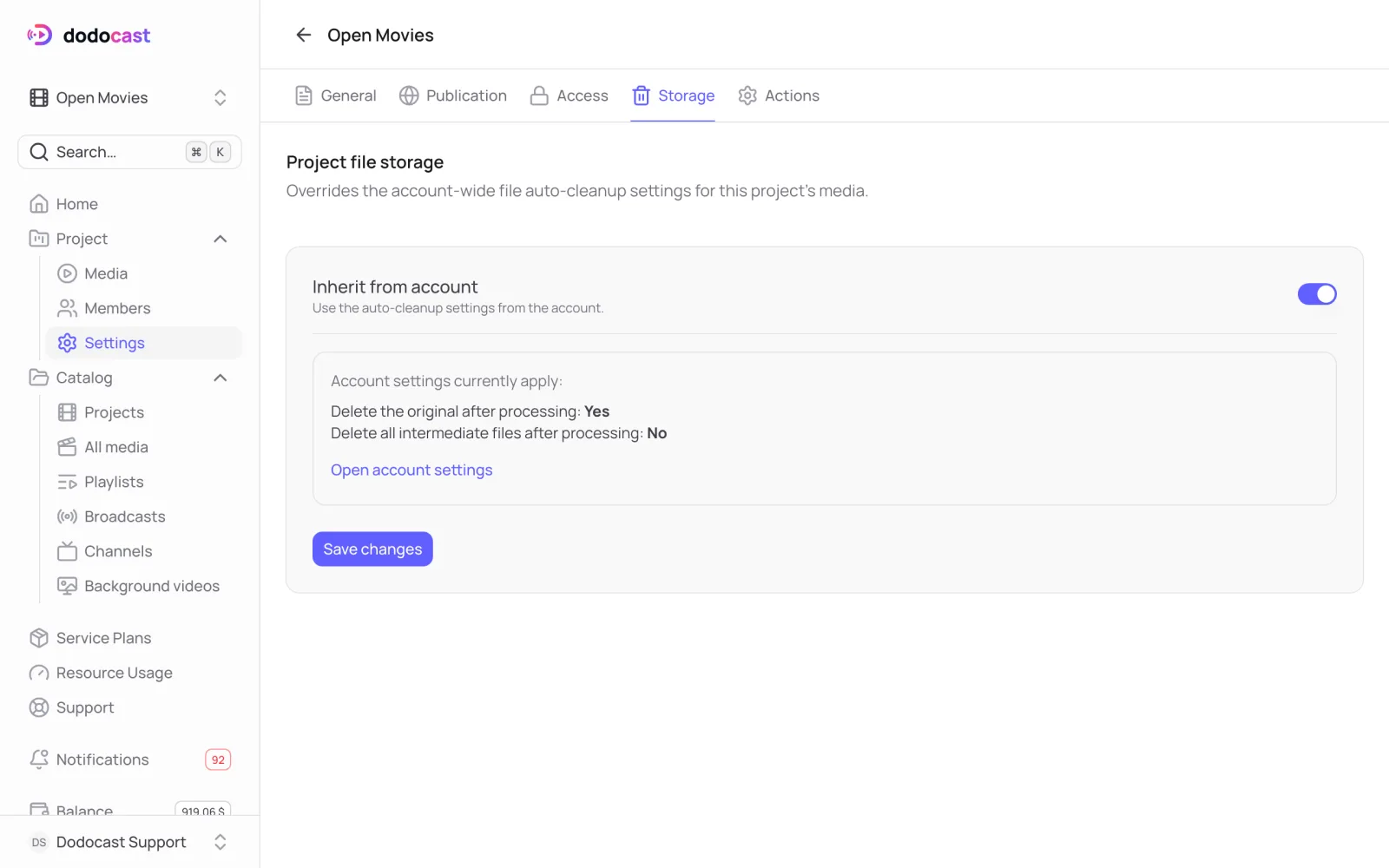
Clean up manually
For videos that are already processed, open the video's Actions tab → Remove intermediates. More in Replace, move, delete.
Updated: