Docs sections
Search⌘KStream link (HLS)
If you have your own player or app, use a direct HLS stream link.
On this page
Plan
Direct links work on Pro and Business. Starter does not include them — use the watch page or embedding.
Where to find them
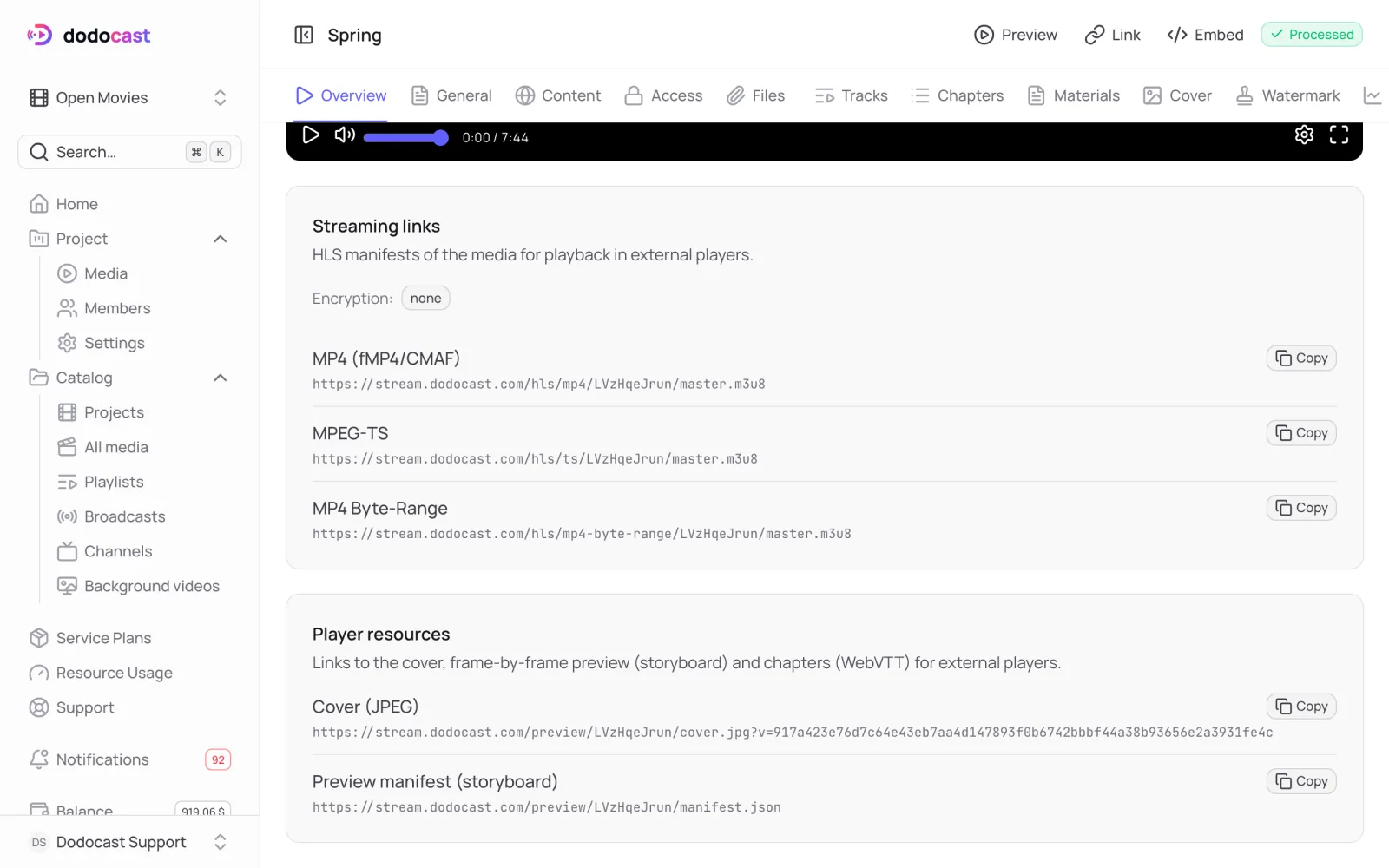
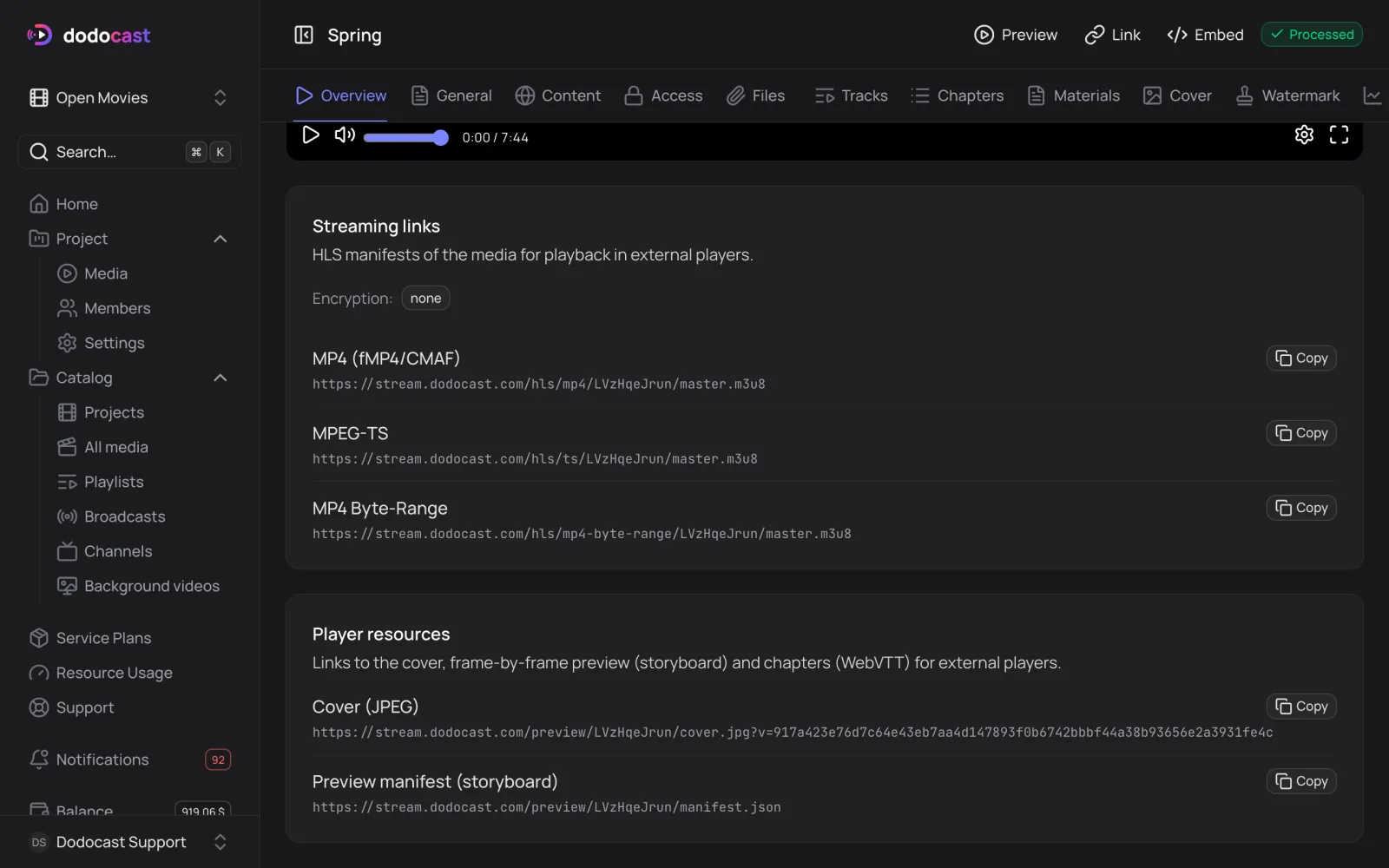
Video: the Overview tab, Streaming links block. Broadcast and channel: the Overview tab, Direct links (HLS) block. Click Copy next to the format you need.
| Format | When to use |
|---|---|
| MP4 (fMP4/CMAF) | modern players and browsers — the default choice |
| MPEG-TS | older Smart TVs, set-top boxes, IPTV |
| MP4 Byte-Range | players that read a single file in parts (video only) |
Below that is Player resources: the cover (JPEG), frame previews for seeking (storyboard) and chapters in WebVTT.
Access and encryption
- The video's access policy also applies to direct links — publishing on the storefront does not affect them.
- For a private video, issue links with a signature and an expiry time — signed links.
- If encryption is on (ClearKey AES-128 or SAMPLE-AES), the Encryption line above the links shows it.
Updated: