Docs sections
Search⌘KItems and order
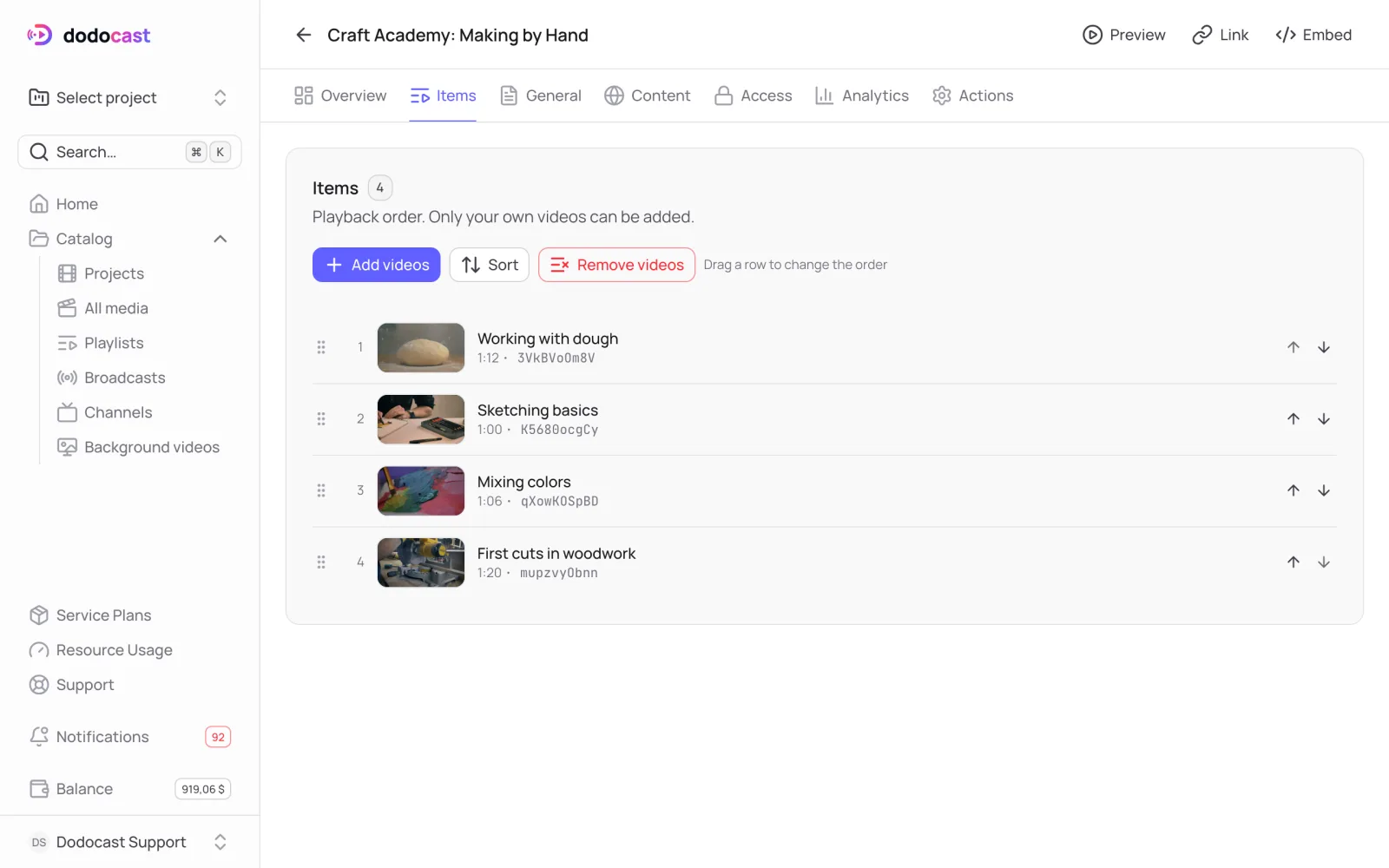
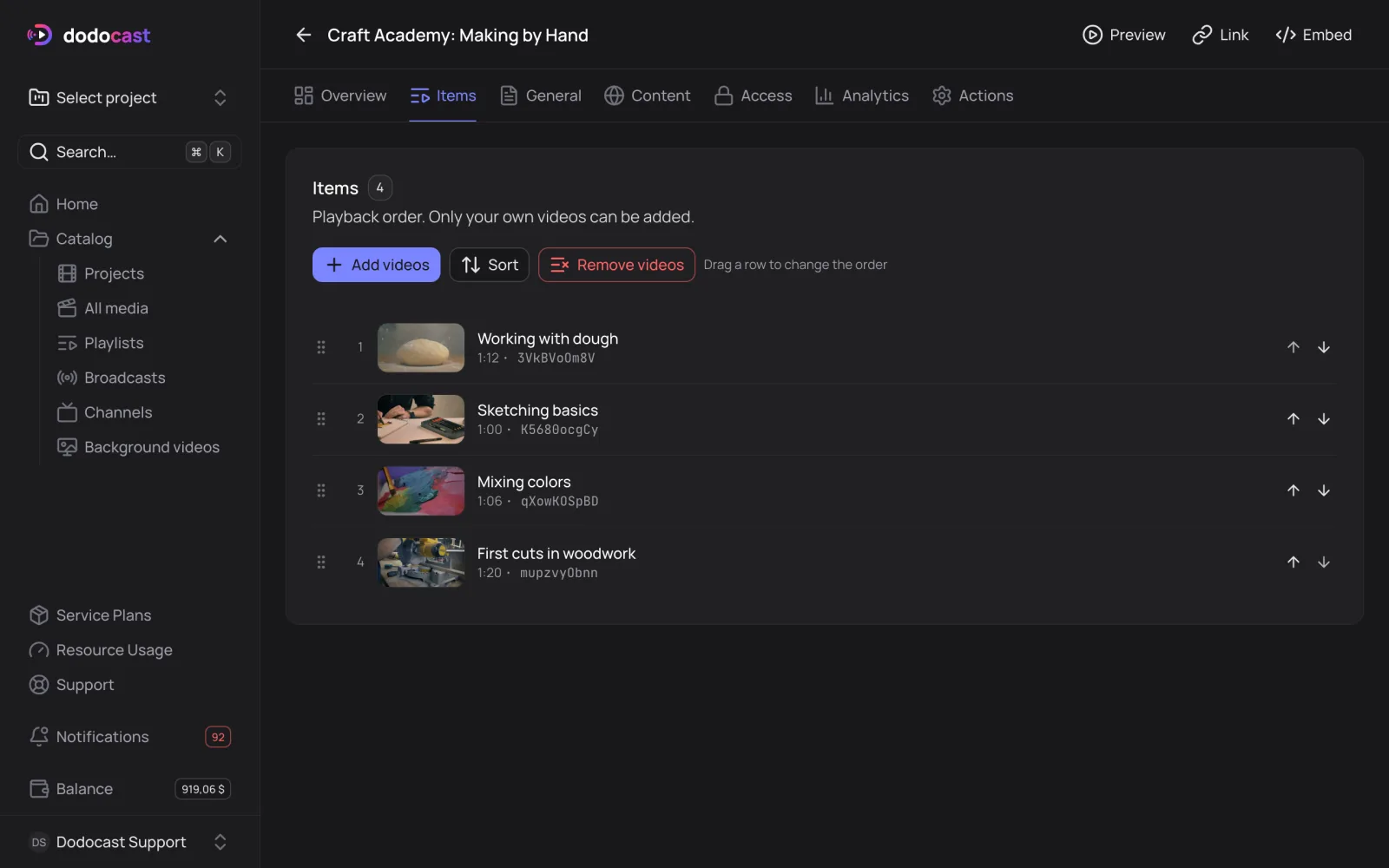
The Items tab shows which videos are in the playlist and the order viewers see them in.
On this page
Add videos
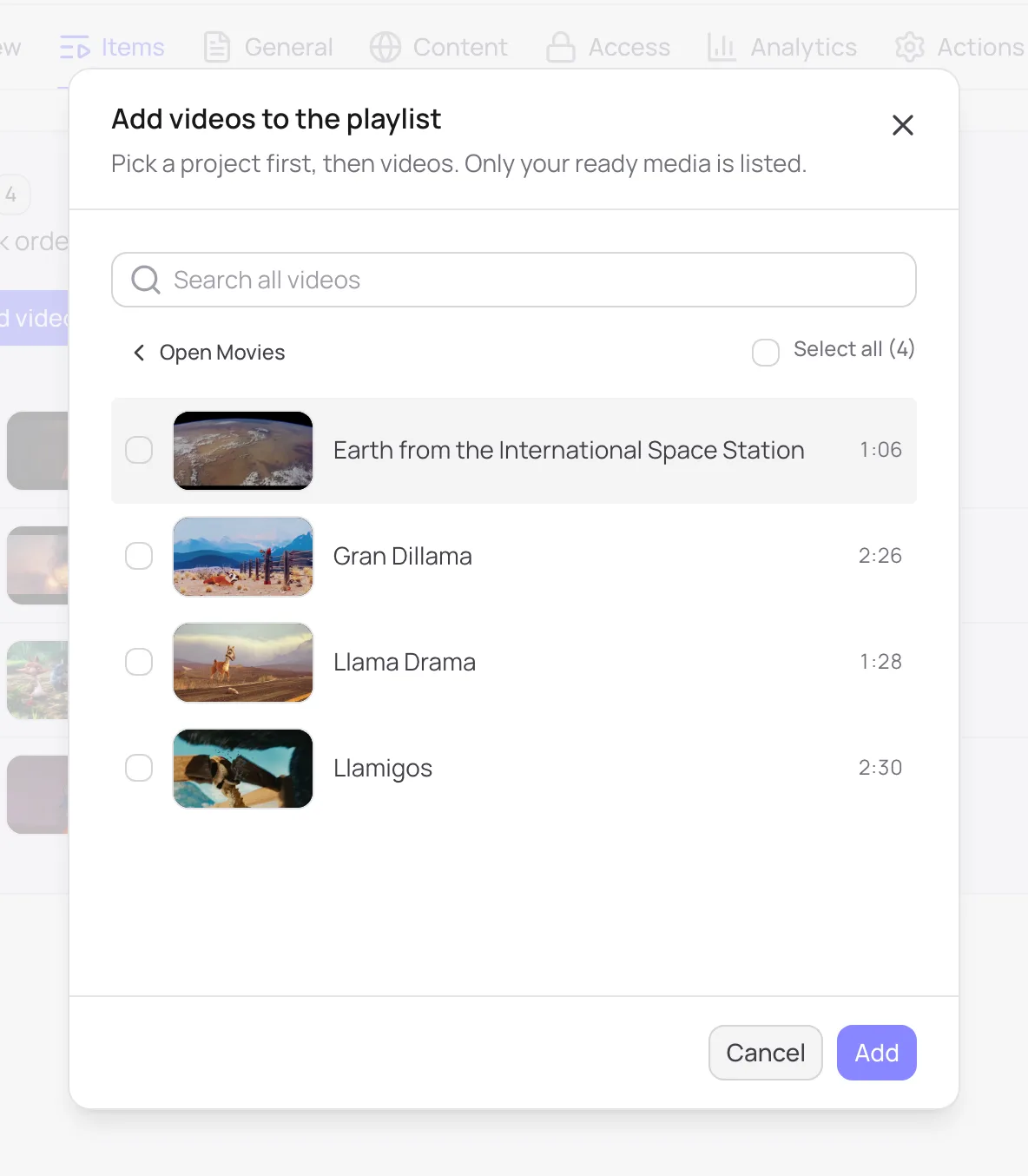
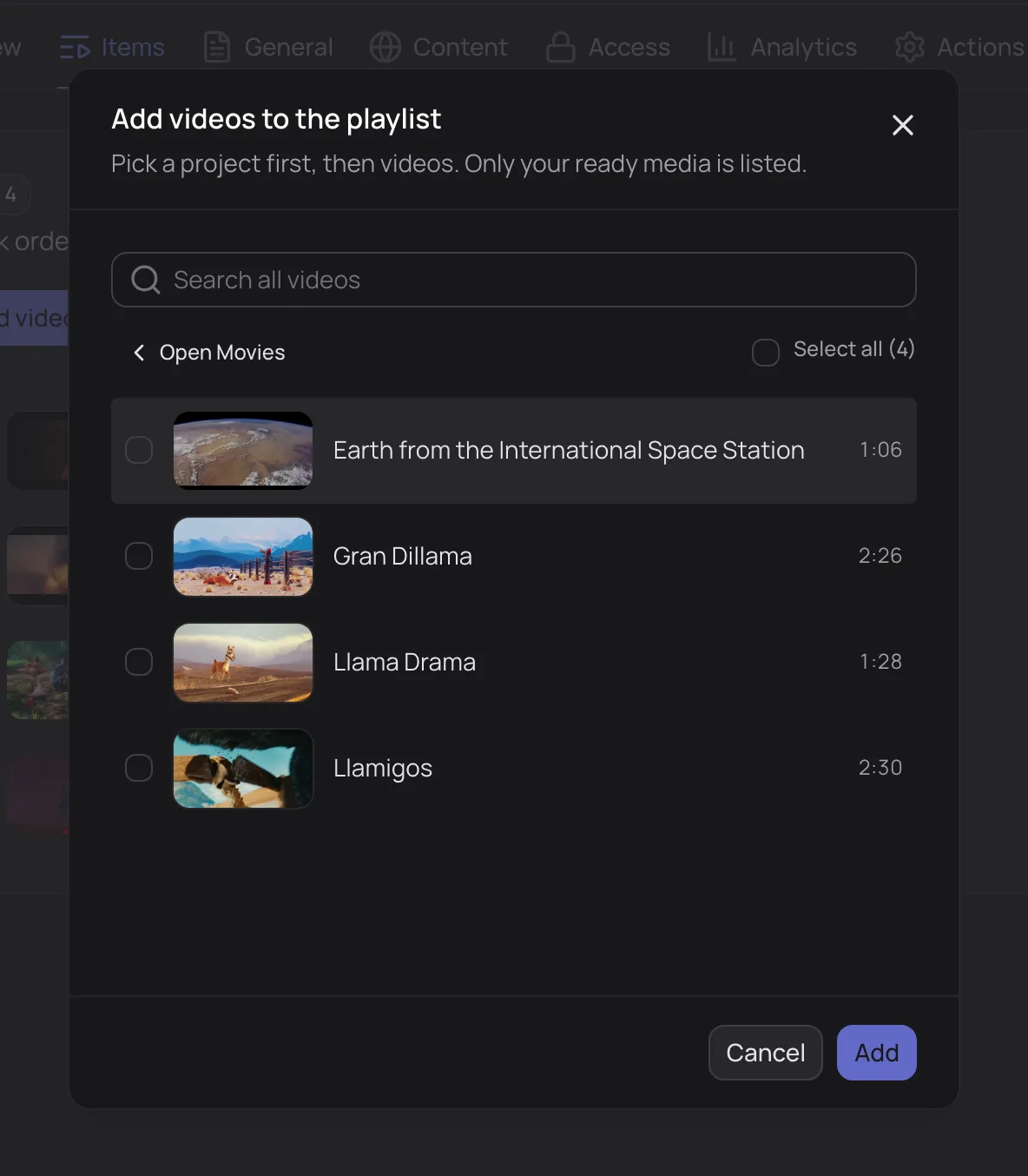
- On the Items tab, click Add videos.
- Choose a project, then select videos (or Select all). The list shows only your ready videos that aren't in the playlist yet.
- Click Add. The videos go to the end of the list.
Order
- drag a row by the handle on the left, or click the Move up / Move down arrows;
- Sort: By title (A→Z) or By duration (shortest first).
The order changes on the watch page right away: it's the order of lessons in a course and episodes in a series.
Remove videos
Remove videos → select videos → Remove (N). The videos disappear only from the playlist; the files stay in their projects.
Video badges
| Badge | What it means |
|---|---|
| still processing | the video is queued or encoding; viewers will see it once it's ready |
| disabled | the video is turned off and isn't shown to viewers |
| own password, own private link | the video has its own access; see Playlist access |
Updated: