Docs sections
Search⌘KUpload a video
Videos are uploaded into a project, several files at once, and resume after a dropped connection.
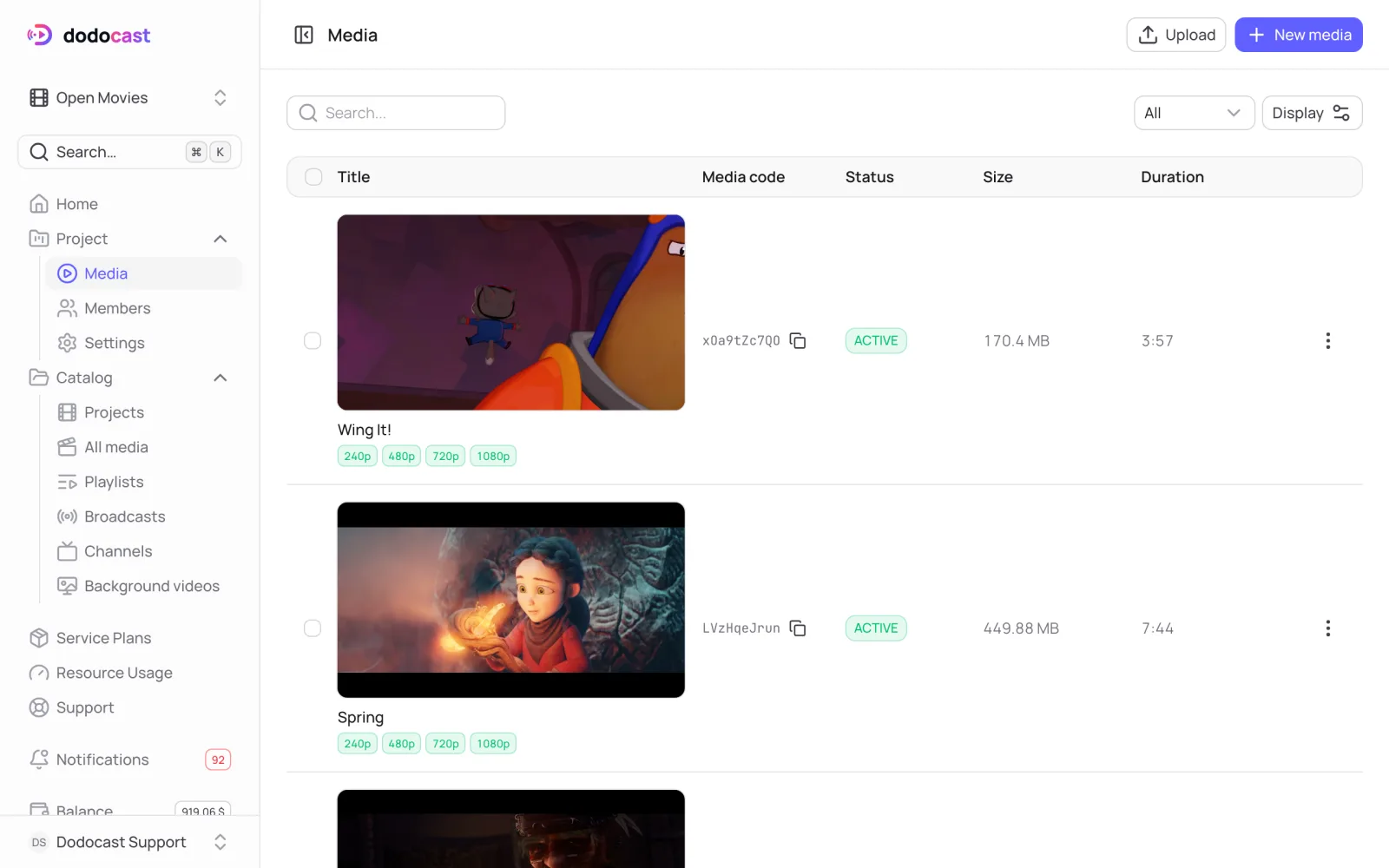
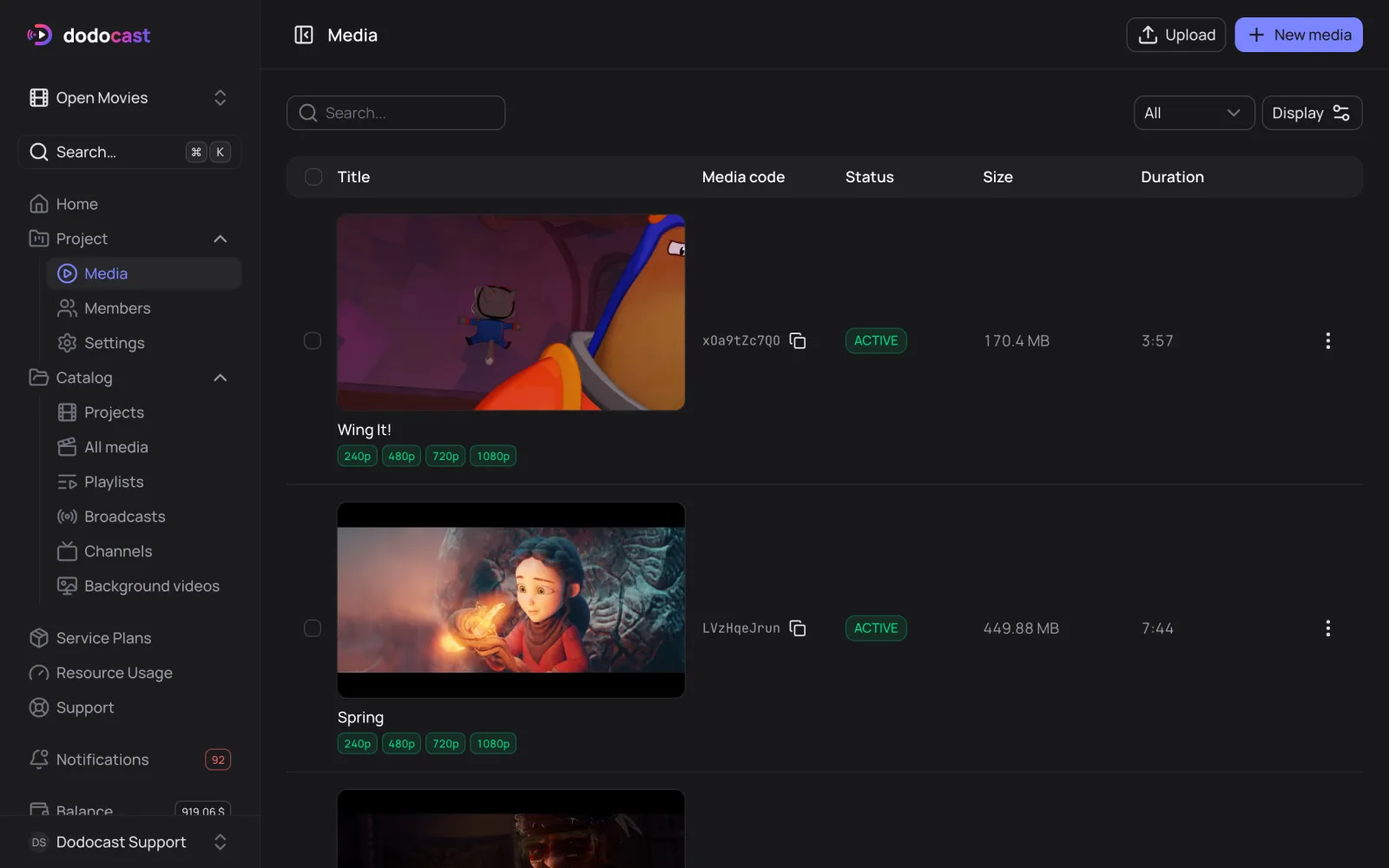
Several files at once
- Select a project at the top of the left menu and open Media.
- Click Upload and drag files into the Upload files window, or choose them from your disk.
Click Upload. Files upload one after another; each one creates a media item named after the file. You can rename it later.
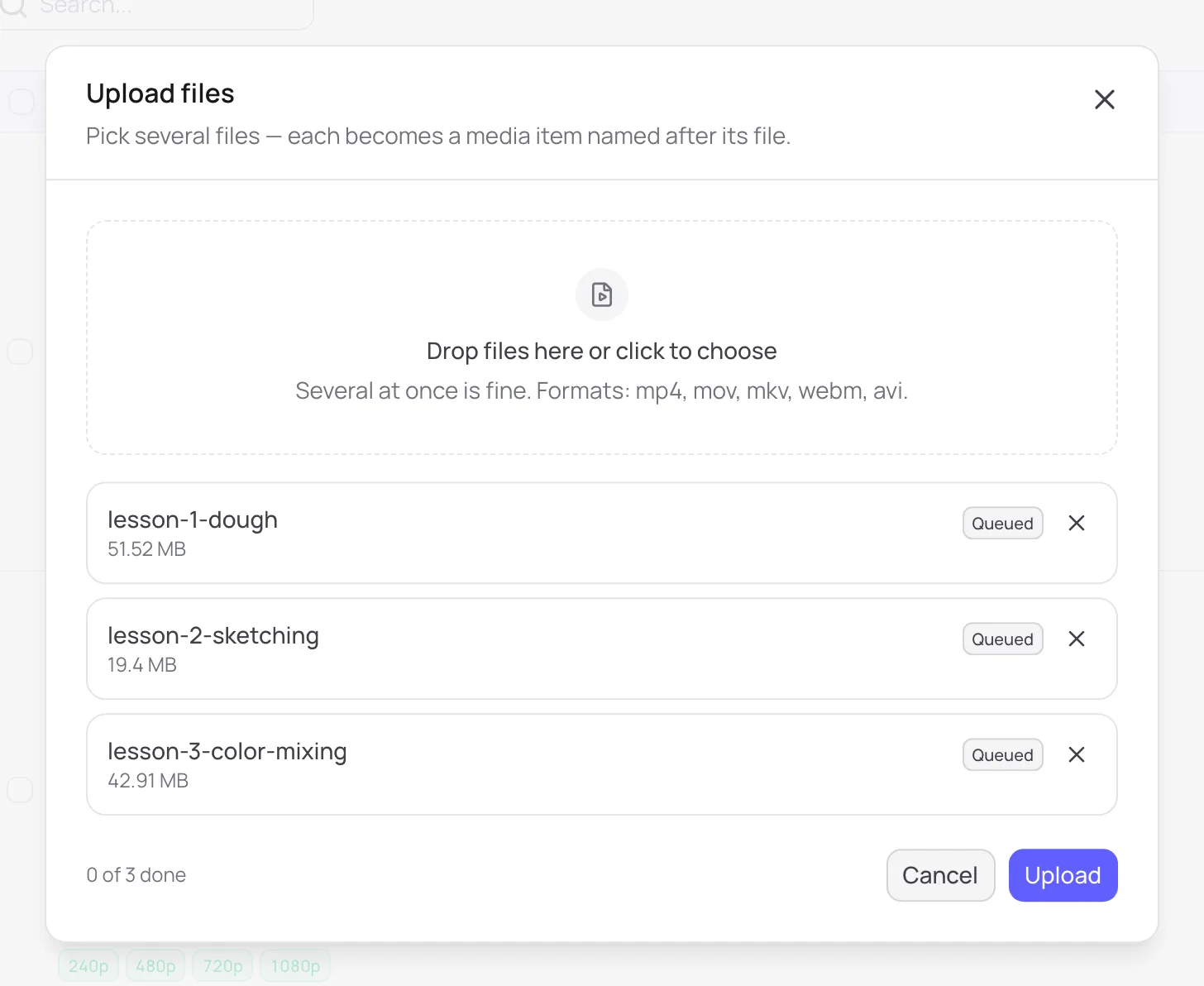
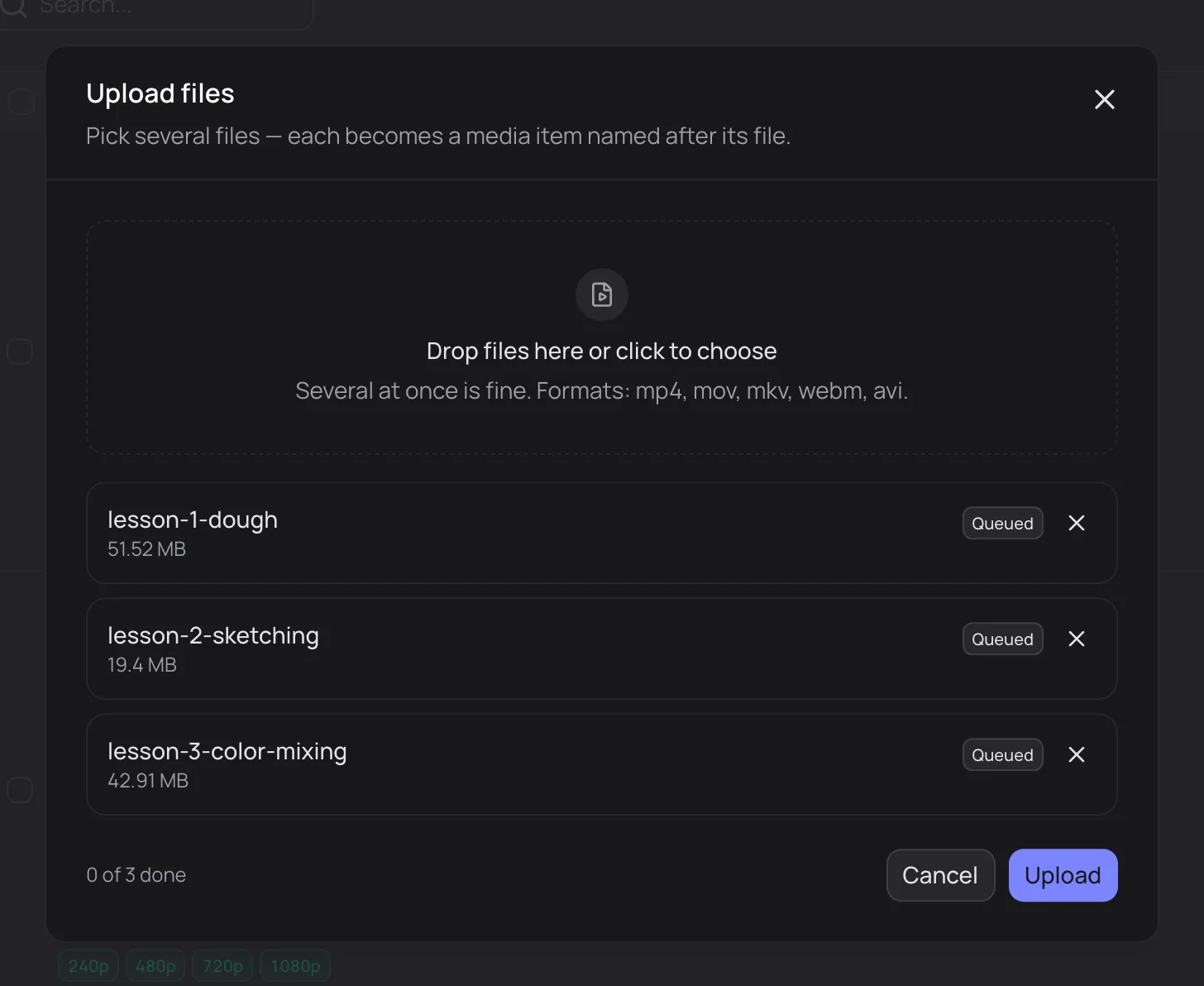
Files in the queue
Cancel all stops the queue; files that have already uploaded stay.
A single media item manually
New media creates an empty record, for example to prepare the title and description in advance. Upload the file itself later on the media's Files tab (the Upload original block).
Formats and size
| Containers | mp4, mov, mkv, webm, avi |
| Audio tracks and subtitles | taken from the file: for example, all subtitles from an mkv |
| Size of one file | Starter: 5 GB, Pro: 20 GB, Business: 30 GB |
If an upload was interrupted
The console shows Upload unfinished. Choose the same file, and the upload resumes where it stopped. Or click Cancel upload to start over.
After upload, processing begins.
Updated: