Docs sections
Search⌘KWatch page layout
Same content, different pages. Each video, playlist, broadcast and channel has its own layout.
On this page
Available layouts
| Layout | Use it for | Available for |
|---|---|---|
| Standard | player and description; for a playlist, a list on the right | everything |
| Minimal — player only | just the player, filling the page | everything |
| Cinema | a dark page with a full-width player and the description below | video |
| Series | episodes in a strip under the player, episode number in the title | playlist |
| Course | a table of contents, completion marks and progress (stored in the viewer's browser) | playlist |
| On air | an "On air" badge, what's playing now and what's up next | broadcast, channel |
How to switch
- Open a video or playlist → the Content tab; for a broadcast or channel — the Publication tab.
- In the Storefront appearance block, turn off Inherit from project (or Inherit from account).
Pick a Watch page layout and click Save changes.
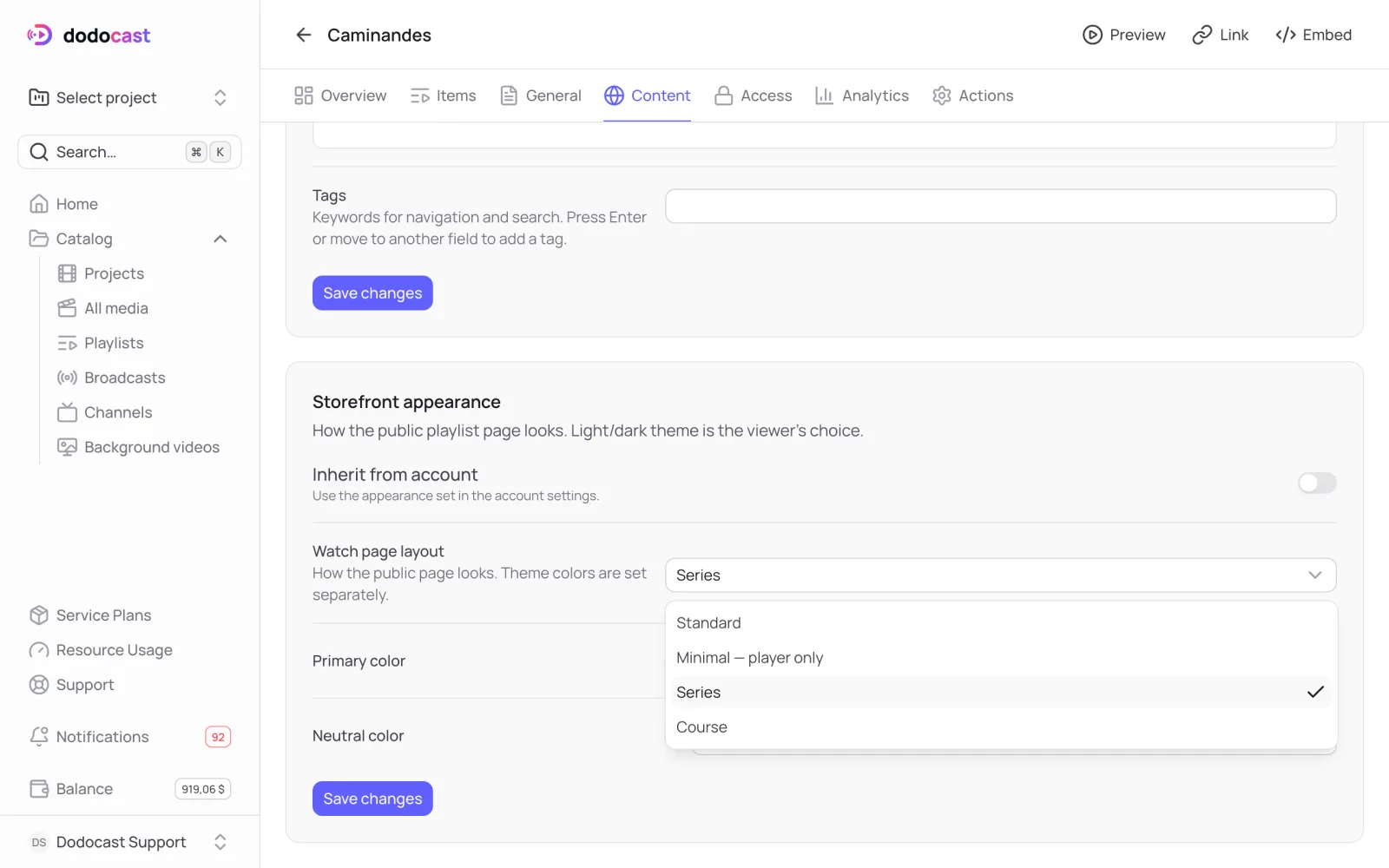
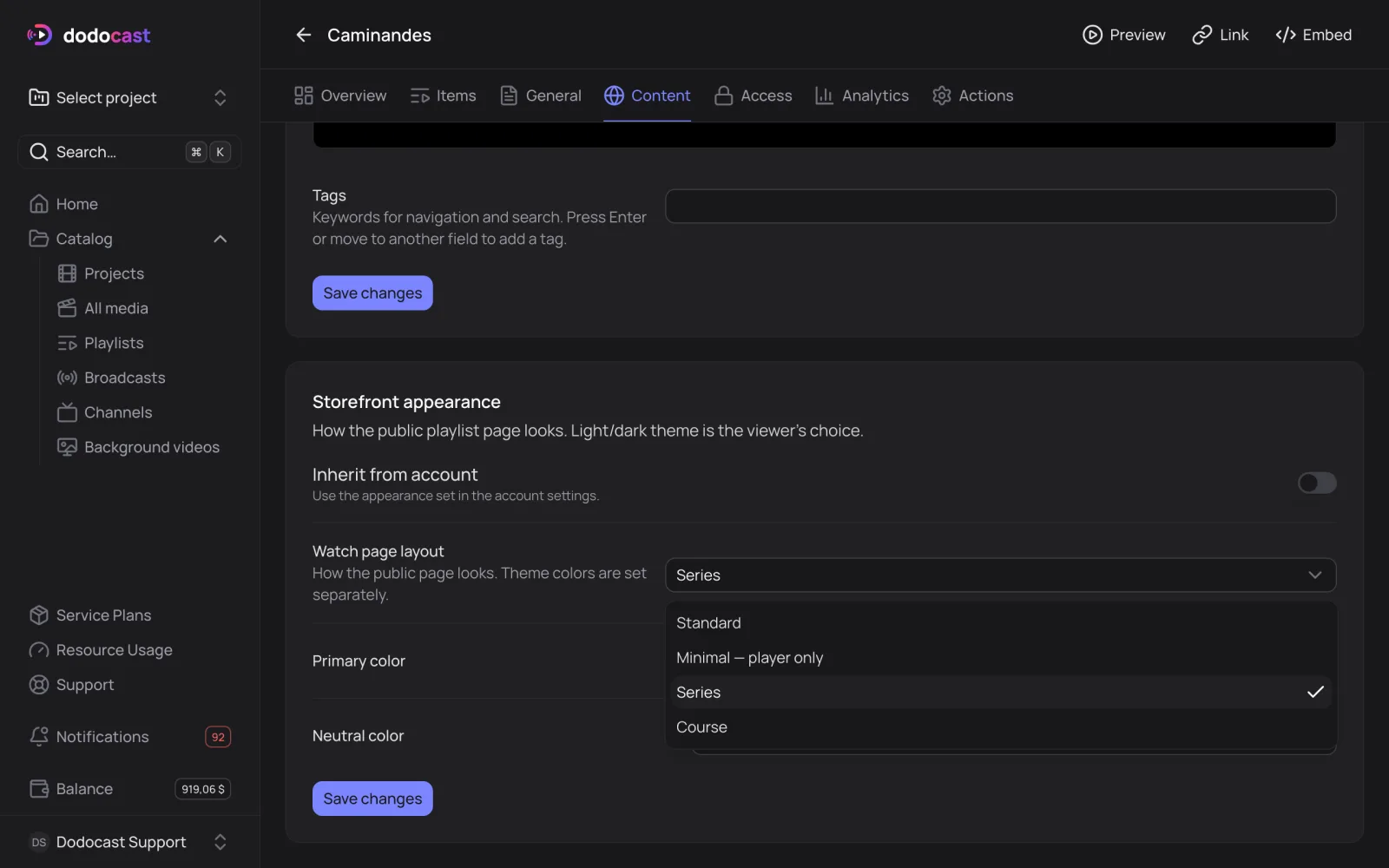
Watch page layout for a playlist: Standard, Minimal, Series, Course
The page changes for viewers immediately; the link stays the same.
Tip
Set a default layout once: for videos in the project settings, for playlists, broadcasts and channels in the account settings. New items get it automatically.
Updated: