Docs sections
Search⌘KScheduled premiere
A premiere is a showing at a set time: before it starts, viewers see a countdown; during it, they watch together.
On this page
Schedule it
- Make sure the Air tab is set to Premiere mode, a video is chosen, and the broadcast is published.
On Overview, click Schedule, pick a date in the calendar and a time, then click Schedule again.
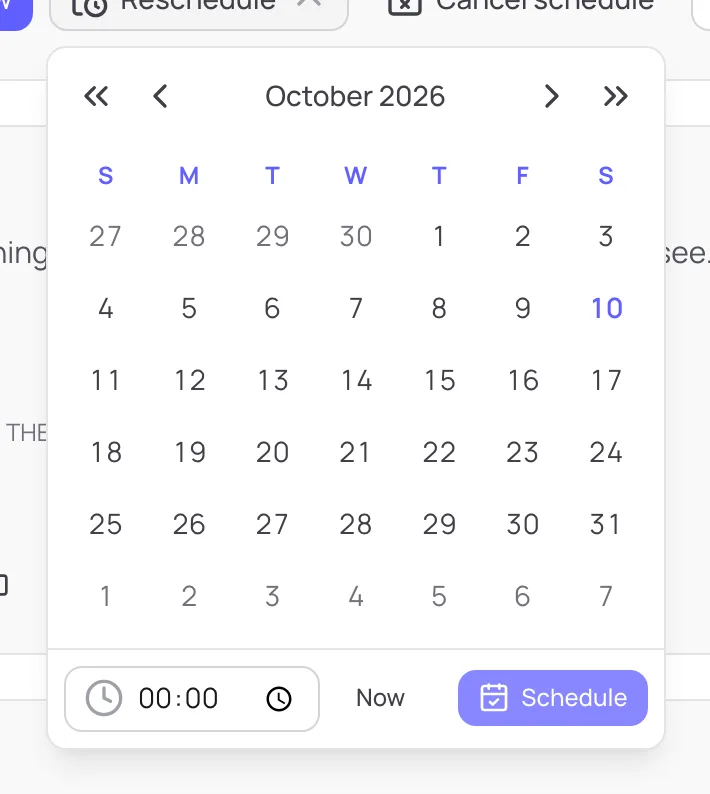
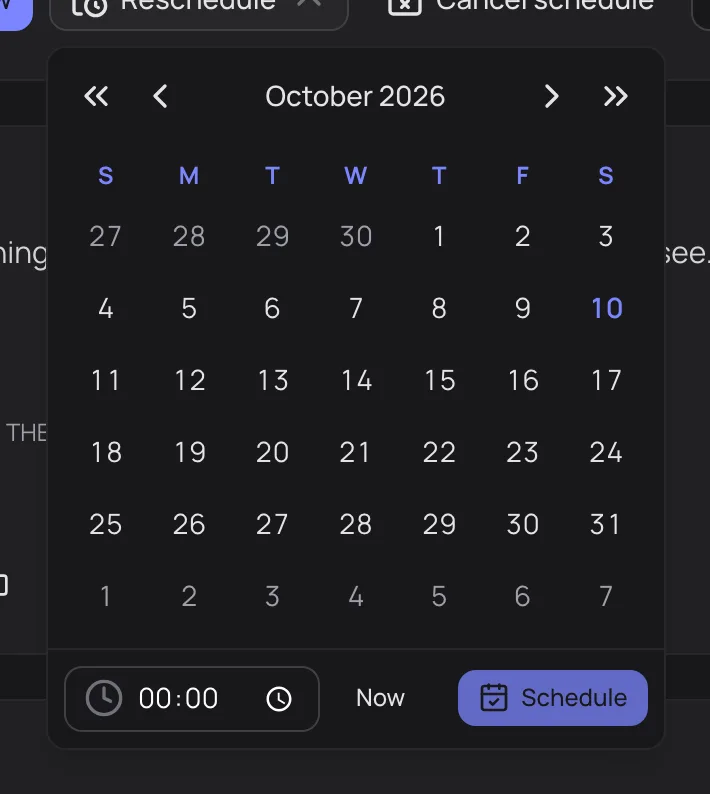
Start date and time - The state changes to Scheduled: Scheduled for Oct 15, 2026, 7:00 PM · Time to start: 4d 19h.
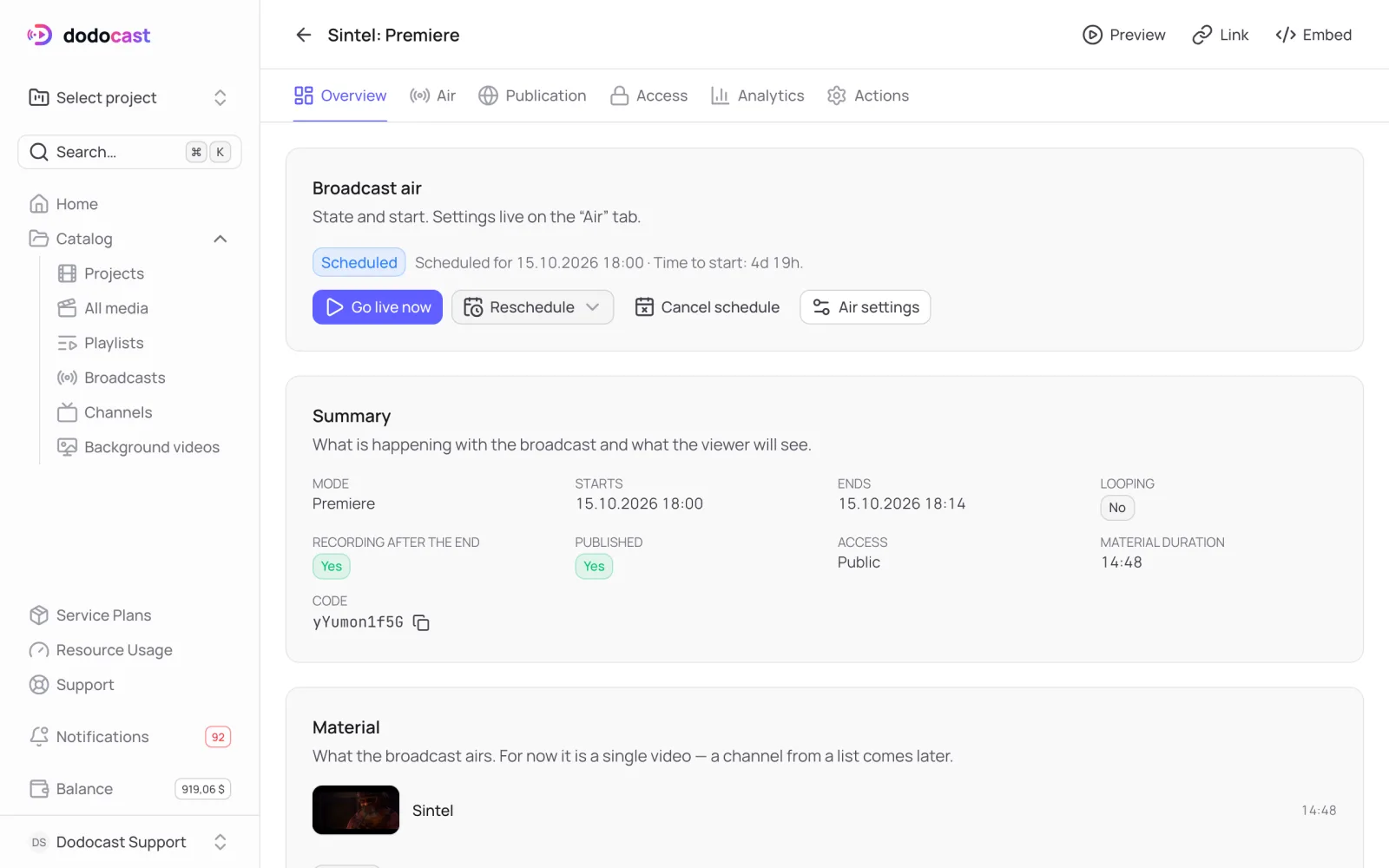
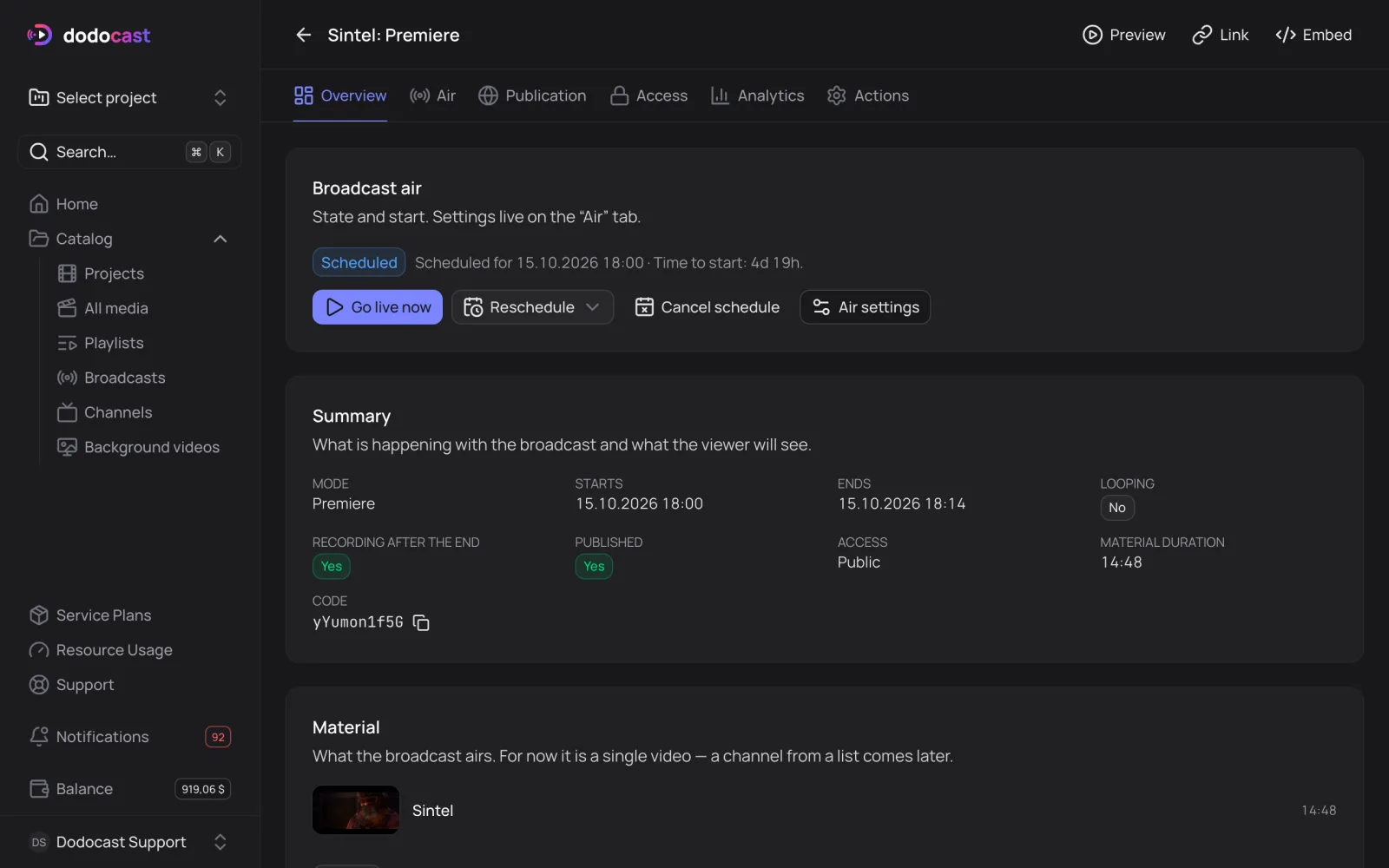
Reschedule changes the time; Cancel schedule returns the broadcast to draft.
What viewers see
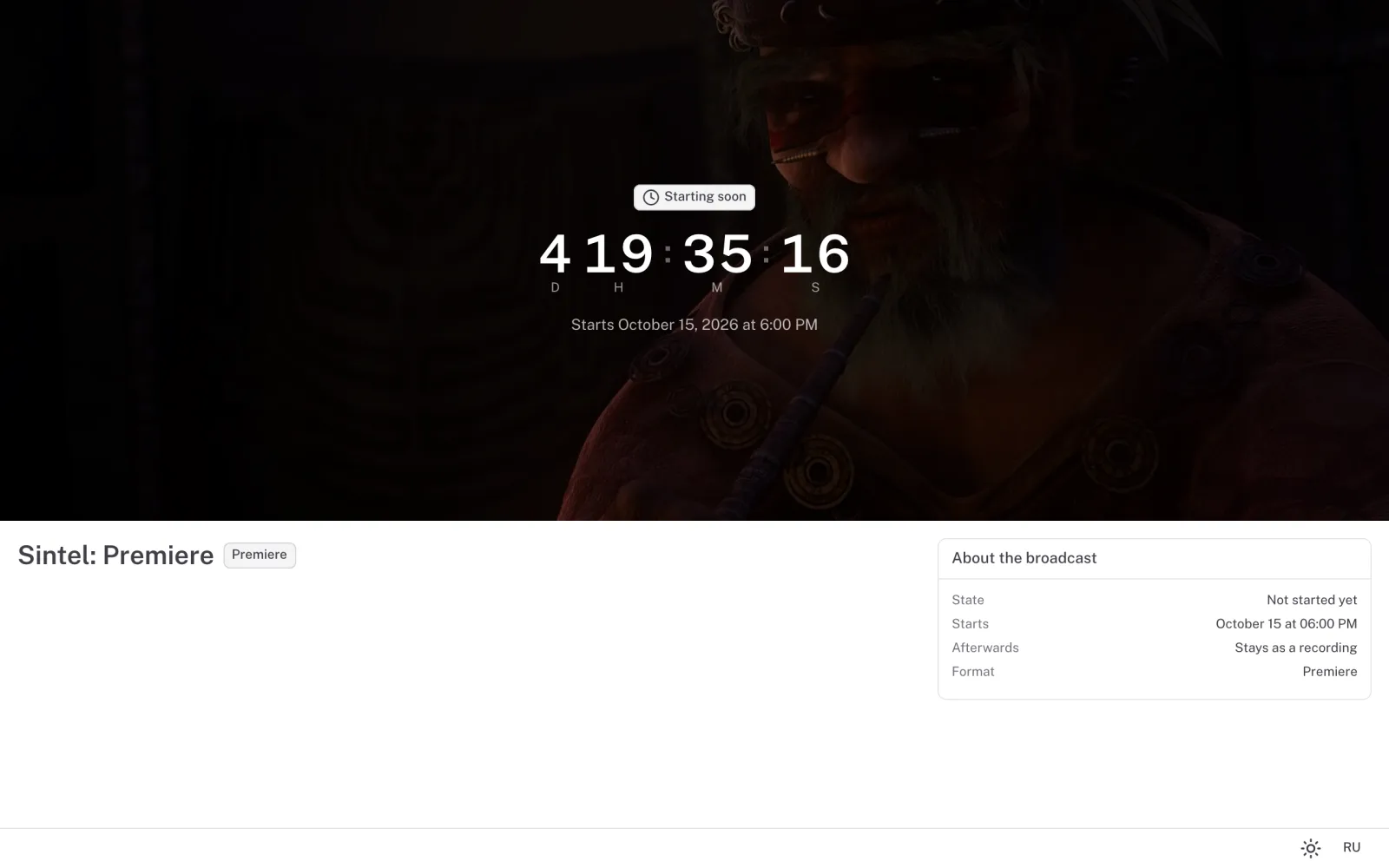
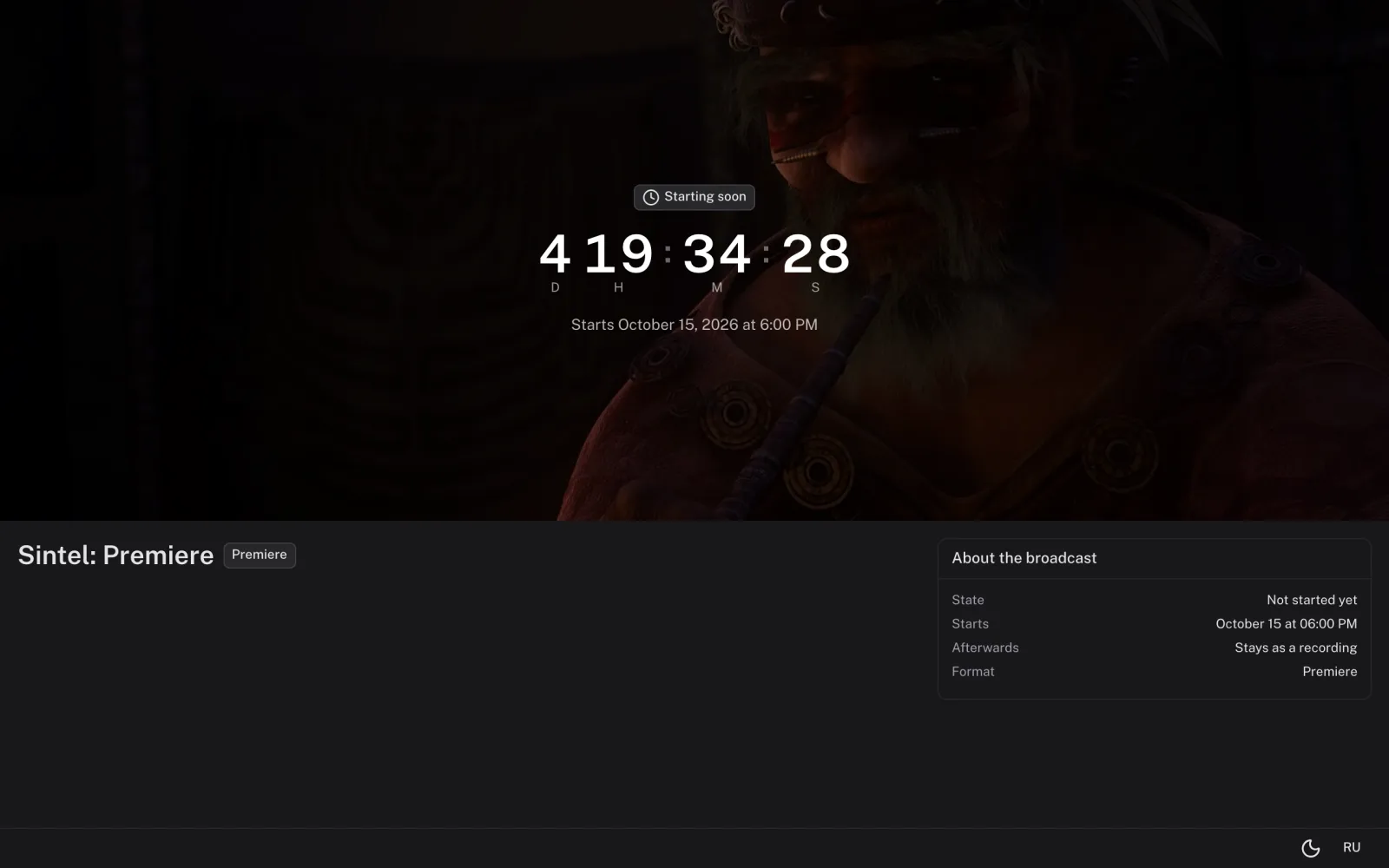
- before the start — a page with a countdown and the start time in the viewer's time zone;
- during — the stream from the current moment; viewers can rewind to the start of the premiere but not skip ahead;
- after — with Keep recording on, the link keeps playing the video as a regular video; with it off, viewers see "The broadcast has ended".
Updated: