Docs sections
Search⌘KSwitch plans
Plan changes in the console take effect right away, and the fee is prorated by day.
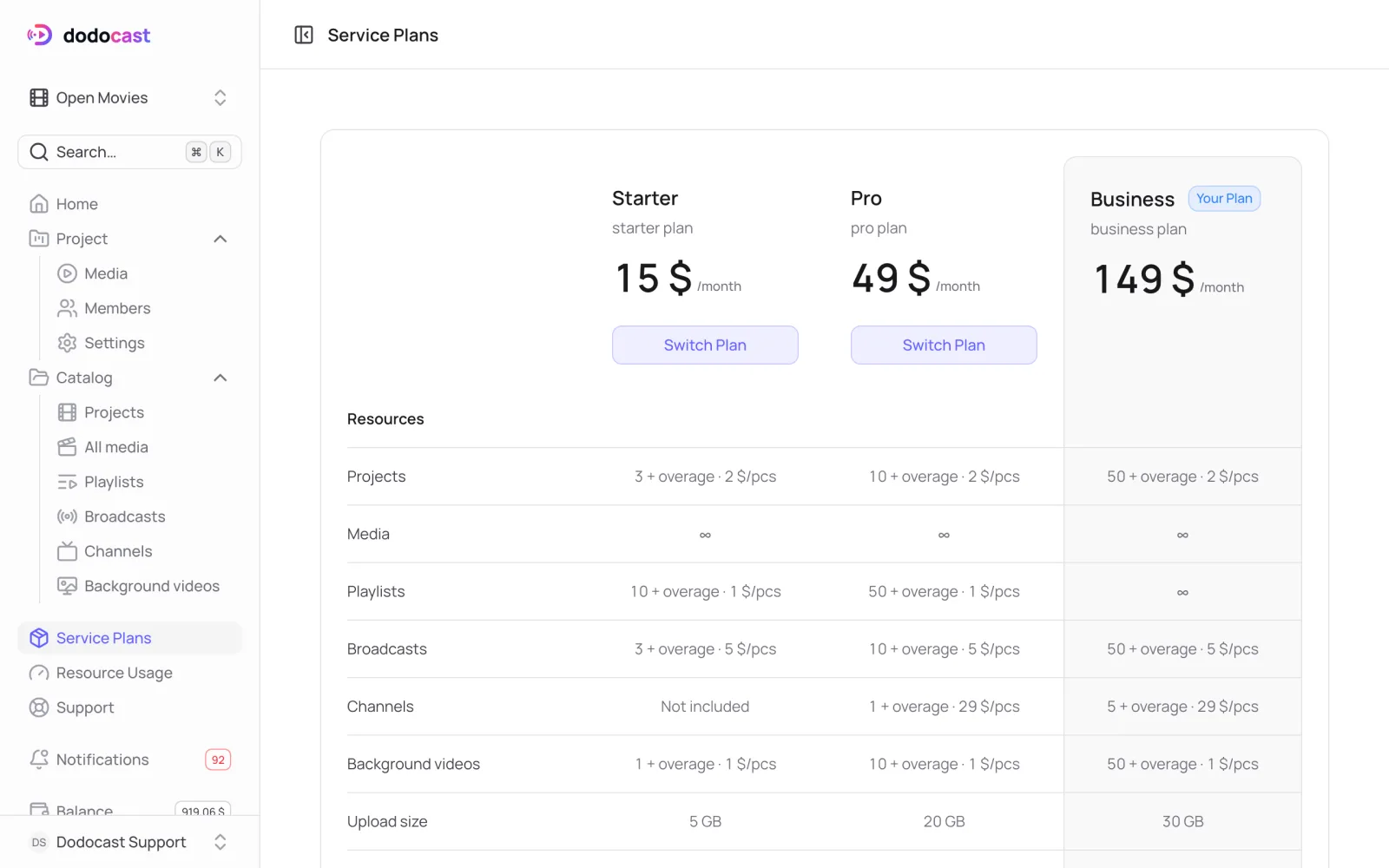
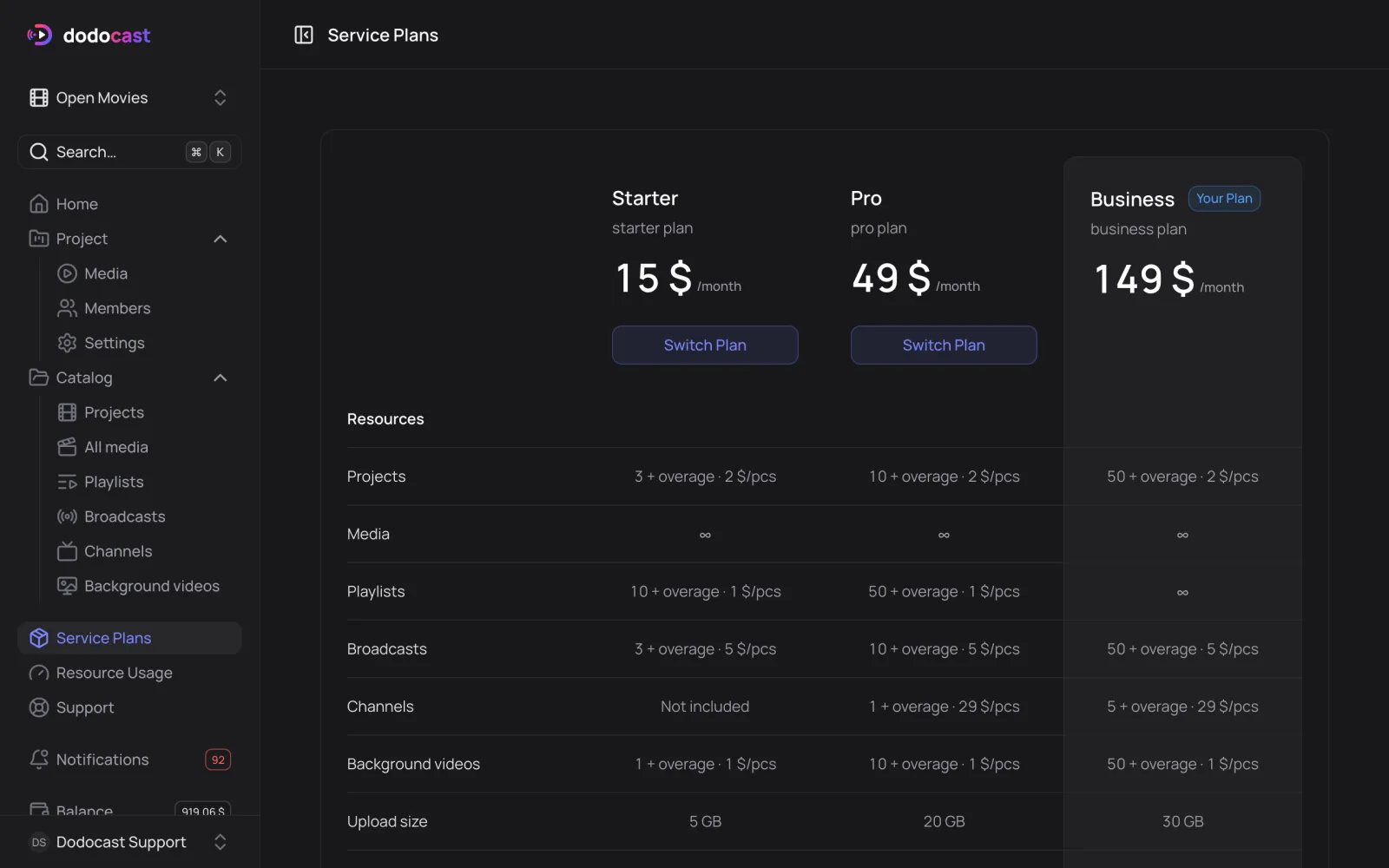
- In the left menu, open Service Plans.
- On the plan you want, click Switch Plan, check the monthly fee, then click Switch plan.
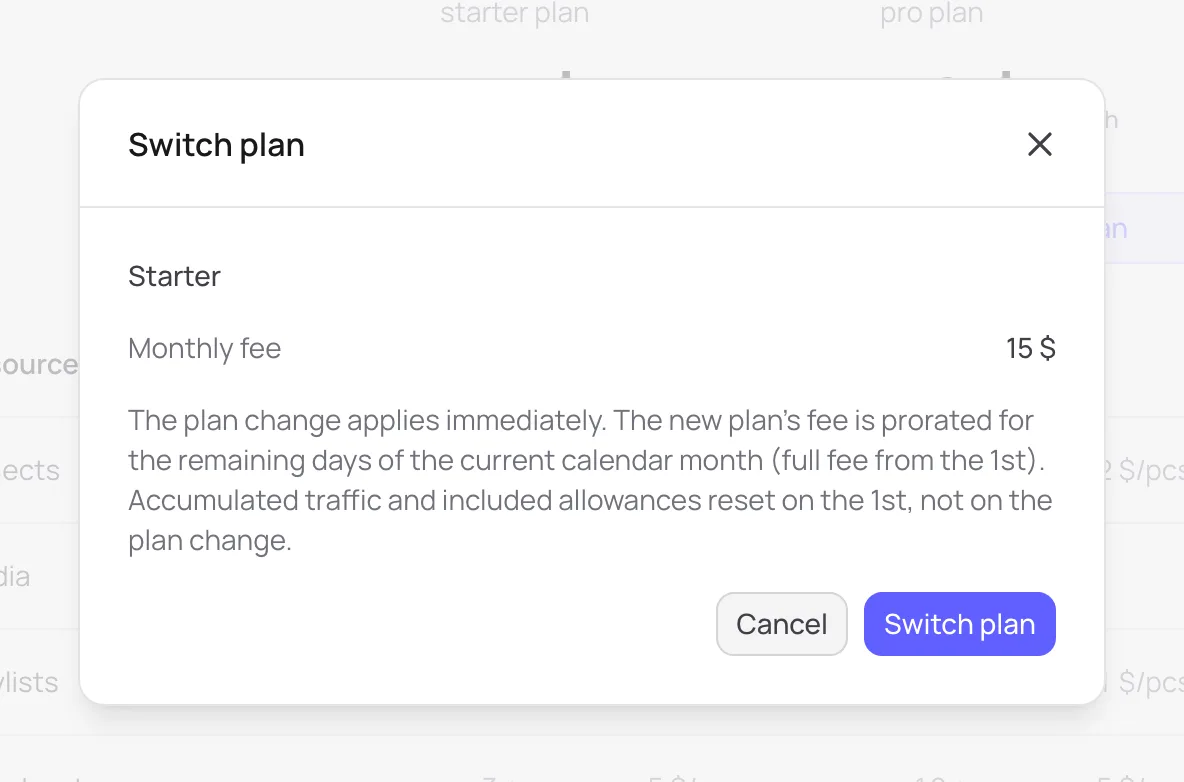
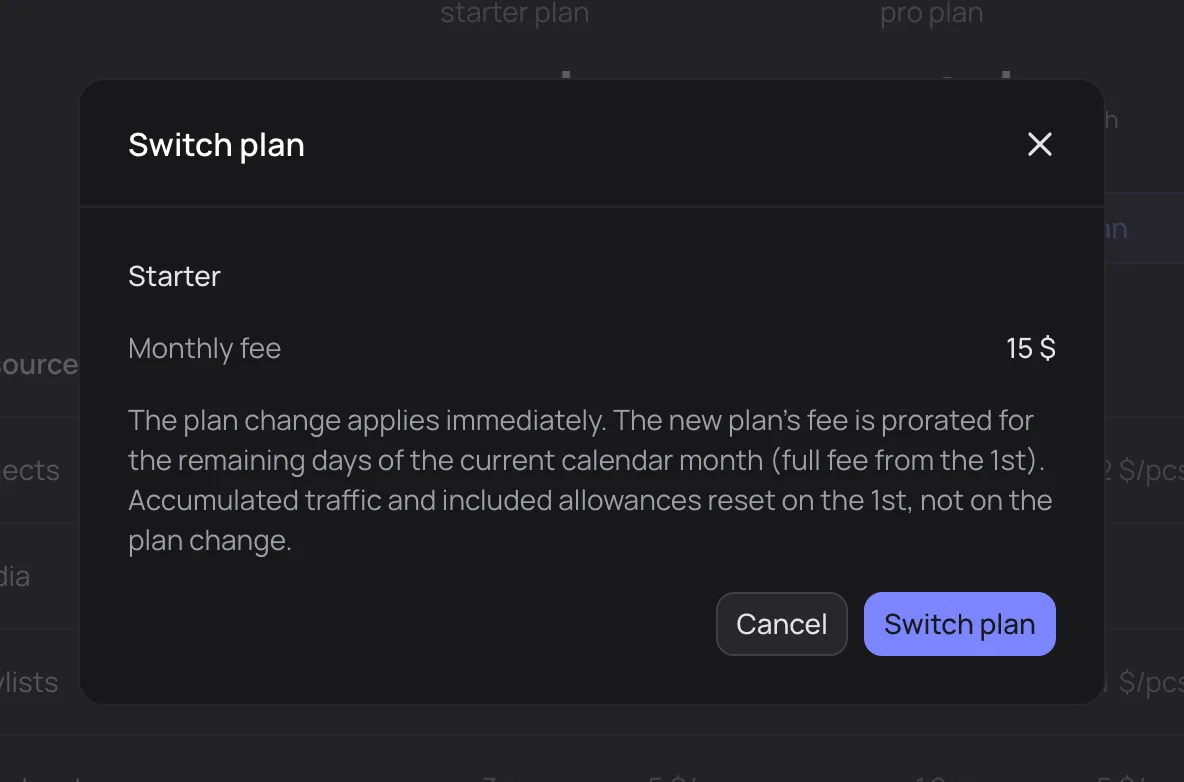
- The change applies immediately.
- The new plan's fee is prorated for the days left in the current month; unused days of the old plan are refunded to your balance. The full fee is charged from the 1st.
- Accumulated traffic and included allowances reset on the 1st, not when you switch plans.
Plan comparison: Plans and limits.
Updated: