Docs sections
Search⌘KCover image
The cover is the player poster and the image on cards. Upload one or use a frame from the video.
On this page
After processing, a video already has a cover: a frame from the video. To change it, use the Cover tab.
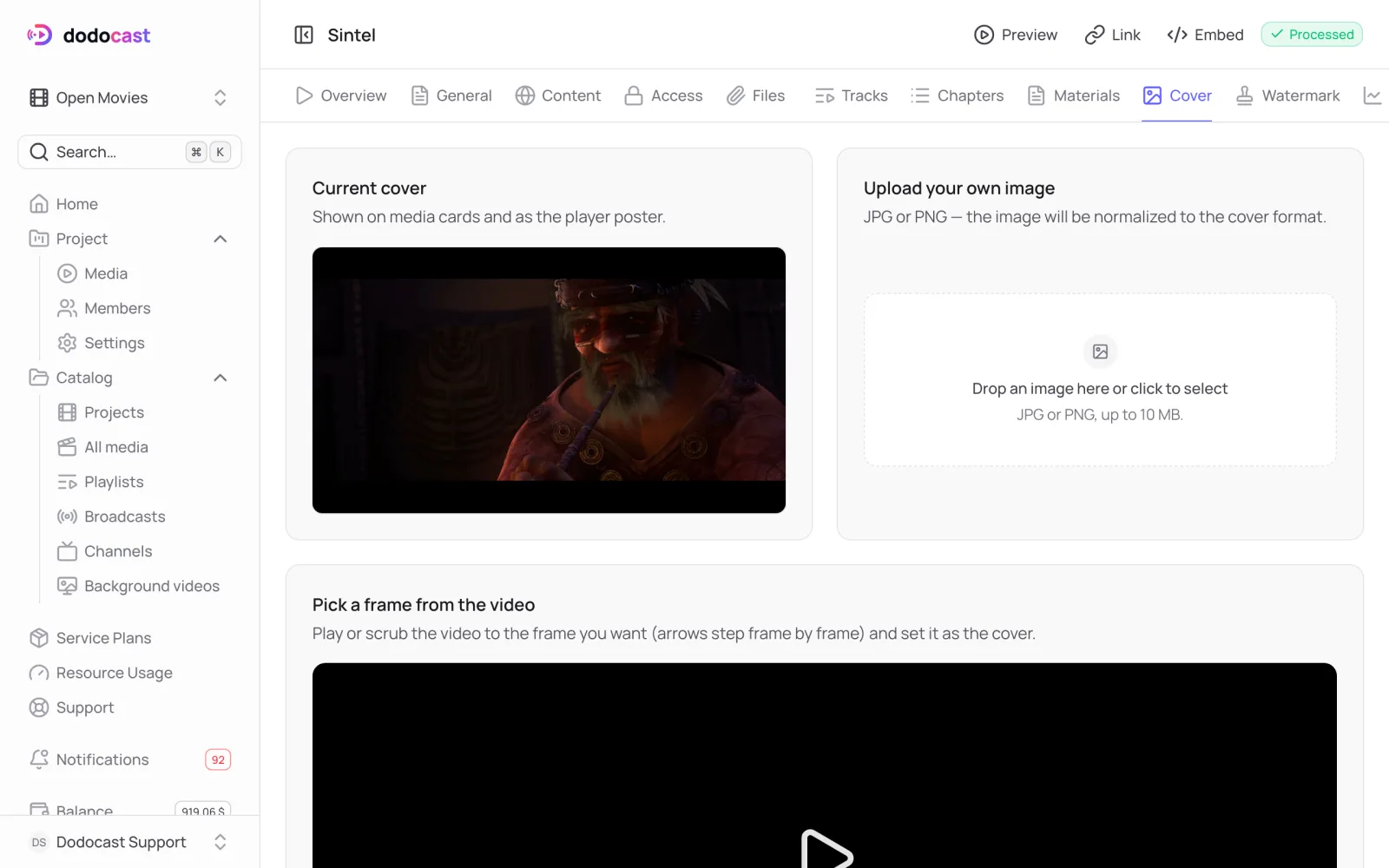
Your own image
In the Upload your own image block, drag a file in or click to choose one: JPG or PNG, up to 10 MB. The image is fitted to the cover format.
A frame from the video
- In the Pick a frame from the video block, play or seek the video to the moment you want. Use the arrow keys to step frame by frame.
- Click Set as cover.
Updated: