Docs sections
Search⌘KCreate a playlist
A playlist is a collection of your videos with one page, link, and player. Use it for a course, a series, a screening room, or any themed collection.
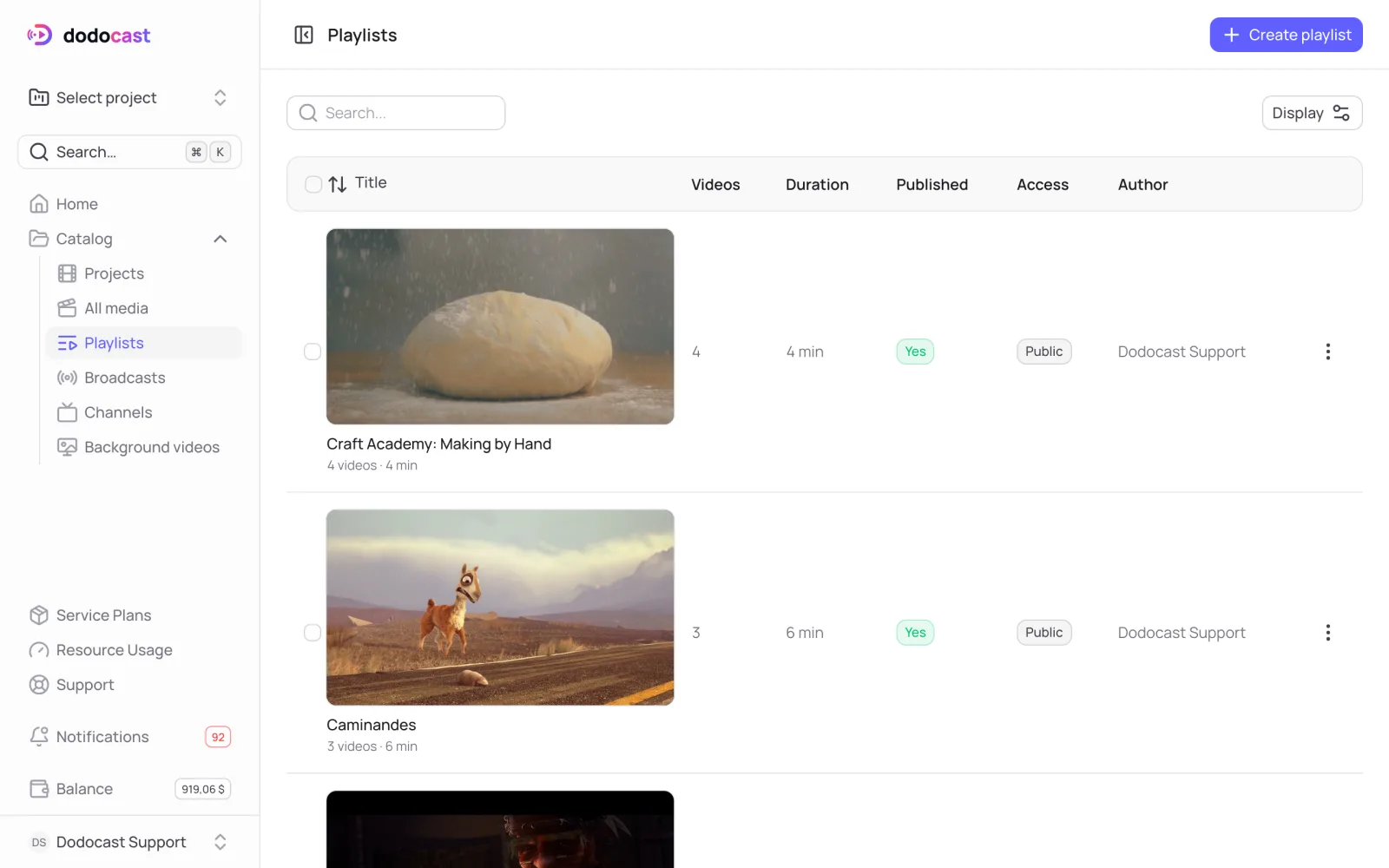
Create a playlist
- In the left menu, open Catalog → Playlists.
Click Create playlist, enter a name, and click Create.
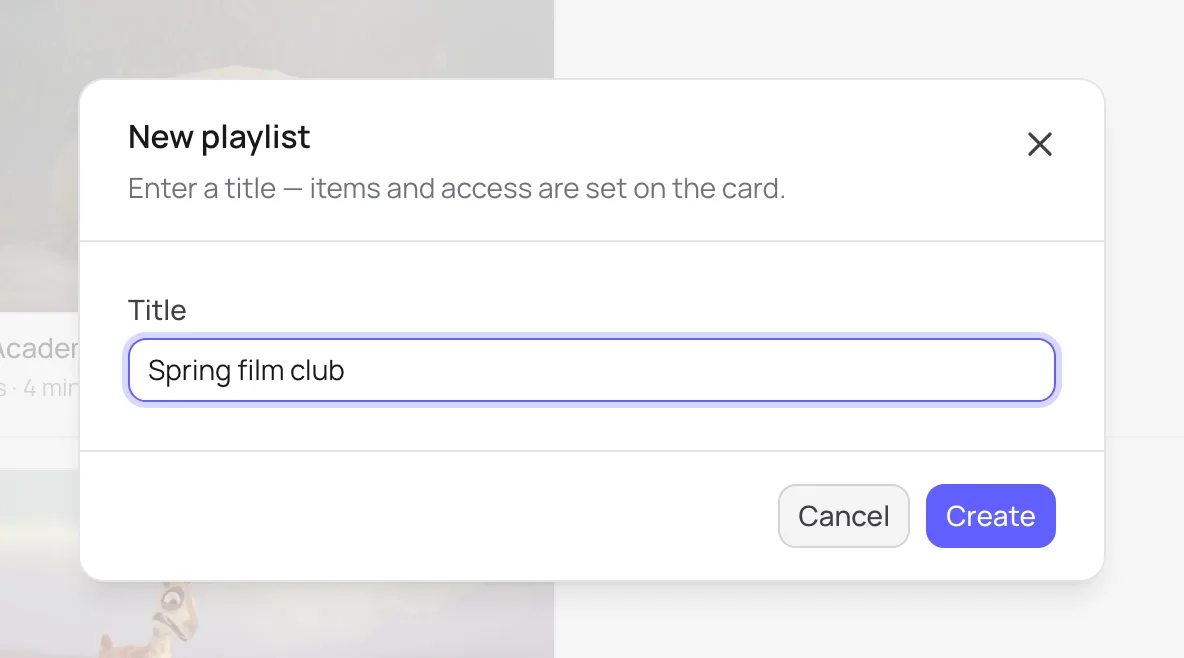
You can change the name later - On the playlist page, add videos on the Items tab.
- Choose the page layout and access.
- Publish it: Content tab → Publication block → Published → Save changes.
A playlist isn't published right away
Unlike a video, a new playlist starts closed: the Link and Embed buttons work only after you publish it.
Playlists and projects
A playlist belongs to your account, not to a project, so it can collect videos from any of your projects. Deleting a playlist doesn't affect the videos themselves; they stay in their projects.
Playlist tabs
| Tab | What's there |
|---|---|
| Overview | publishing, access, video count, total duration, code |
| Items | videos and playback order |
| General | code (/pl/<code>), status, dates |
| Content | publishing, title and description, appearance, and page layout |
| Access | access mode, who can watch, embedding |
| Analytics | plays, viewers, watch time |
| Actions | deleting the playlist |
Updated: