Docs sections
Search⌘KChannel analytics
The channel Analytics tab shows how much the stream is watched and how much traffic it uses.
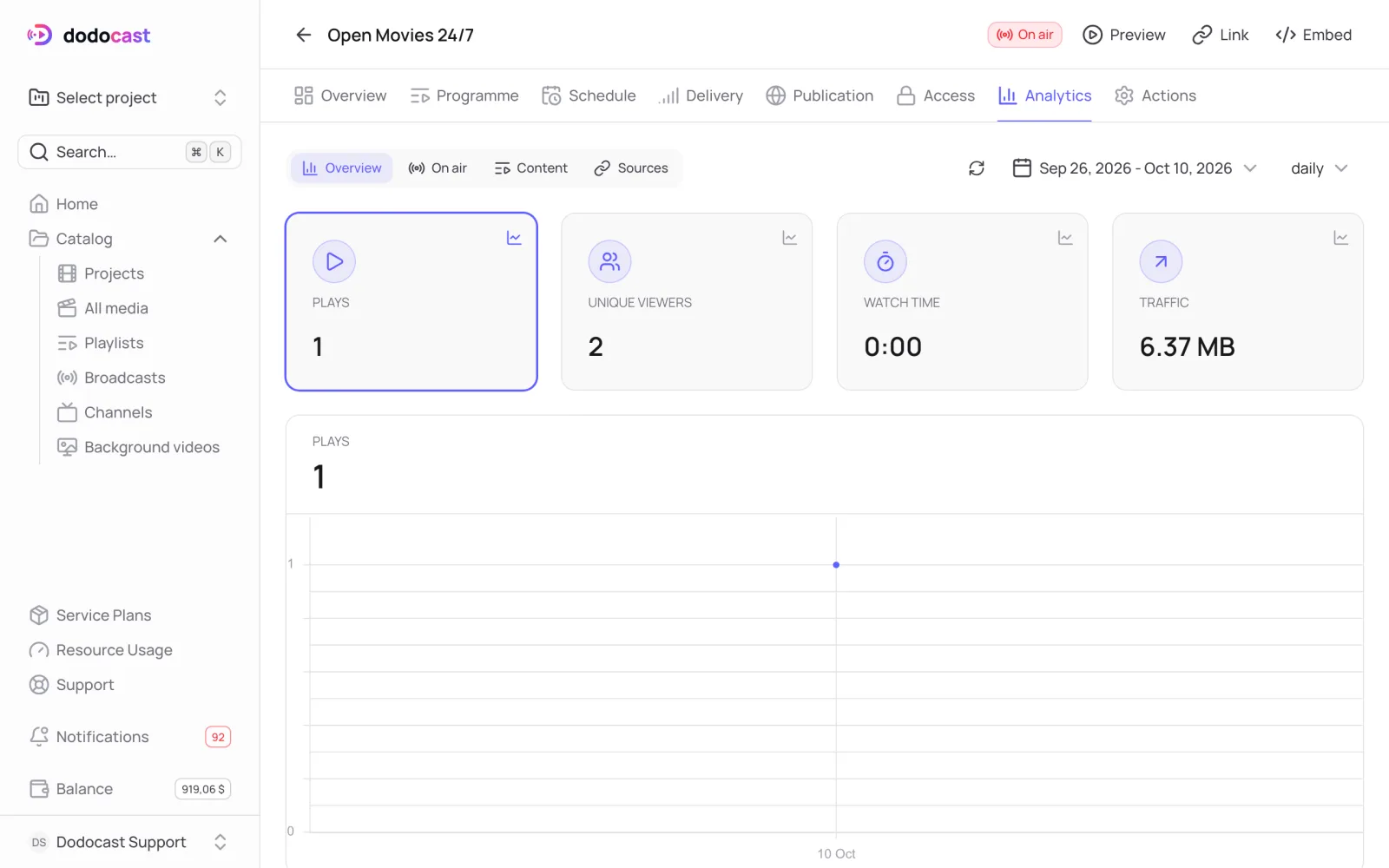
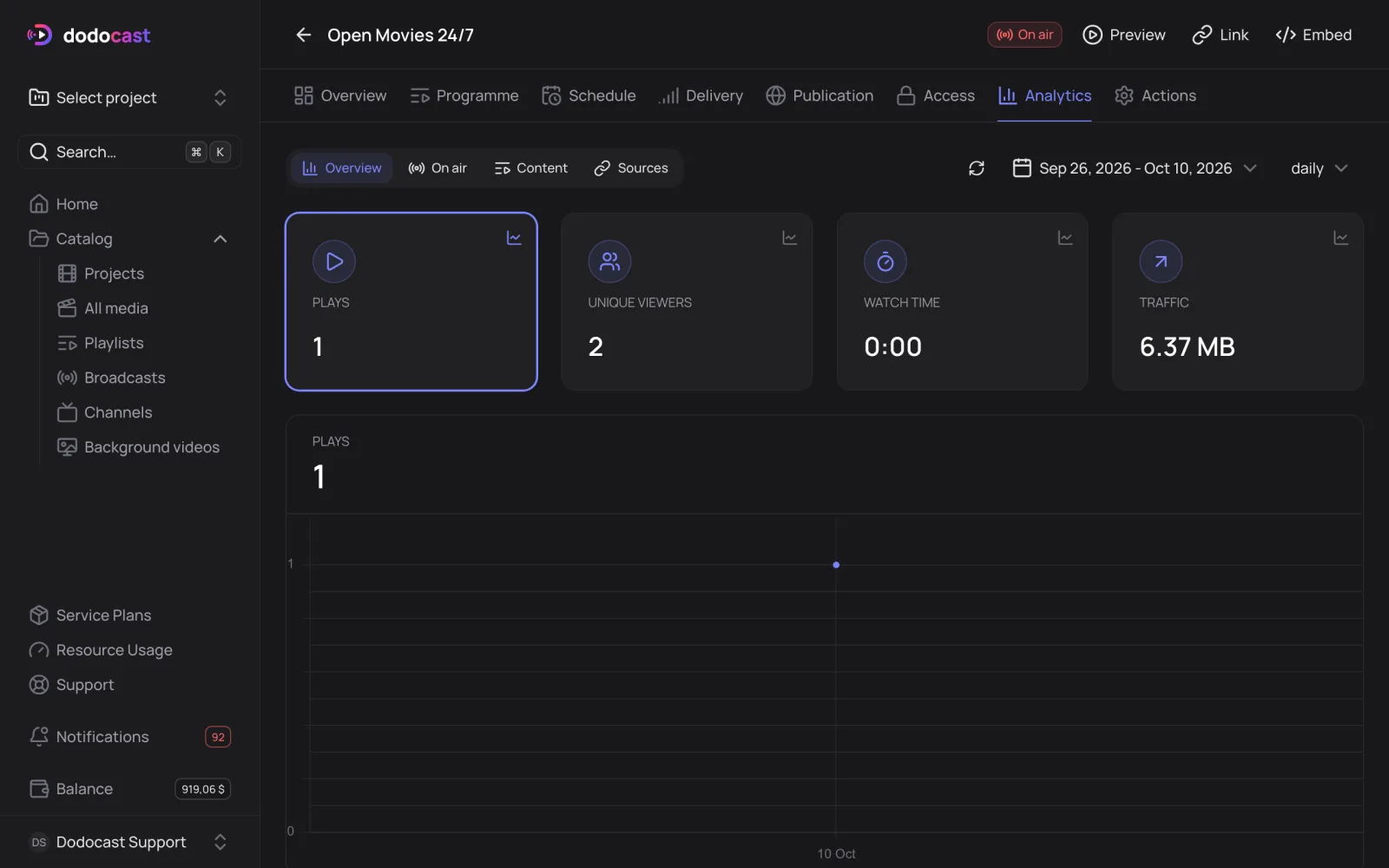
- At the top: Plays, Unique viewers, Watch time and Traffic for the selected period, by day.
- Sections: Overview, On air, Content (which videos people watch) and Sources (where viewers come from).
- Breakdowns by country, device, operating system, browser and quality — how much traffic each quality used.
Channel traffic counts toward your plan limit and is charged to the owner of the videos. You can also track it on the Resource Usage page.
Updated: