Docs sections
Search⌘KBackground on your site: code and links
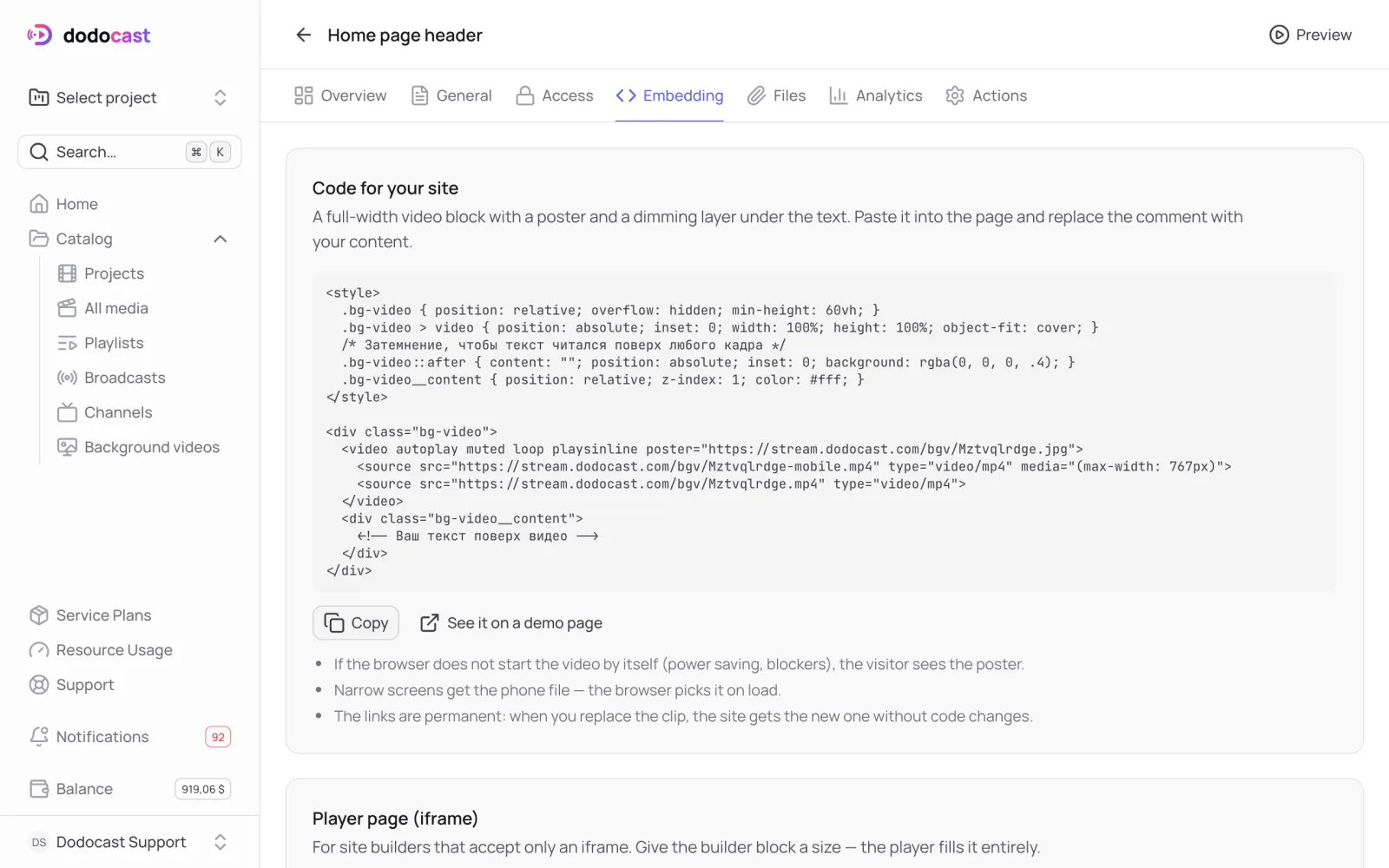
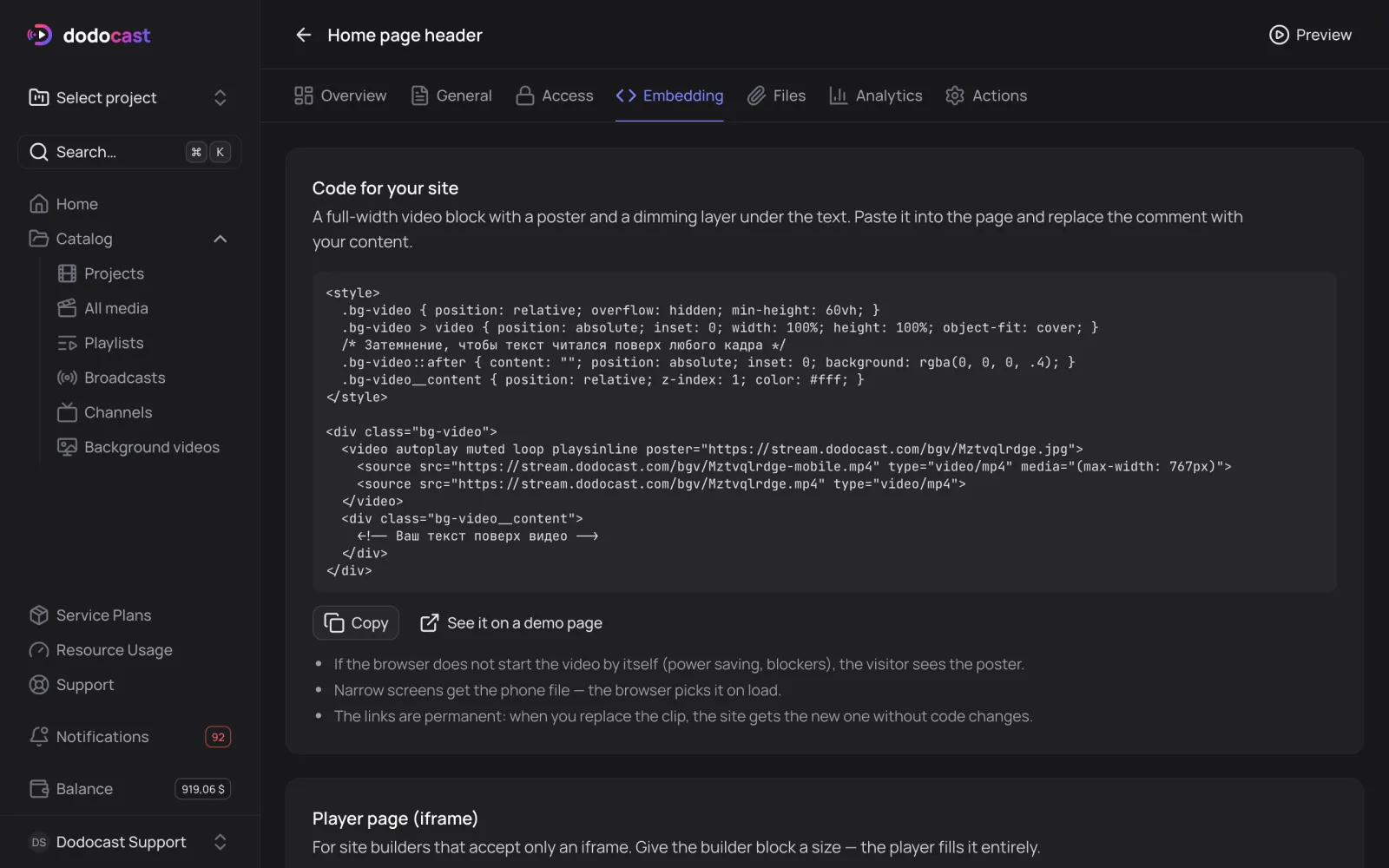
The Embedding tab has a ready HTML block for your site and a player page for site builders.
Code for your site
A full-width video block with a poster and a dark overlay under the text. Click Copy, paste it into your page and replace the comment with your content:
html
<style>
  .bg-video { position: relative; overflow: hidden; min-height: 60vh; }
  .bg-video > video { position: absolute; inset: 0; width: 100%; height: 100%; object-fit: cover; }
  .bg-video::after { content: ""; position: absolute; inset: 0; background: rgba(0, 0, 0, .4); }
  .bg-video__content { position: relative; z-index: 1; color: #fff; }
</style>
<div class="bg-video">
  <video autoplay muted loop playsinline poster="https://stream.dodocast.com/bgv/code.jpg">
    <source src="https://stream.dodocast.com/bgv/code-mobile.mp4" type="video/mp4" media="(max-width: 767px)">
    <source src="https://stream.dodocast.com/bgv/code.mp4" type="video/mp4">
  </video>
  <div class="bg-video__content">
    <!-- Your text over the video -->
  </div>
</div>- If the browser does not start the video on its own (power saving, blockers), the visitor sees the poster.
- Narrow screens get the phone file; the browser picks it automatically.
- The links are permanent: when you replace the clip, your site gets the new one without code changes.
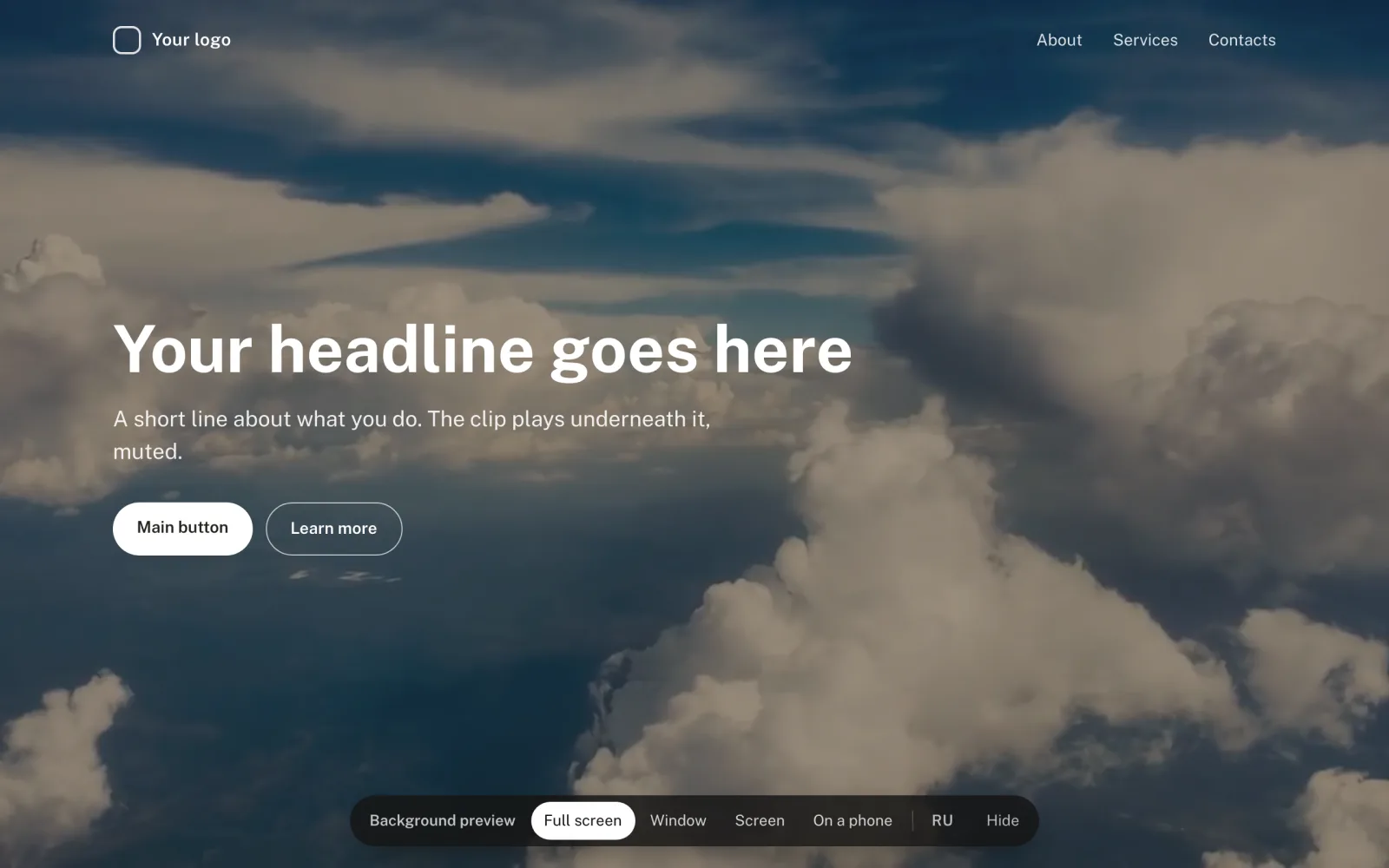
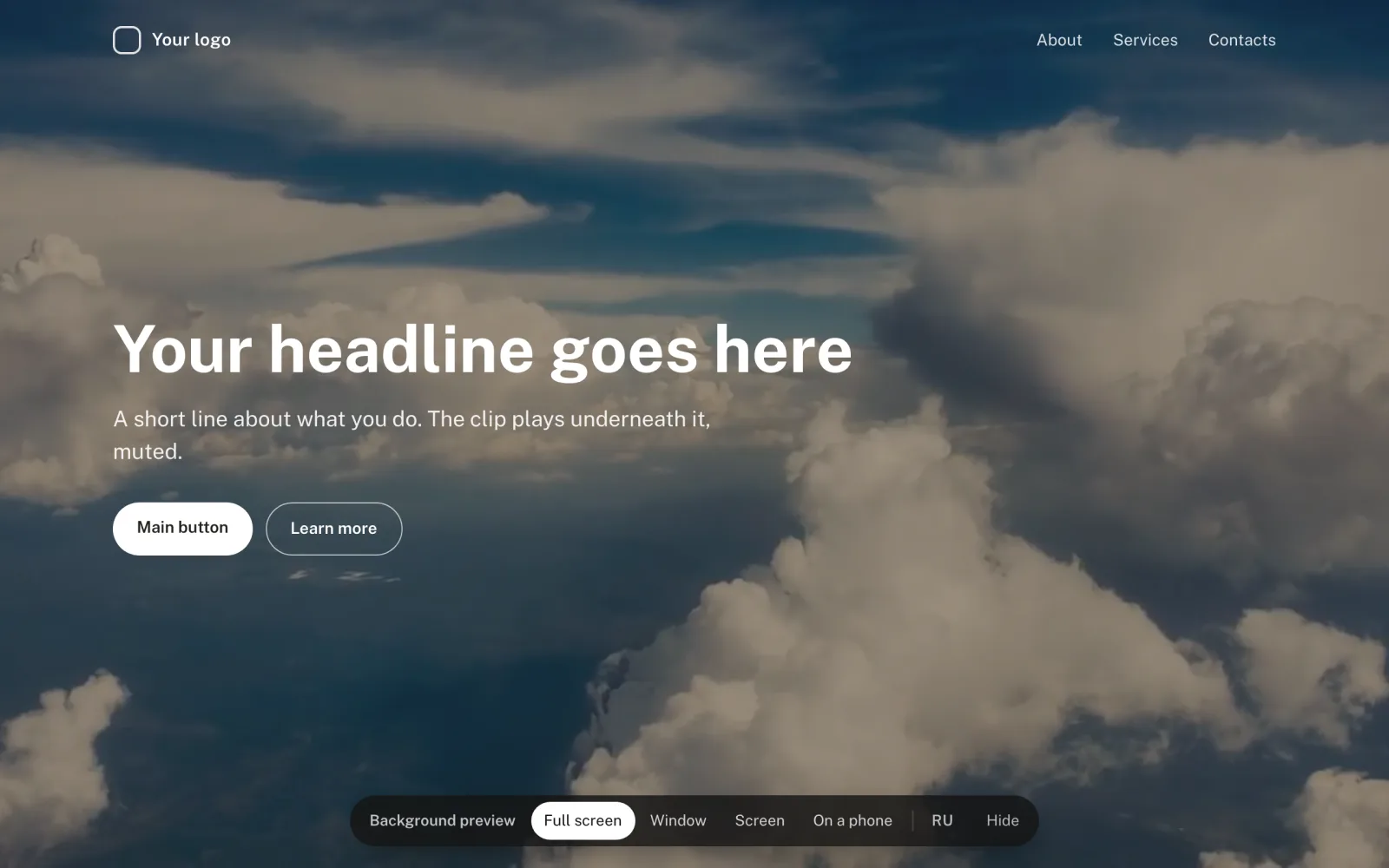
See it on a demo page shows your background in four views: full screen, in a window next to text, on a device screen and on a phone.
Player page (iframe)
For site builders that only accept an iframe. Set the size of the builder block, and the player fills it completely:
html
<iframe src="https://watch.dodocast.com/bgv/code" title="Background video"
  aria-hidden="true" tabindex="-1"
  style="width: 100%; height: 100%; border: 0; pointer-events: none;"></iframe>
You can't darken or crop the clip your own way through the iframe. Use the code above for that.
Permanent links
| File | URL |
|---|---|
| main | https://stream.dodocast.com/bgv/<code>.mp4 |
| phone | https://stream.dodocast.com/bgv/<code>-mobile.mp4 |
| poster | https://stream.dodocast.com/bgv/<code>.jpg |
Updated: