Docs sections
Search⌘KChannel schedule
The schedule holds shows set for specific times. The rest of the time, the channel program plays.
On this page
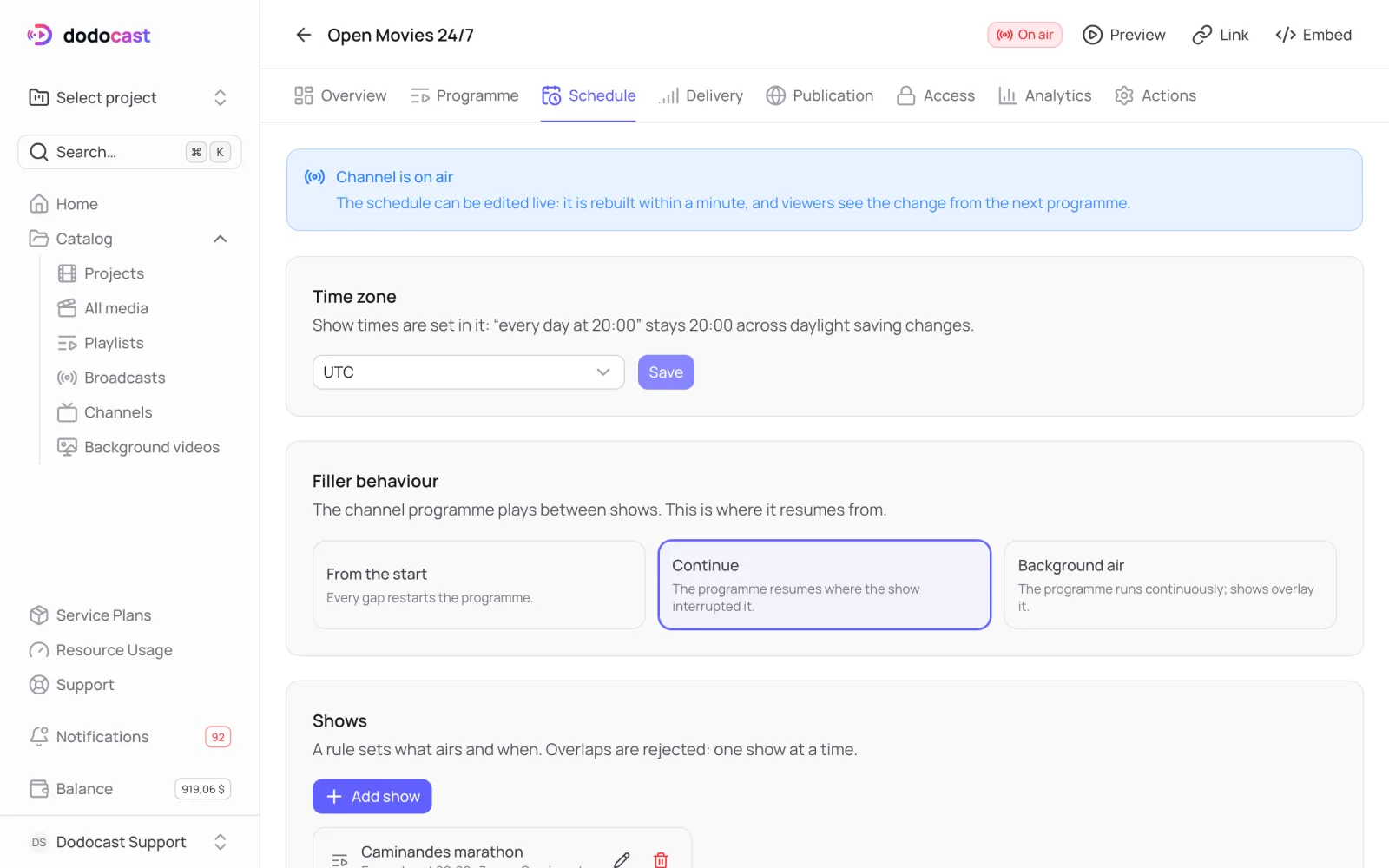
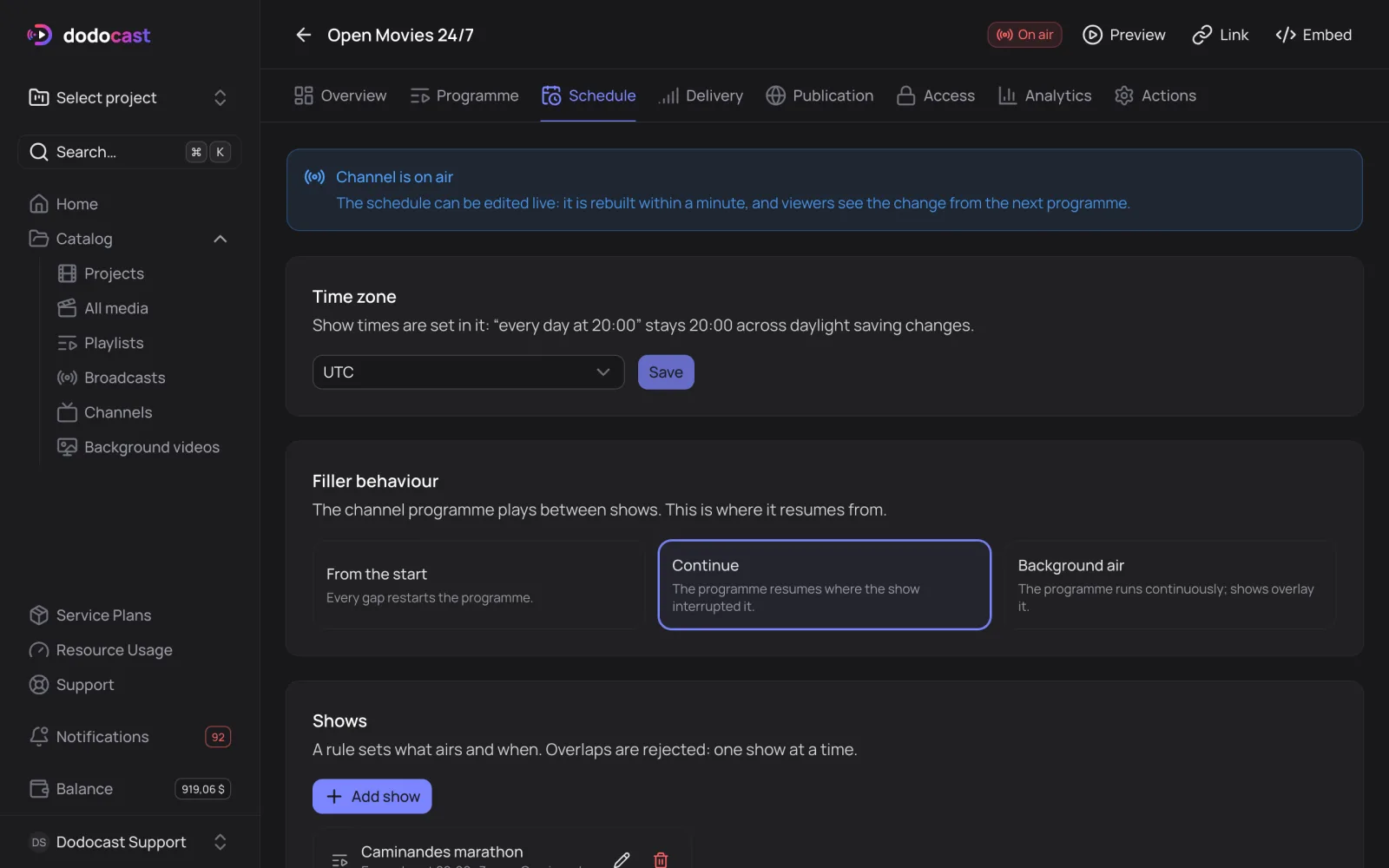
Add a show
- On the Schedule tab, click Add show.
- What to air — a video or a playlist.
- Name in the programme — how the show is labeled in the program guide.
- Repeat — Once, Every day or Days of week; set the Start time.
- Duration, min — longer material is cut off, shorter material is padded with filler.
- Active period — the dates the rule applies; leave it empty to apply always. Temporarily disable the show takes it off the air without deleting it.
Click Save.
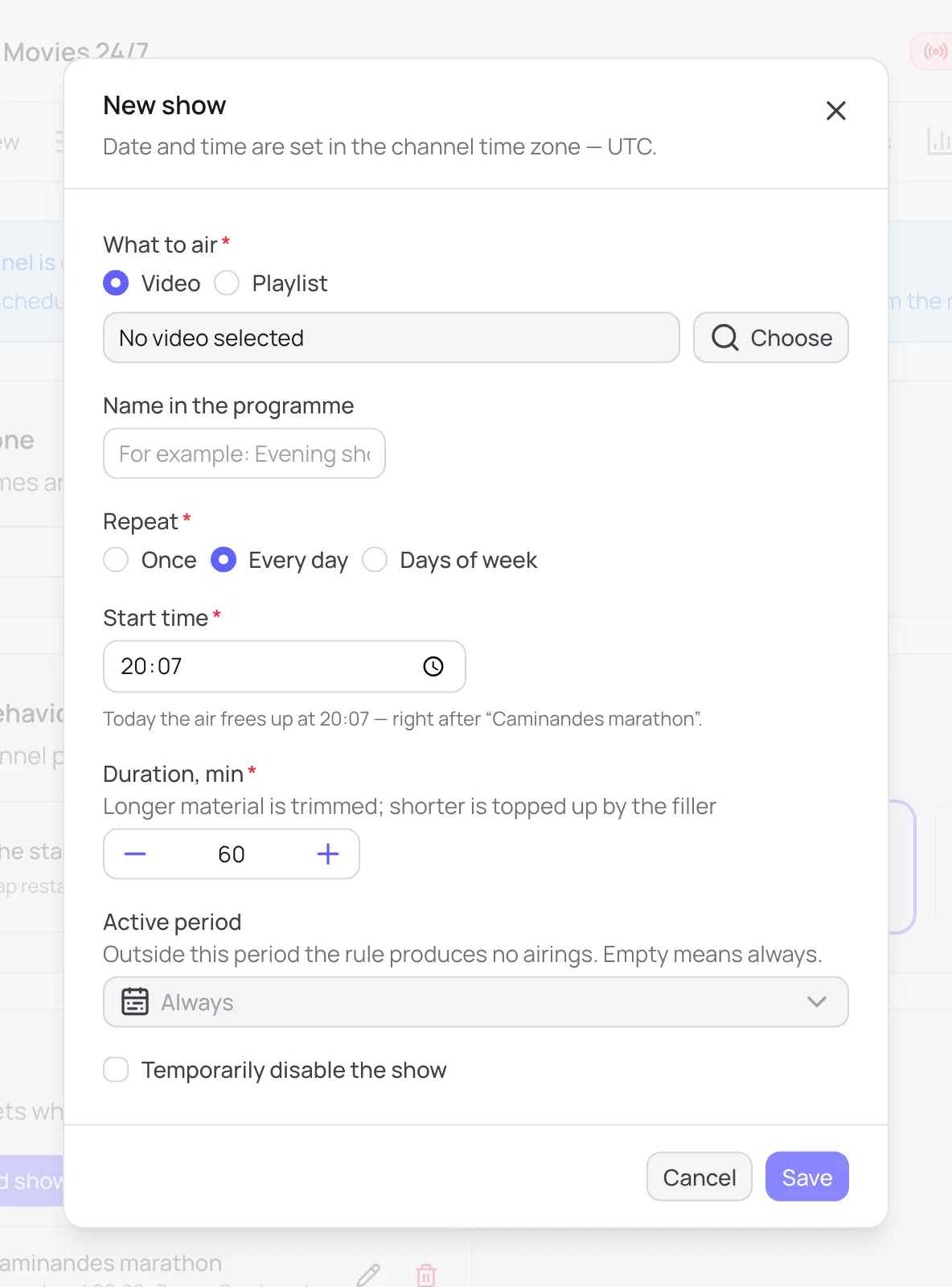
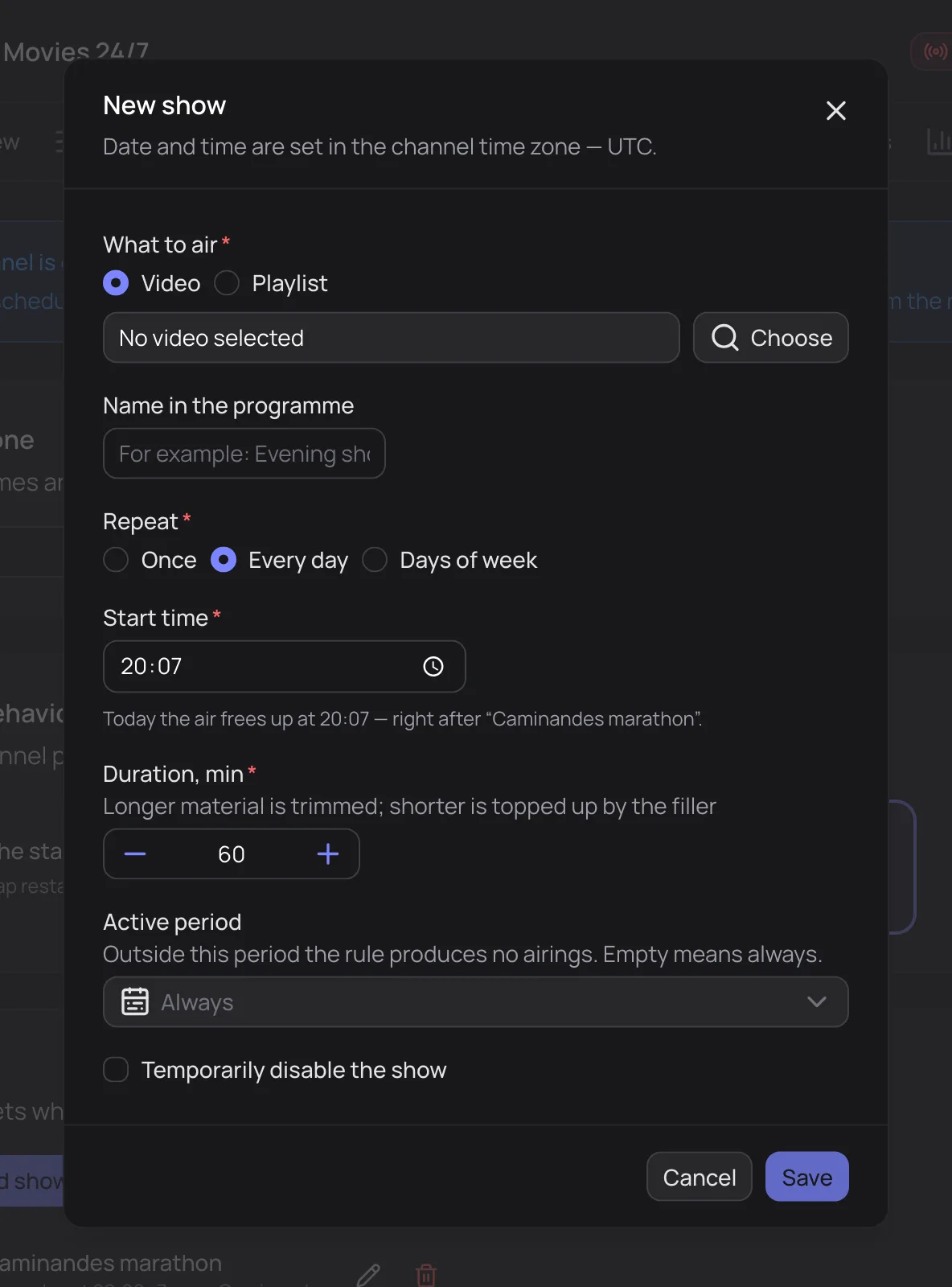
New show: what, when, how often, and for how long
Shows can't overlap: only one show airs at a time. You can edit the schedule while the channel is on air — it's recalculated within a minute, and viewers see the change from the next airing.
Time zone
Show times are set in the channel's time zone (UTC by default): "every day at 8:00 PM" stays 8:00 PM after daylight saving changes.
What plays between shows
The Filler behaviour block sets where the program resumes between shows:
| Option | How it works |
|---|---|
| From the start | every gap starts the program over |
| Continue | the program picks up where the show interrupted it |
| Background air | the program runs continuously and shows play over it |
At the bottom is the Programme guide for the coming week; sites and apps get the same data as EPG in JSON.
Updated: