Docs sections
Search⌘KWho can watch
Access decides who sees a video, playlist, broadcast or channel — on the watch page, in the embedded player and through a direct link.
Policies
| Policy | Who can watch |
|---|---|
| Public | anyone with the link or the player on a site |
| Password | the viewer enters a shared password |
| Private link | only through a link with a secret; Regenerate issues a new link and the old one stops working |
| Playlist only (videos) | doesn't open on its own, only inside a playlist |
The policy applies everywhere: on the watch page, in the embedded player and on direct HLS links. Publishing is separate: unpublished content doesn't open on the watch page or in the embedded player, whatever the policy.
Where to set it
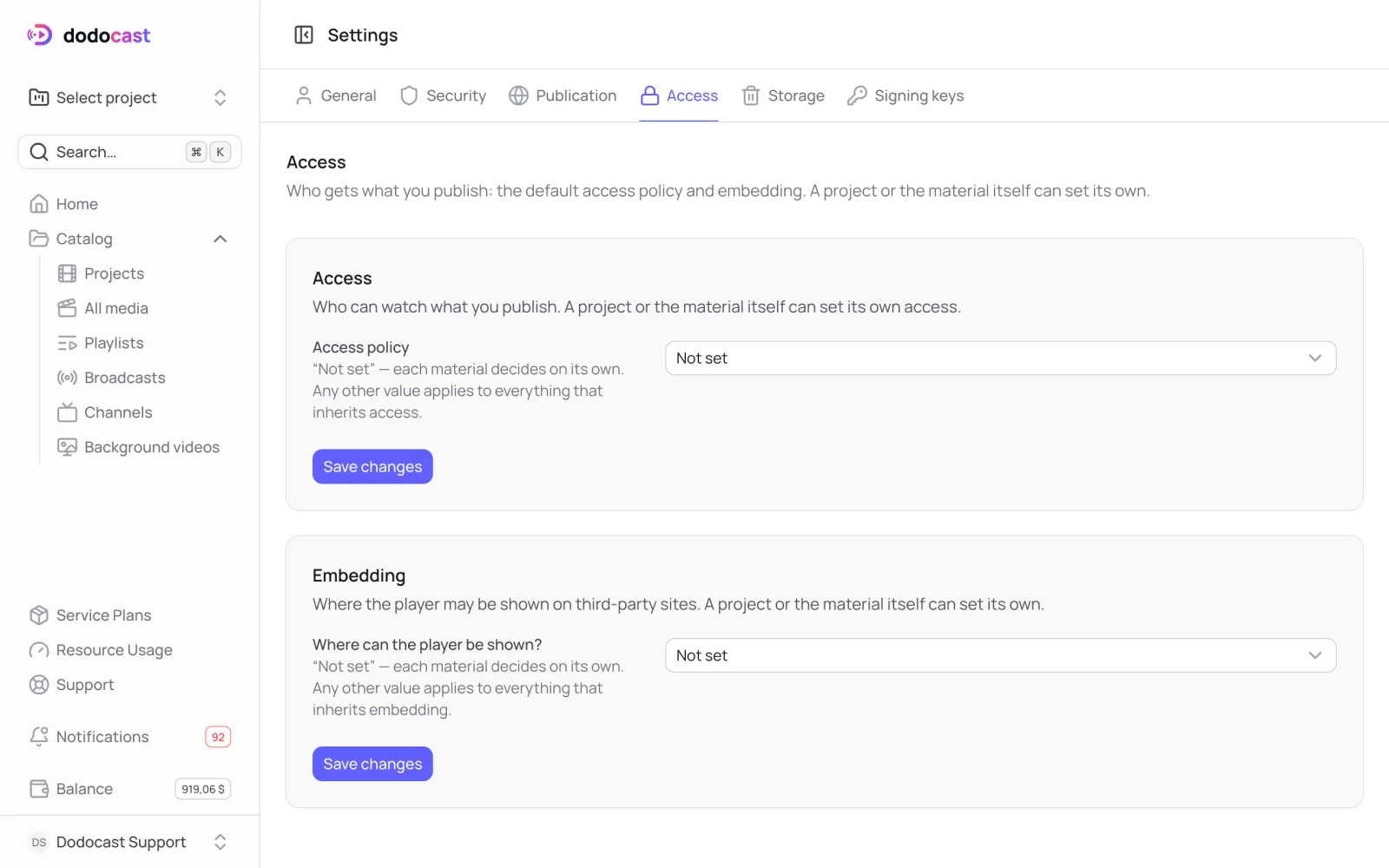
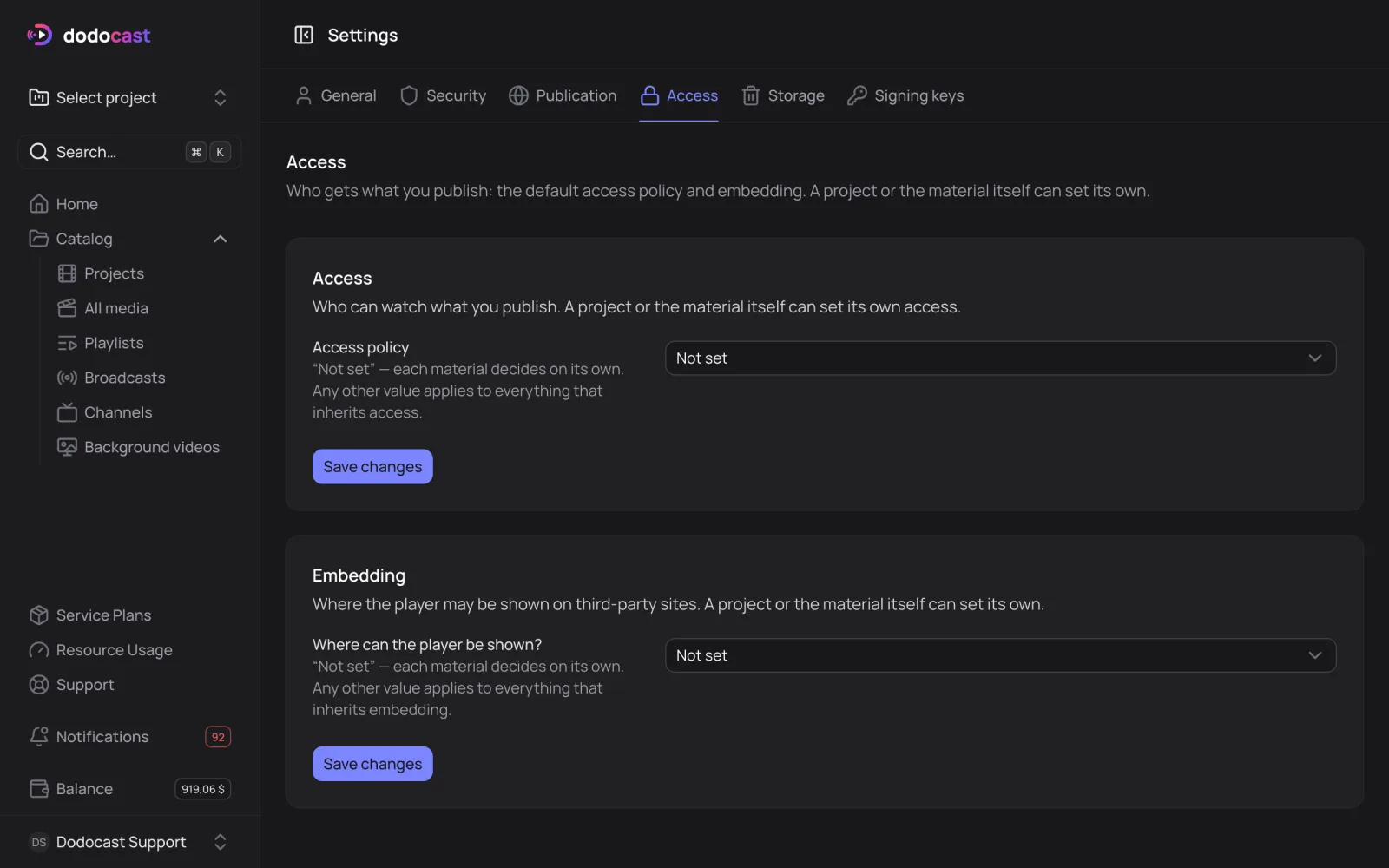
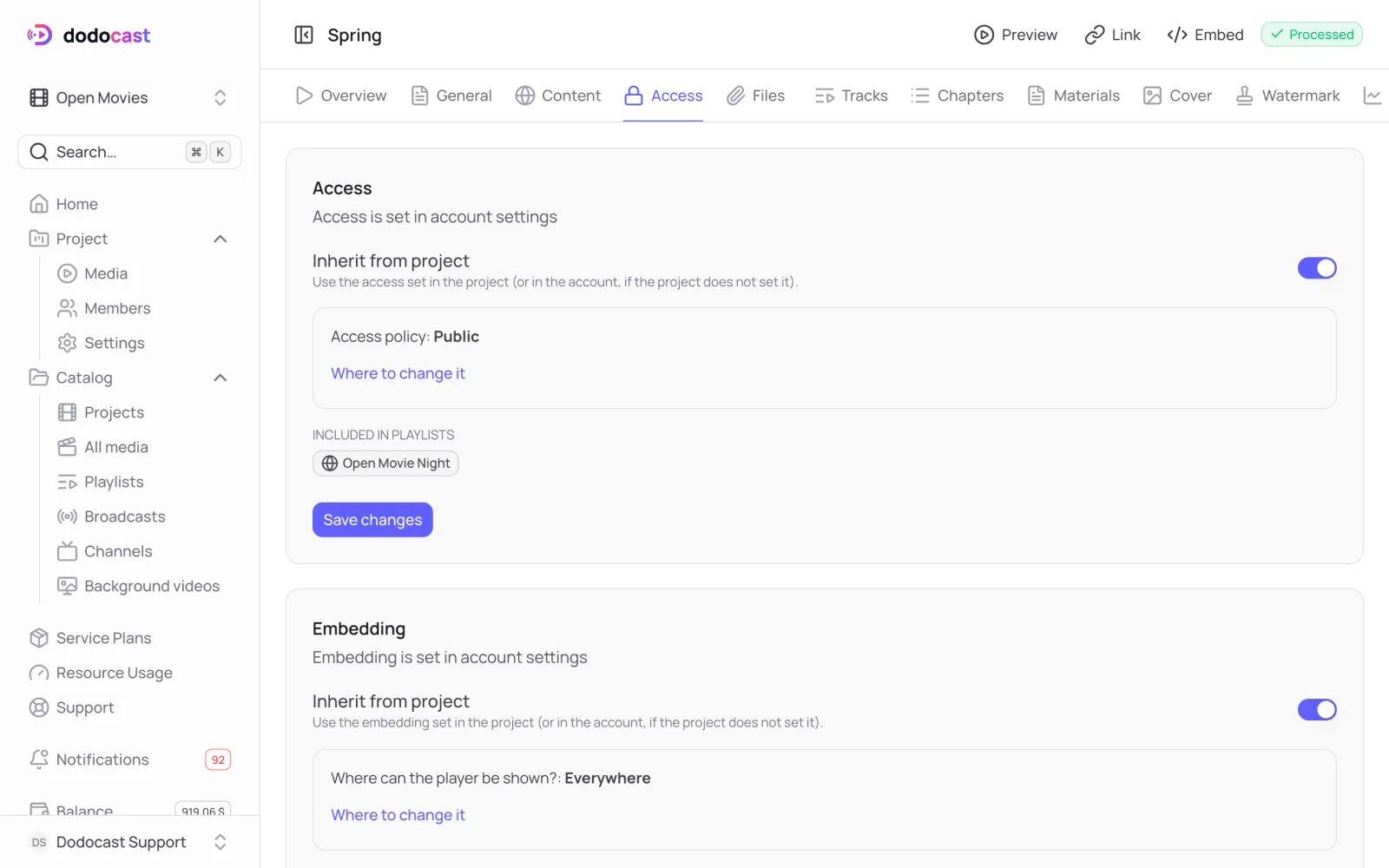
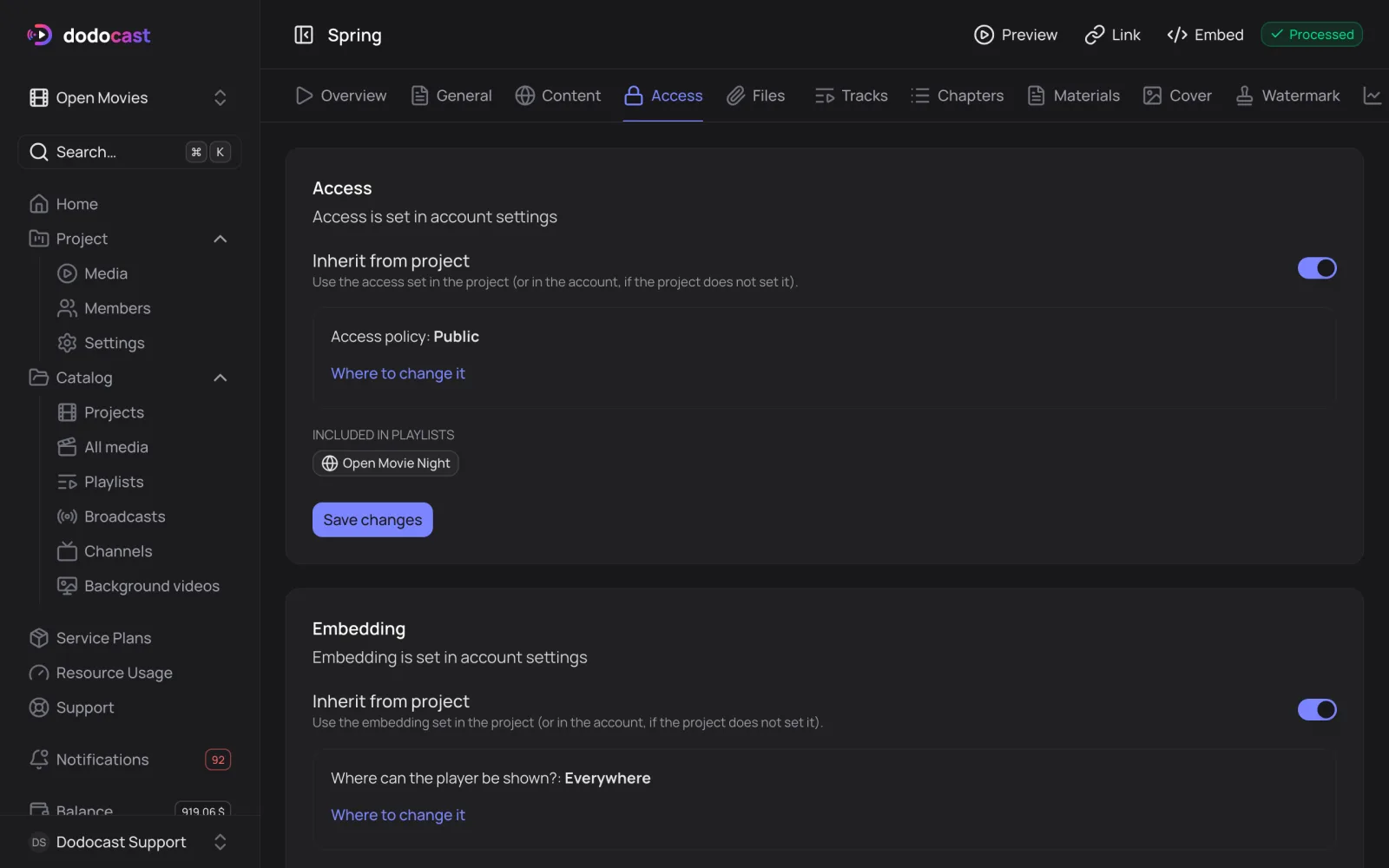
Access is inherited. To set your own, turn off inheritance on the item's Access tab.
| Level | Where | What for |
|---|---|---|
| Account | Settings → Access | the default for everything; Not set lets each item decide |
| Project | project settings | for the videos in this project |
| Item | Access tab | for one video, playlist, broadcast or channel |
Videos in a playlist
If a video is in a public playlist set to Playlist access, everyone can see it inside the playlist. The console warns you about this. Learn more in Playlist access.
What else protects your content
- Allowed domains: the player works only on your sites;
- Signed links: a link with an expiry, issued by your server;
- Encryption: the stream is encrypted with a key;
- Watermark: a logo or text burned into the video.
Updated: