Docs sections
Search⌘KVideo attachments
Attach files to a video, and viewers can download them from the watch page.
On this page
Plan
Attachments are available on Pro and Business, up to 30 files per video. Starter doesn't include them.
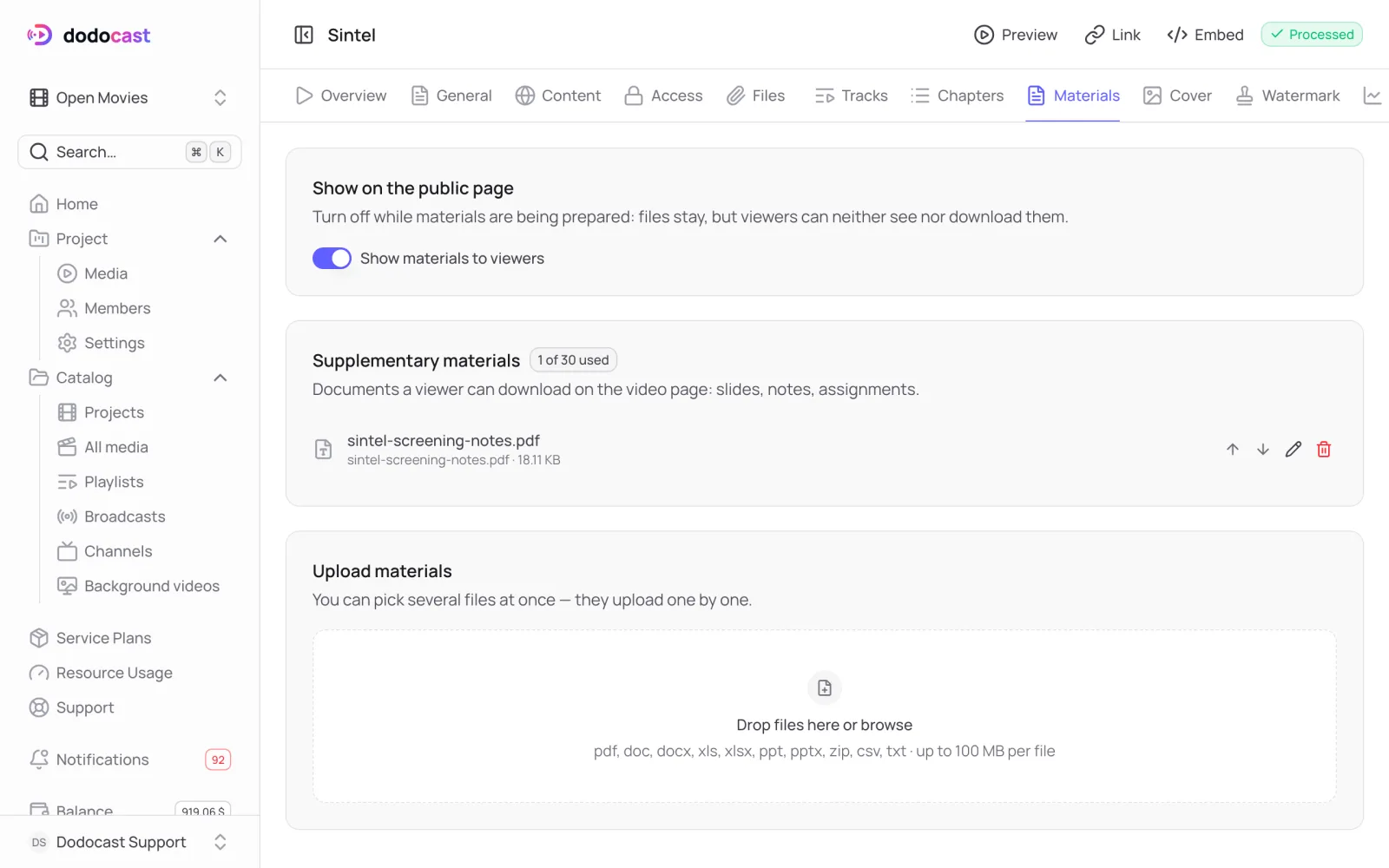
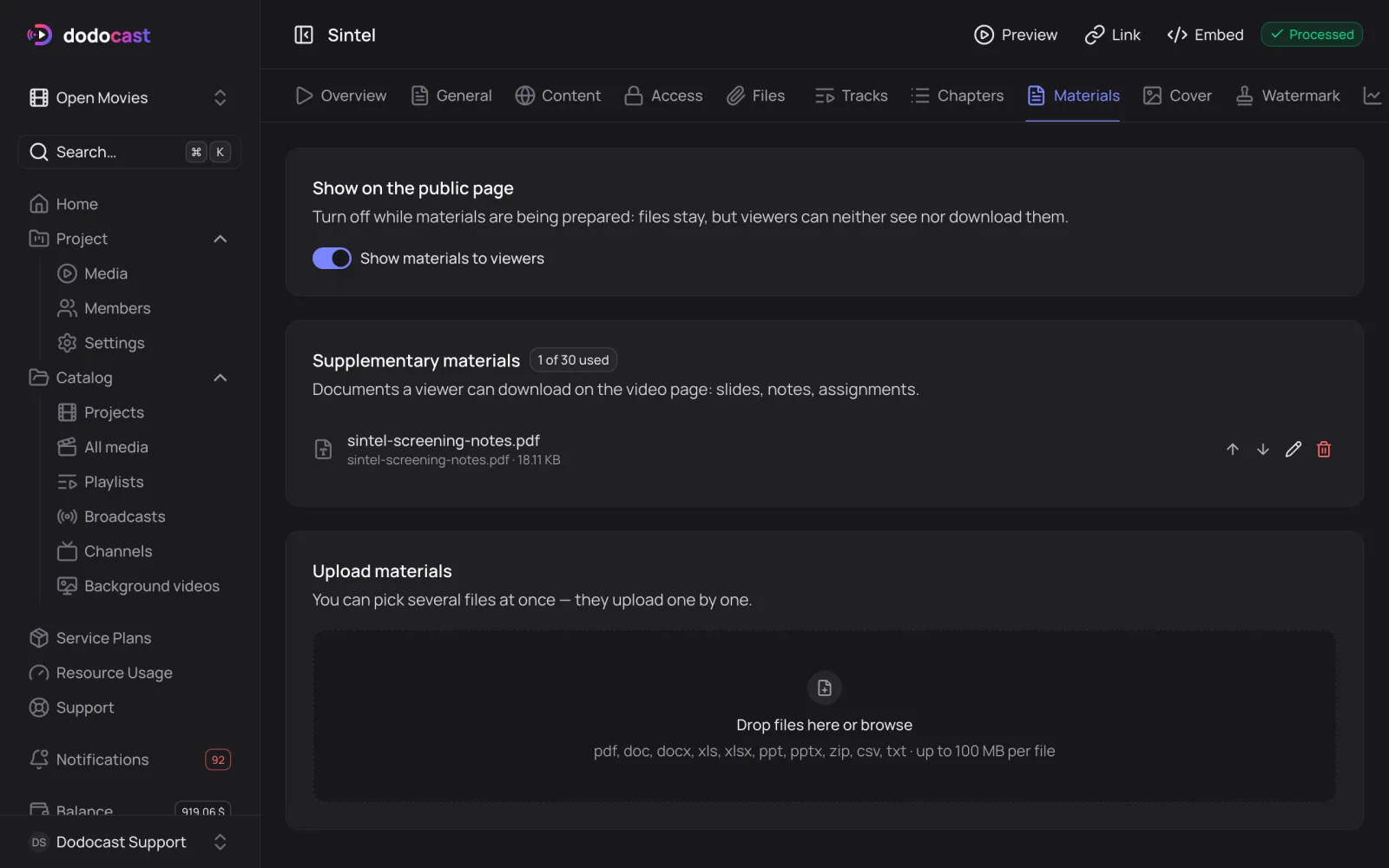
Add attachments
- Open the media → Materials tab.
- In the Upload materials block, drag files in or choose them from your disk. You can add several at once; they upload one after another.
- Make sure Show materials to viewers is on.
| Formats | pdf, doc, docx, xls, xlsx, ppt, pptx, zip, csv, txt |
| Size | up to 100 MB per file |
| Count | up to 30 per video (Pro, Business) |
While attachments are in progress
Turn off Show materials to viewers. The files stay in place, but viewers don't see them and can't download them from a direct link.
Attachments are especially useful in a course: add notes or an assignment to each lesson.
Updated: