Docs sections
Search⌘KStream encryption
You can encrypt the stream: segments can't be played without the key.
On this page
Turn it on
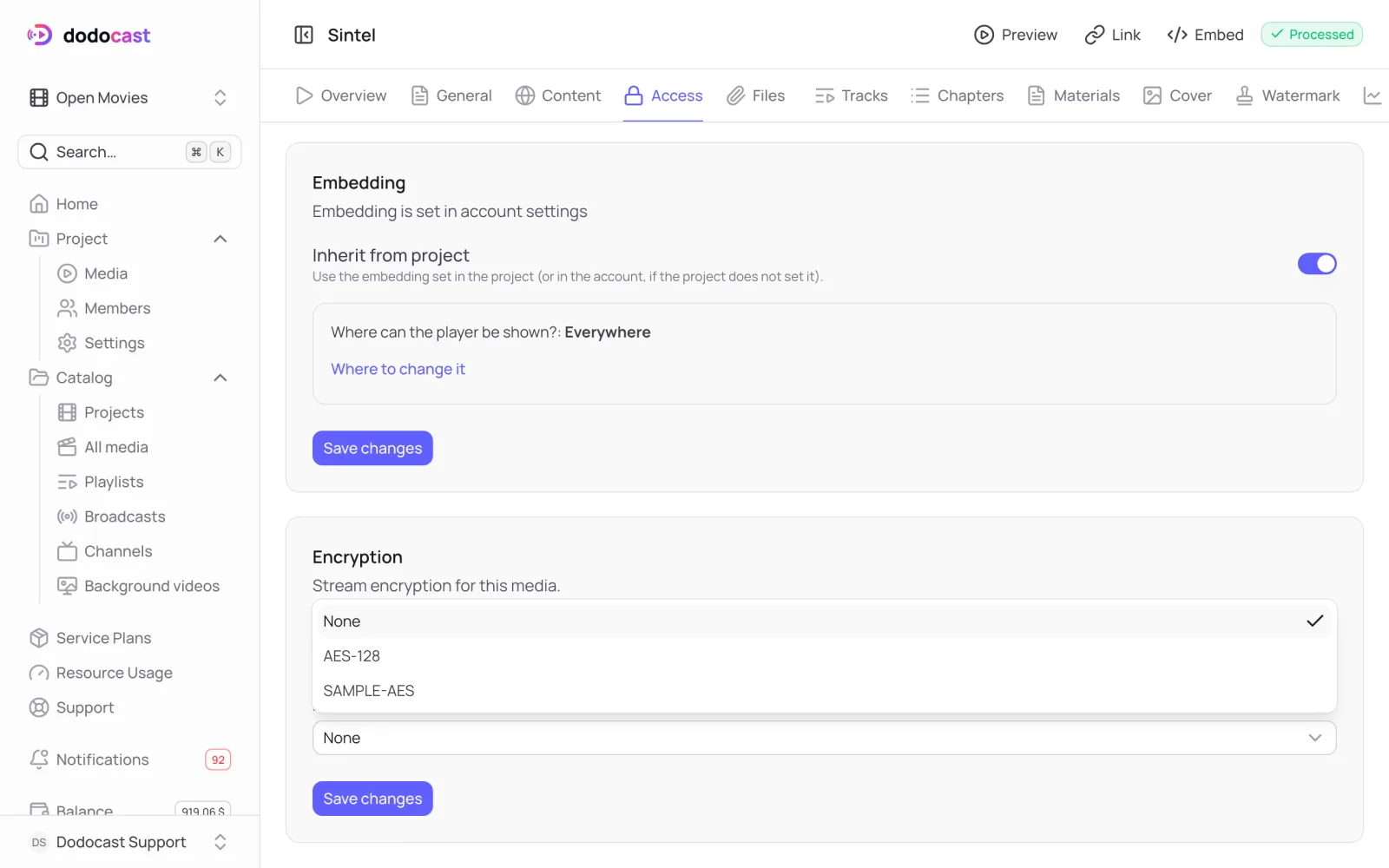
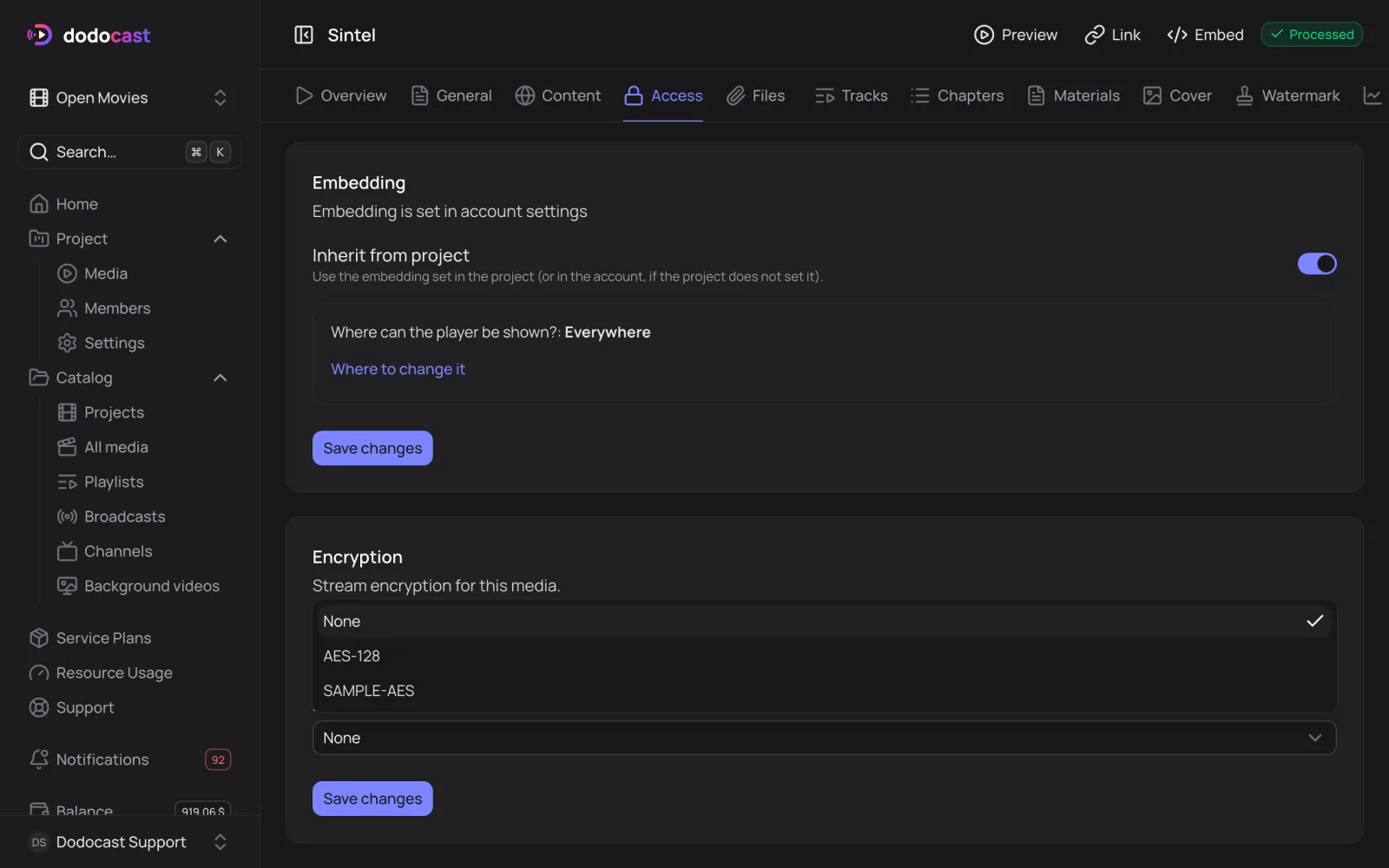
- Open the video → Access tab → Encryption block.
- Turn off Inherit from project and choose a Method: AES-128 or SAMPLE-AES.
- Click Save changes.
A 24/7 channel has its own key for the whole stream, so you can mix encrypted and unencrypted videos.
| Method | What gets encrypted |
|---|---|
| AES-128 | the whole segment |
| SAMPLE-AES | only the video and audio data inside the segment |
This is not DRM
ClearKey encryption protects the stream from segments being downloaded through a direct link, but the key is handed to the player in the clear. For private video, combine it with an access policy and signed links. dodocast does not support DRM (Widevine, FairPlay) at this time.
Updated: