Docs sections
Search⌘KAllowed domains
You can allow the dodocast player on your own sites only.
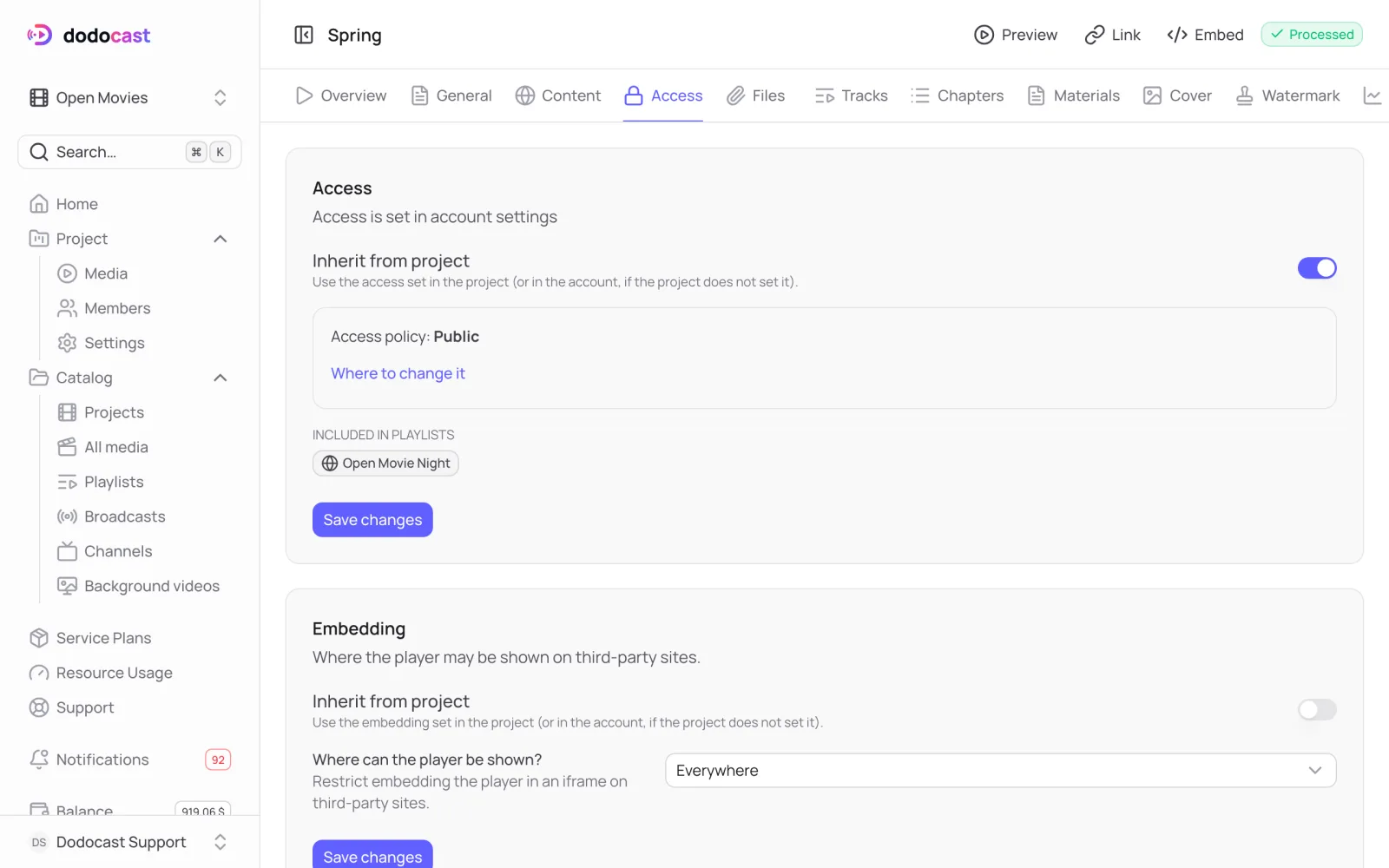
Open the Access tab of a video, playlist, broadcast or channel → the Embedding block → Where can the player be shown?:
| Option | How it works |
|---|---|
| Everywhere | on any site |
| Nowhere | on no third-party site, only the dodocast watch page |
| On specified domains | only on the listed domains: example.com, *.example.com; press Enter to add a domain |
Important
An empty domain list with On specified domains means the player won't open anywhere.
By default, embedding is inherited from the project or the account (Settings → Access). Background videos have their own domain restriction.
Updated: