Docs sections
Search⌘KTitle, description, and tags
Viewers see the title, description, and tags on the watch page.
On this page
Title, description, tags
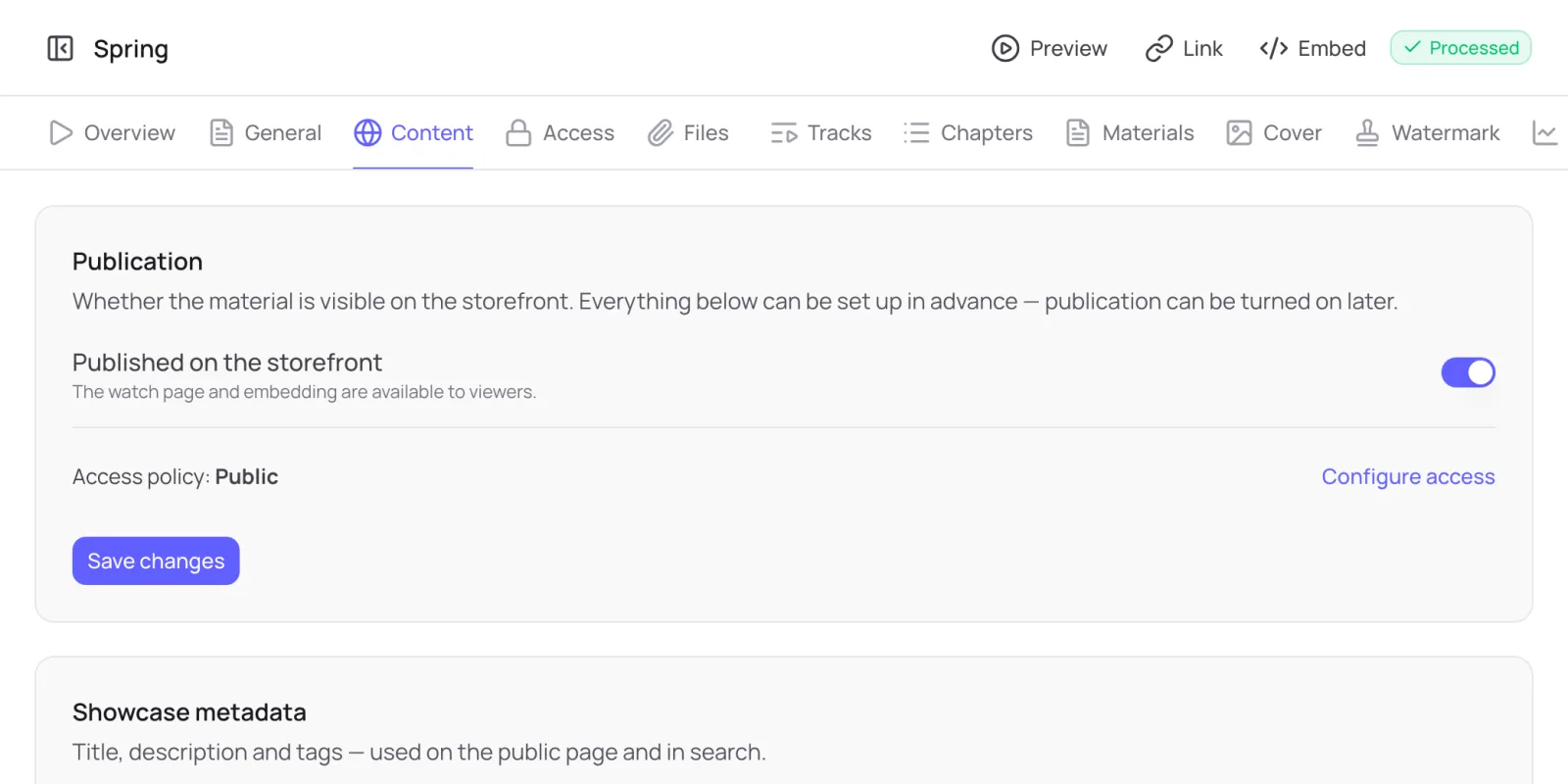
- Open the media → Content tab, Showcase metadata block.
- Title is the heading on the watch page.
- Description → Edit: Markdown is supported, including headings, lists, bold and italic, quotes, links, and tables. A preview on the right shows how it will look.
- Tags are keywords; press Enter to add a tag.
- Click Save changes.
Tip
The description is a good place for credits and the license, as in the demo videos in these docs.
General
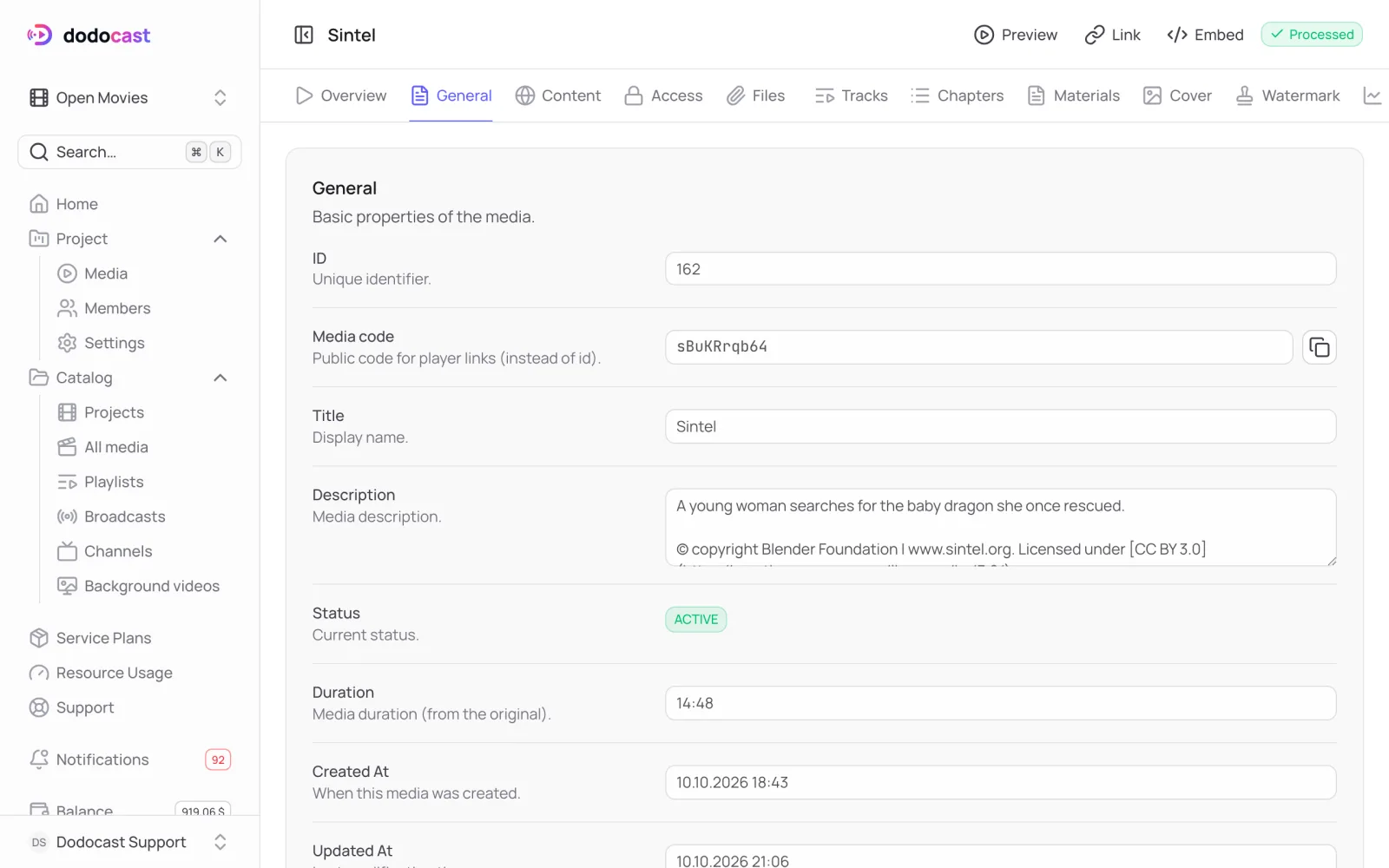
The General tab holds service fields: Media code (used in player links), ID, status, duration, and creation and modification dates.
Updated: