Docs sections
Search⌘KChoose where to show it
You can allow the background on your own sites only.
On this page
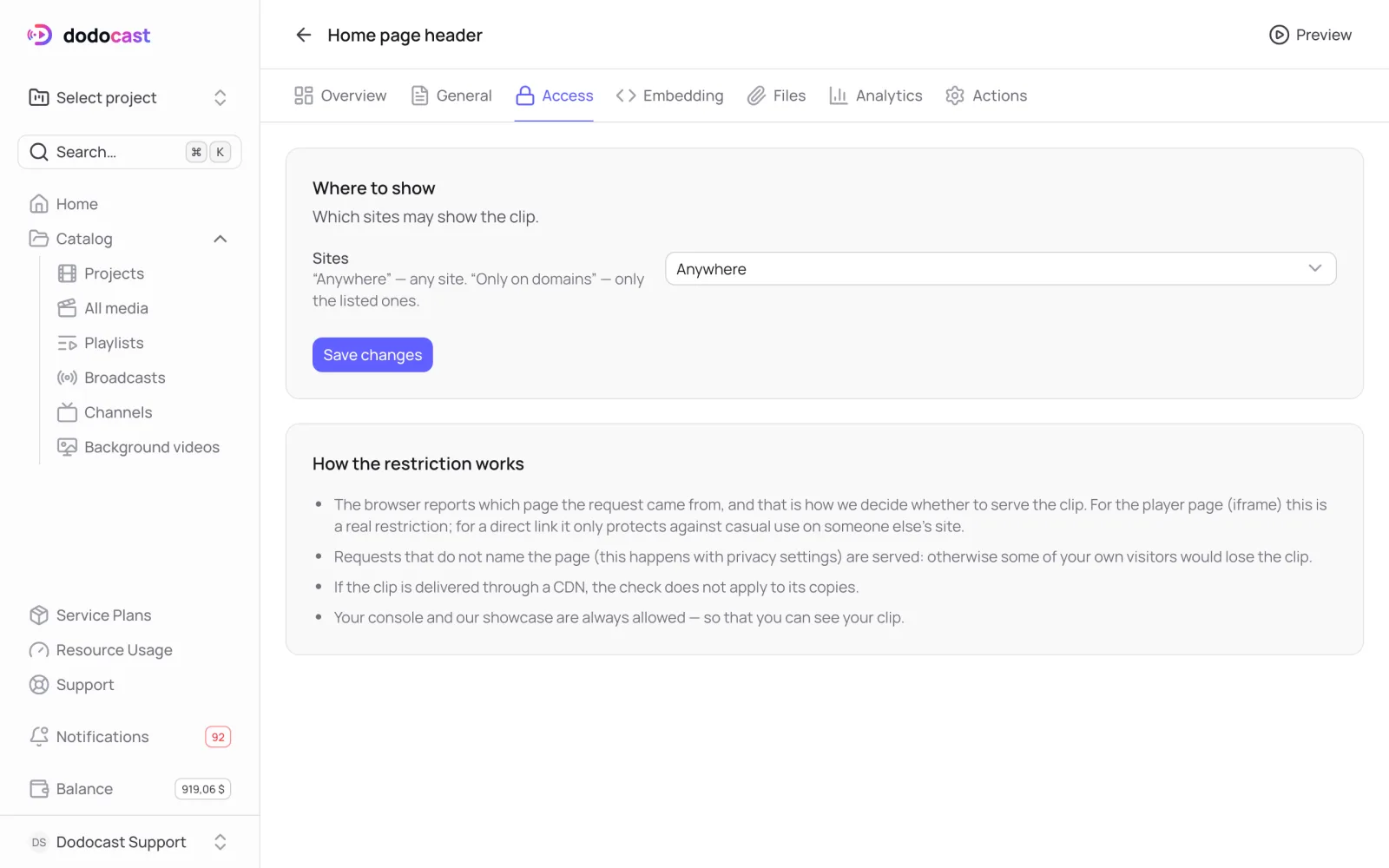
On the Access tab, under Sites, choose:
- Anywhere: any site;
- Only on domains: only the domains you list.
How the restriction works
The browser reports which page a request comes from, and dodocast uses that to decide whether to serve the clip.
- For the player page (iframe) this is a real restriction: on a site that is not on the list, the browser won't show it.
- For the direct link it only protects against accidental use on someone else's site.
- Requests that don't say which page they come from (this happens with strict privacy settings) are served. Otherwise some of your own visitors would lose the background.
- If the clip is served through your own content delivery network (CDN), the check does not apply to the CDN's copies.
- The dodocast console and watch pages are always allowed, so you can see your own clip.
Updated: