Docs sections
Search⌘KPlaylist access
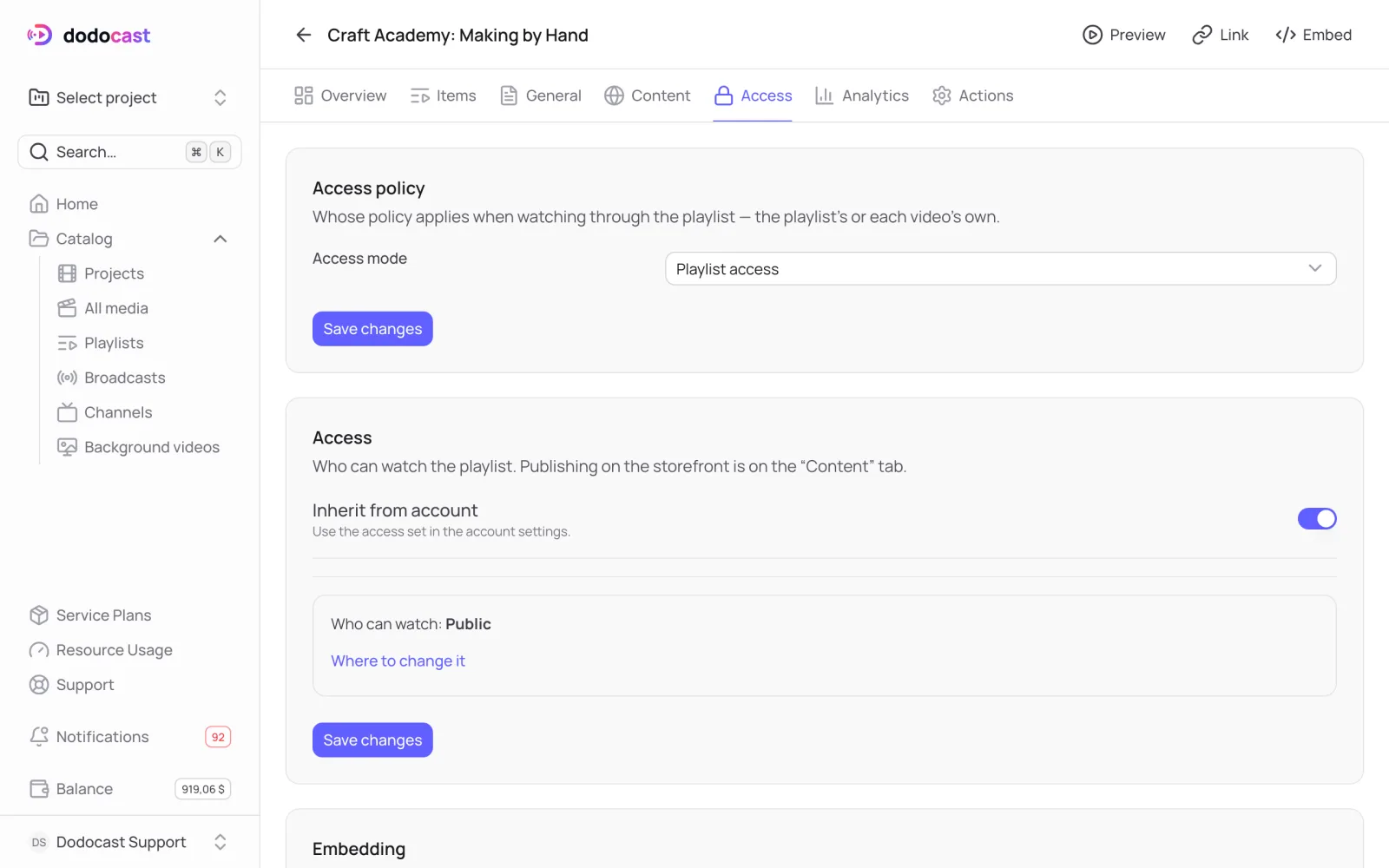
A playlist has its own access. The mode decides whose policy wins: the playlist's or each video's.
On this page
Who can watch
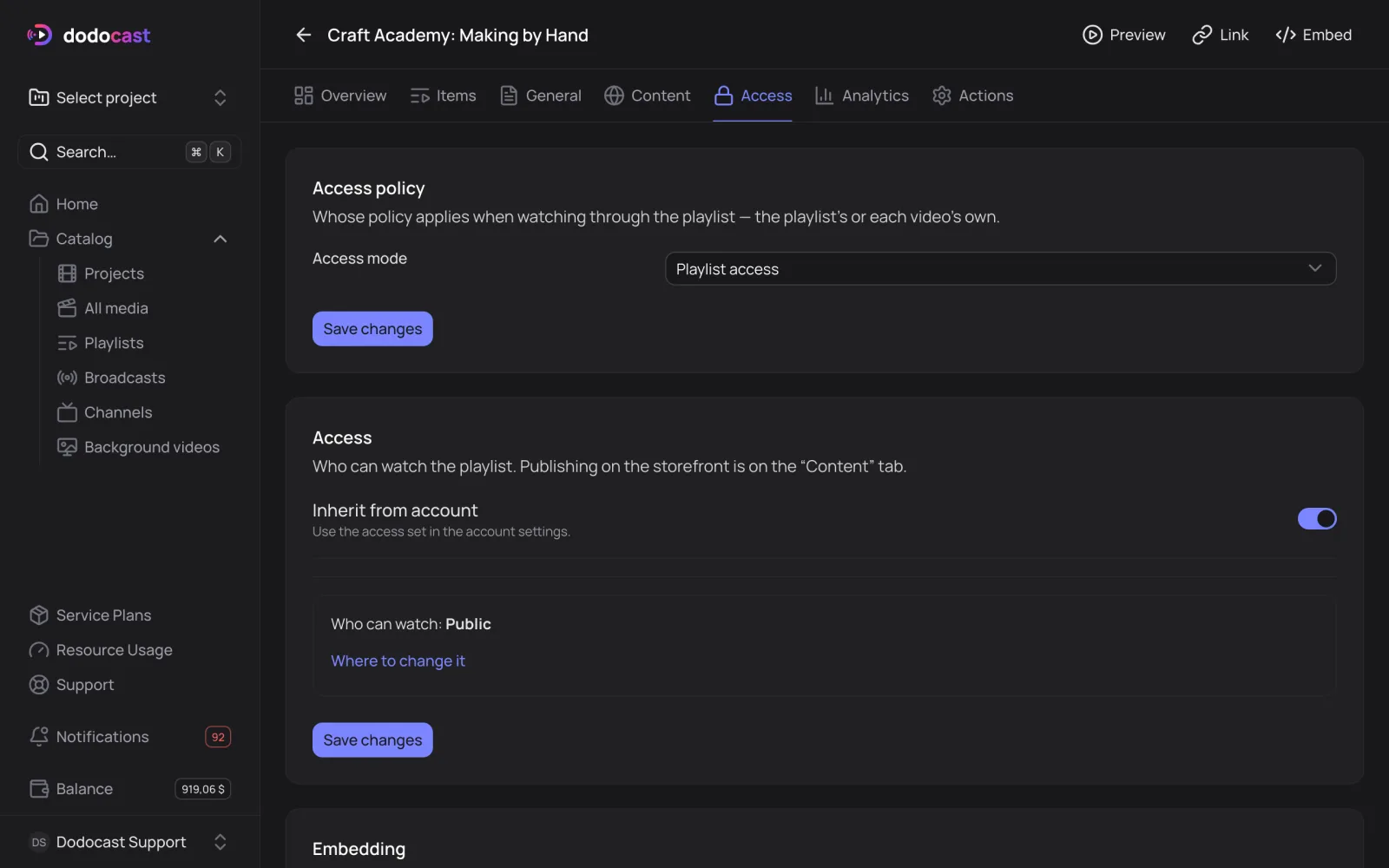
The Access block uses your account settings by default. Turn off Inherit from account and choose:
- Public: anyone with the link or the player on a website;
- Password: viewers enter a shared password;
- Private link: opens only from a link with a secret. Regenerate link issues a new one; the old link stops working once you save.
Access mode
Access policy block → Access mode:
| Mode | How it works |
|---|---|
| Playlist access | everything inside follows the playlist's policy: if the playlist is open, its videos are open too, even if they're restricted on their own |
| Per-video access | each video keeps its own access: restricted videos ask for their own password right inside the playlist |
Important
Changing the mode changes access to every video in the playlist as soon as you save. The console asks you to confirm.
Videos with Playlist only access can't be opened on their own, only inside the playlist.
Embedding
The Embedding block sets where the playlist player can appear on third-party sites: everywhere, nowhere, or on the domains you list. More in Player on your website.
Updated: