Docs sections
Search⌘KChannel program
The program is the list of videos the channel plays in a loop. You can edit it while the channel is on air.
On this page
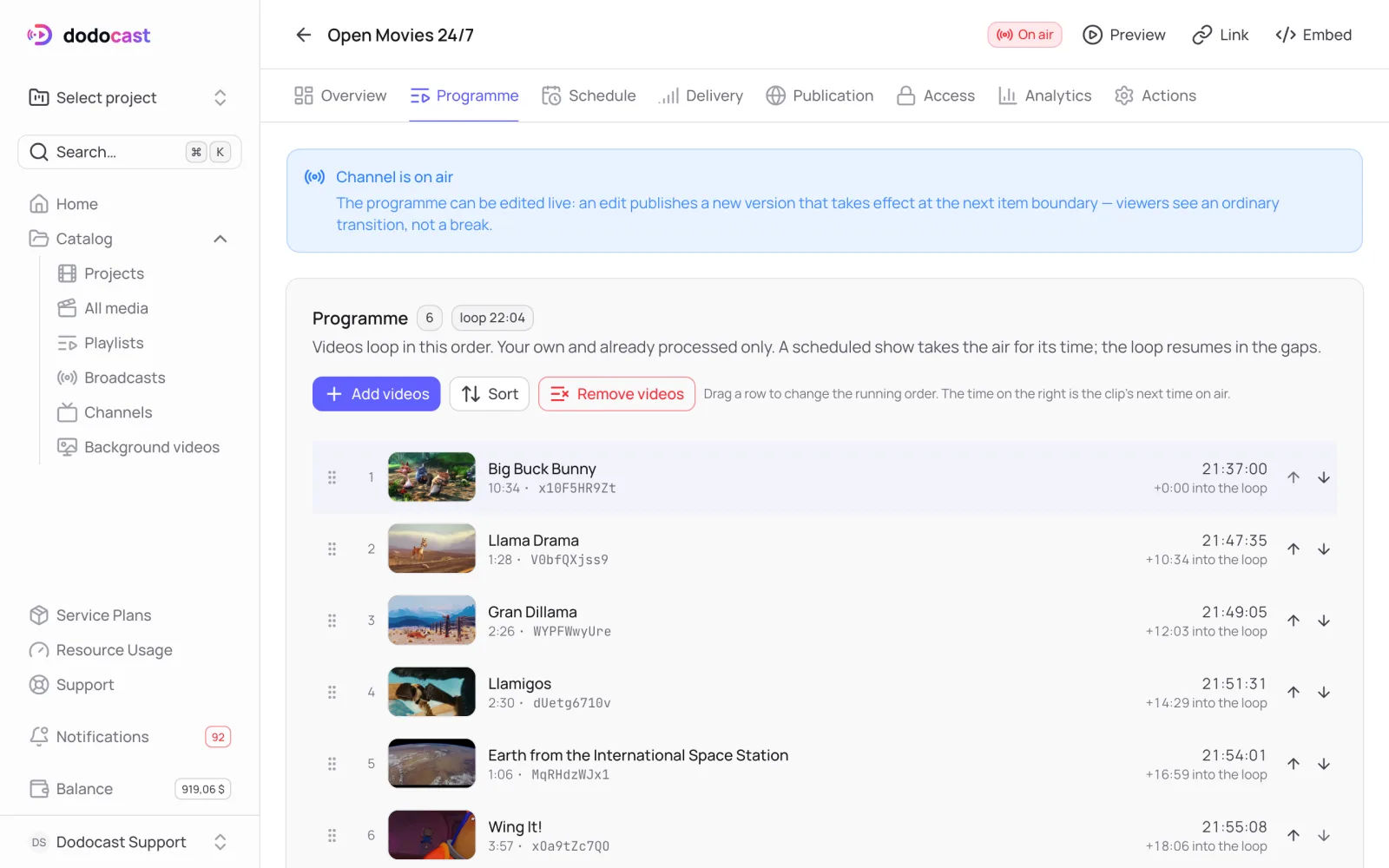
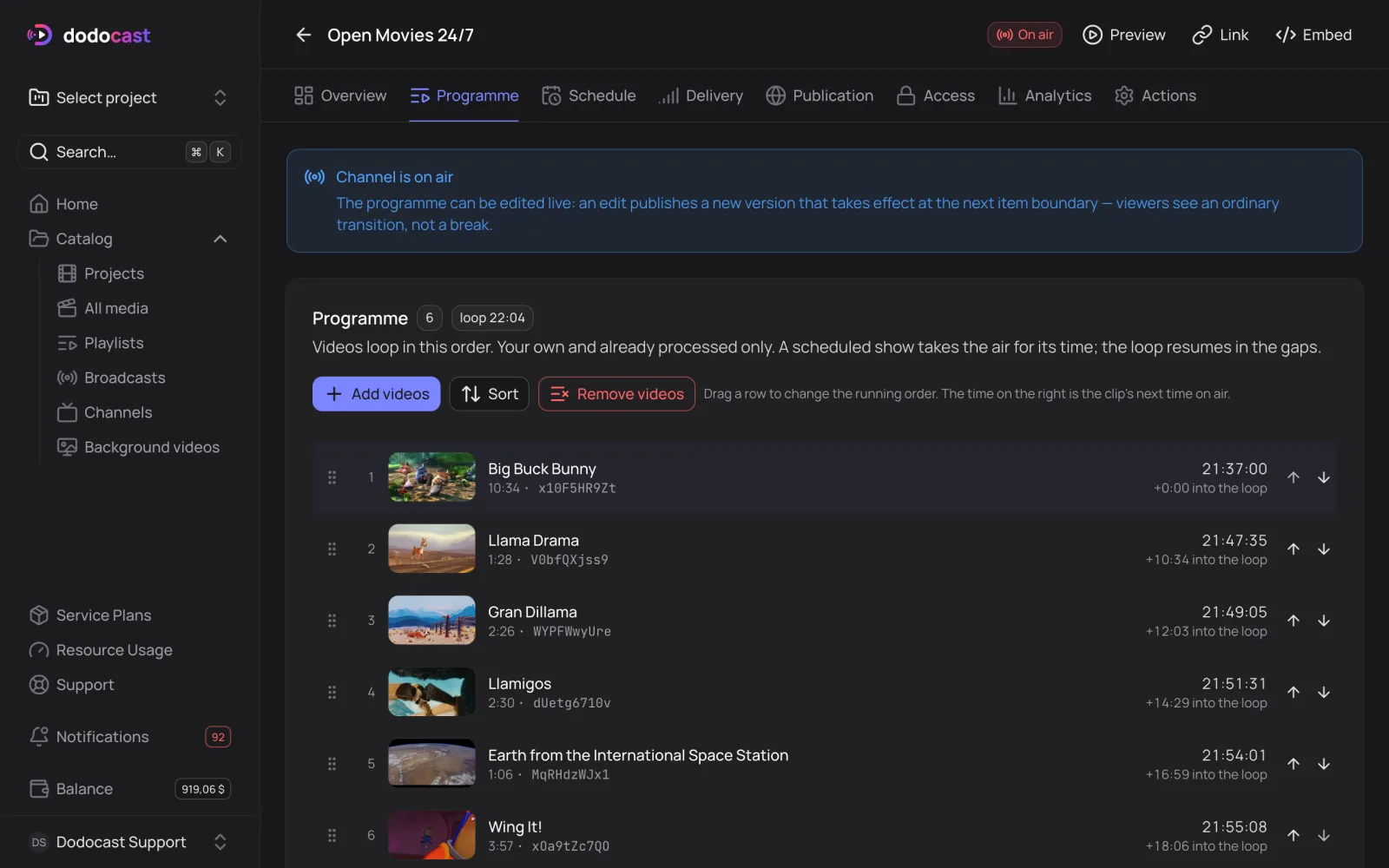
Add videos
- Click Add videos → choose a project → select videos → Add.
- The videos go to the end of the loop. Each one shows +N into the loop on the right; the top shows loop with the total duration.
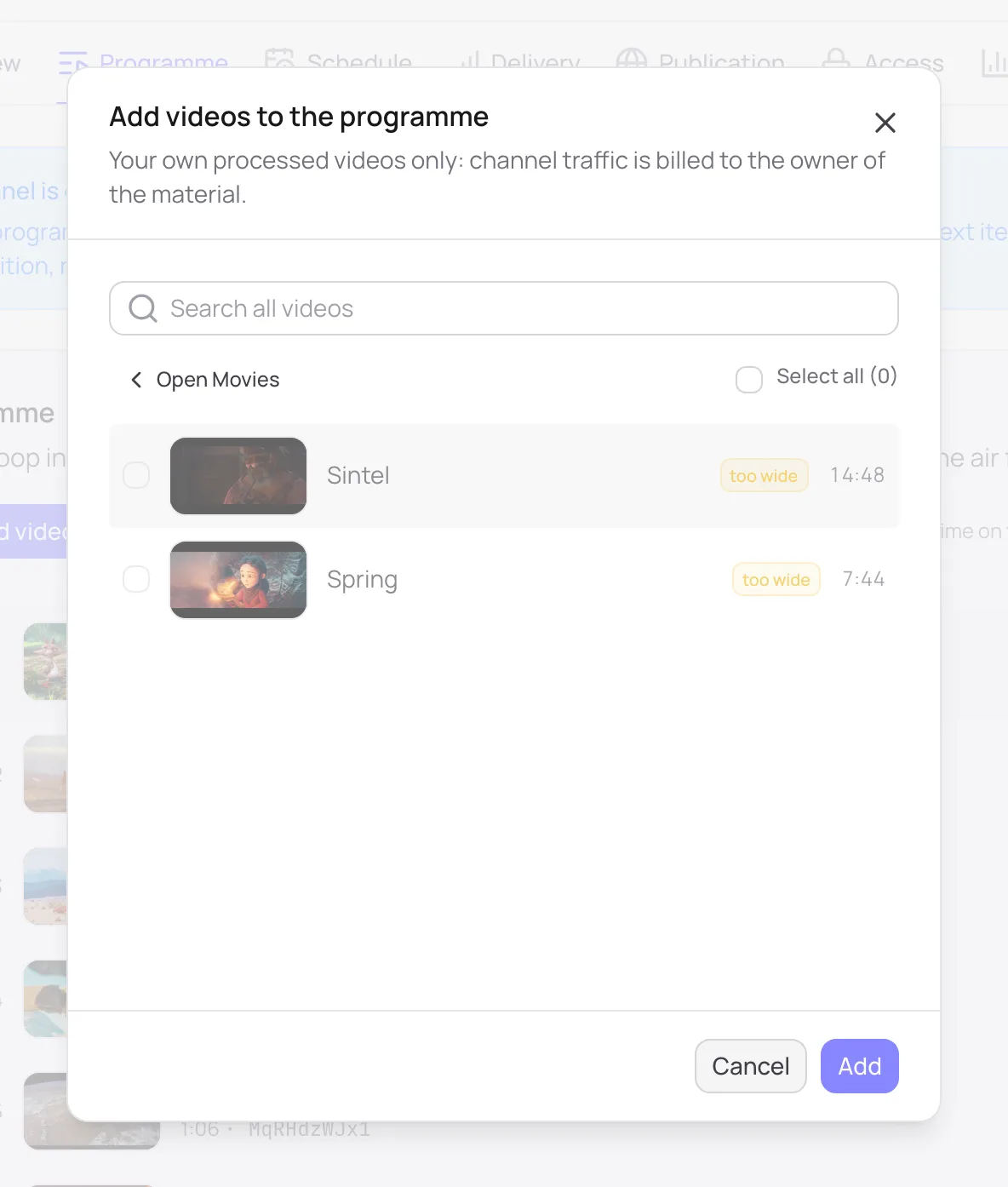
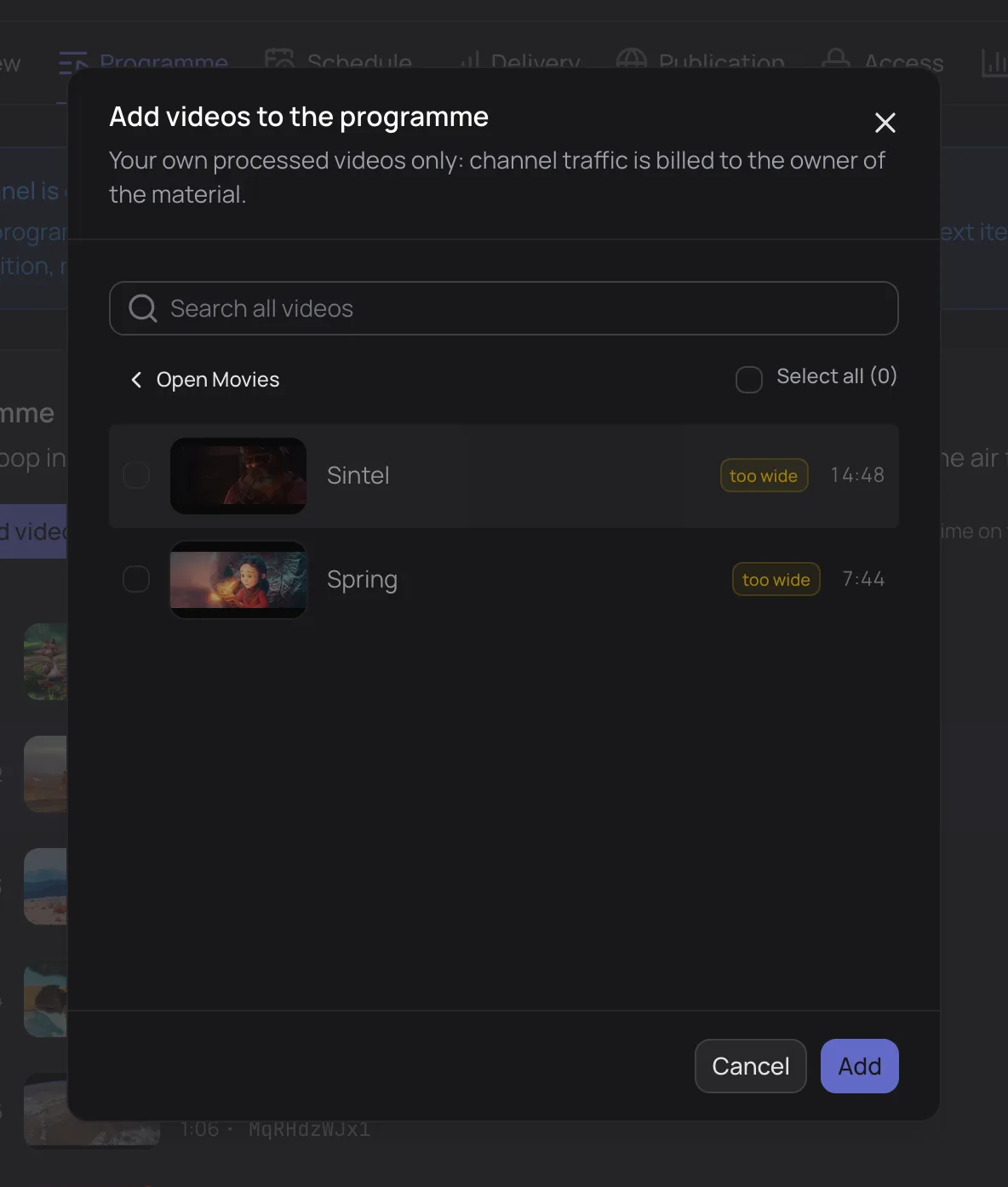
Only your own processed videos that match the channel format can be added to the program:
| Badge | Why the video can't be added |
|---|---|
| too wide | the frame is wider than the channel's aspect ratio — for example, a 2.39:1 film in a 16:9 channel |
| missing 1080p | the video lacks a quality the channel broadcasts. If the video was just uploaded, that quality may still be encoding — wait and add it again |
Channel traffic is charged to the owner of the videos.
Order
Drag a row or click Move up / Move down; Sort orders videos by name or duration. Remove videos takes the selected videos out of the program — the files stay in their projects.
Editing on air
While the channel is on air, editing doesn't interrupt the stream: each edit publishes a new version of the program, which takes effect at the next boundary between videos. The top of the tab shows Edit takes effect at 9:36 PM, new videos are marked added and removed ones removed. Until then, the previous program keeps playing.
Tip
Scheduled shows (an 8:00 PM premiere, a morning block) are set up in the schedule, not the program — the program fills the gaps between them.
Updated: