Docs sections
Search⌘KGoing live: start, stop, states
The broadcast Overview is your control panel: status, start and stop.
On this page
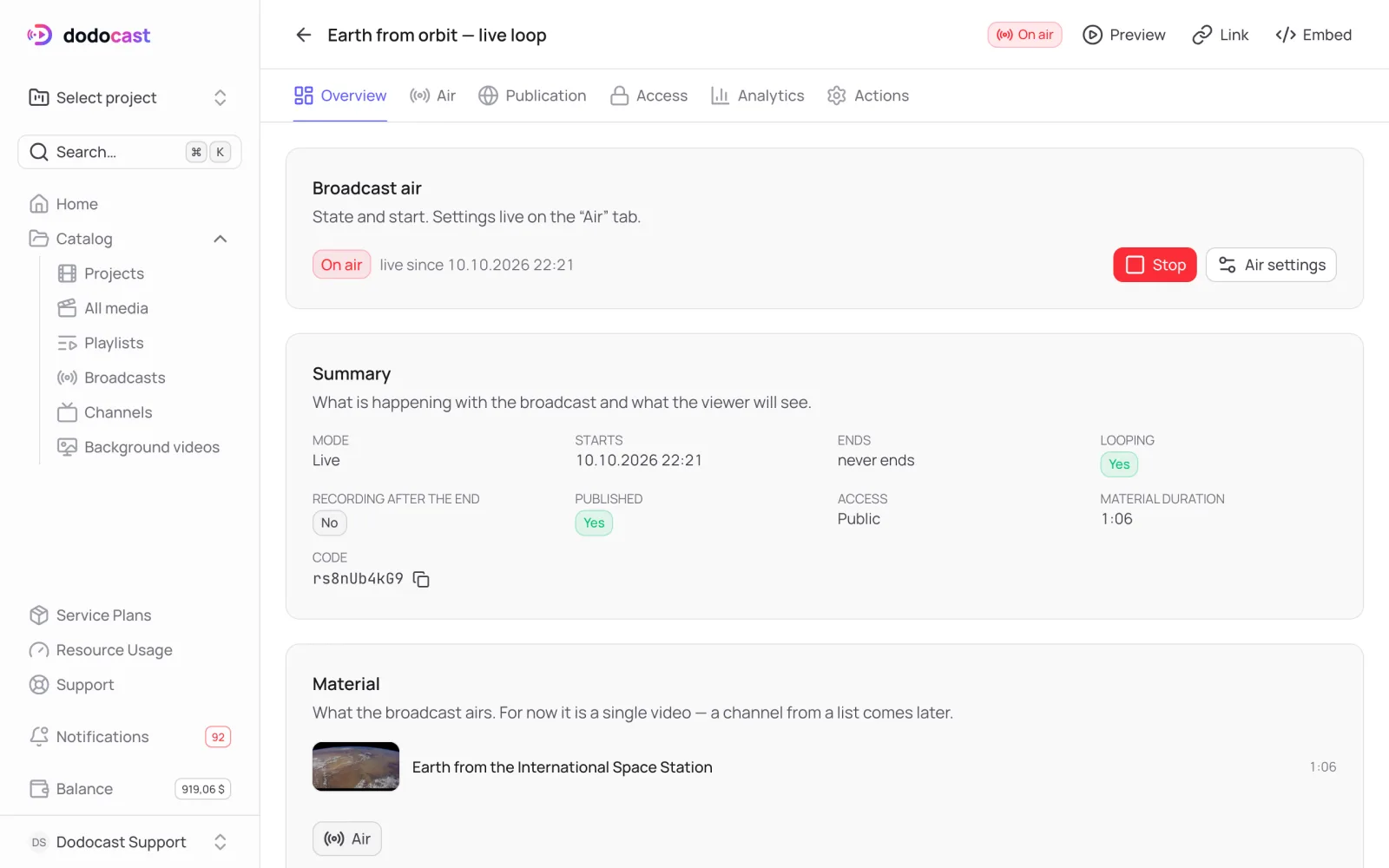
Start and stop
- Go live now starts the stream immediately.
- Stop ends it — viewers see "The broadcast has ended". To run it again, use the same Go live now button.
While the broadcast is on air, you can't change the video, mode or time — the console shows On air. Stop the broadcast first.
Modes
| Mode | What the viewer gets |
|---|---|
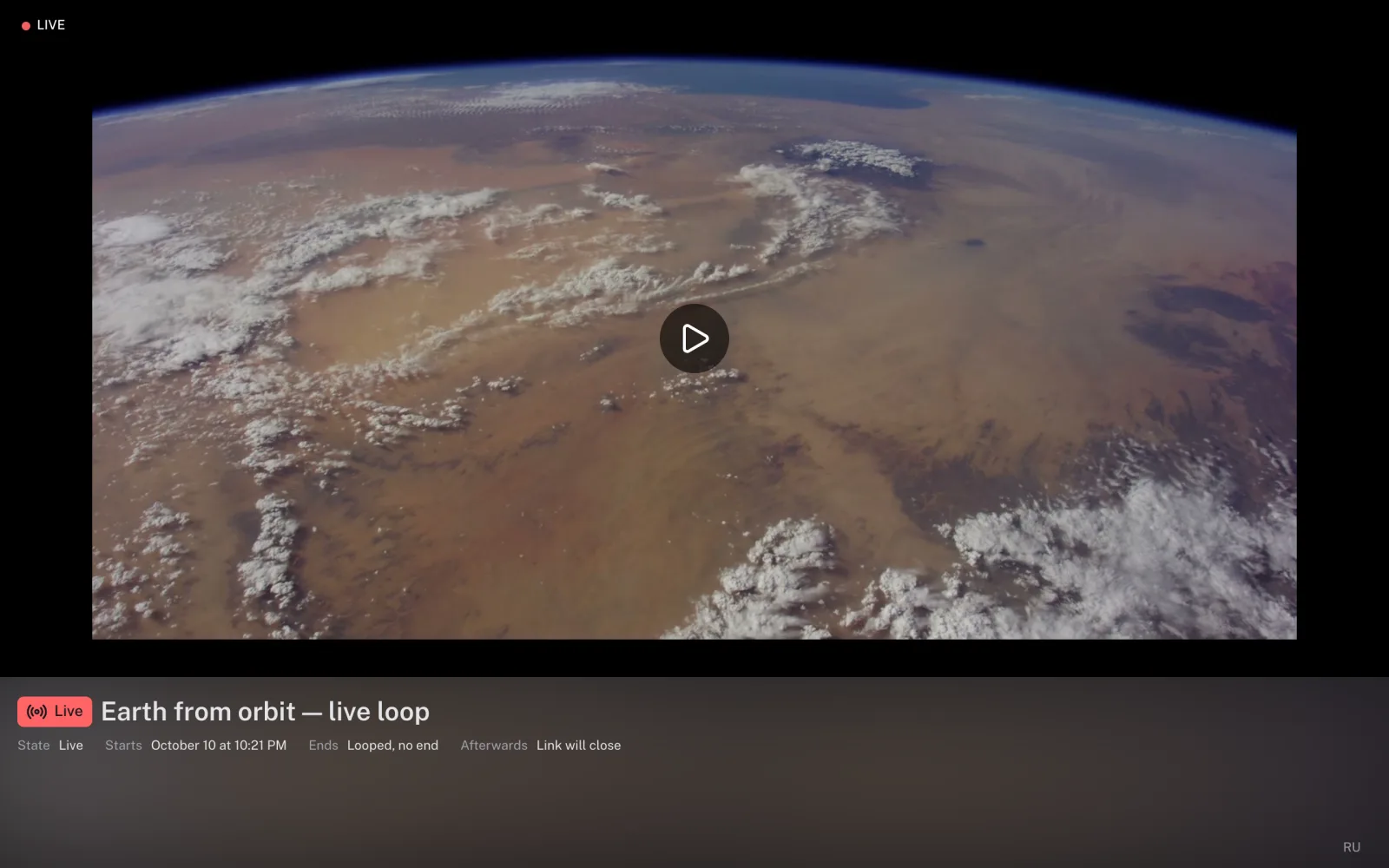
| Live | a sliding window: joins at the current moment and can't rewind |
| Premiere | a scheduled showing with rewind: joins at the current moment, can rewind to the start but not skip ahead |
Summary
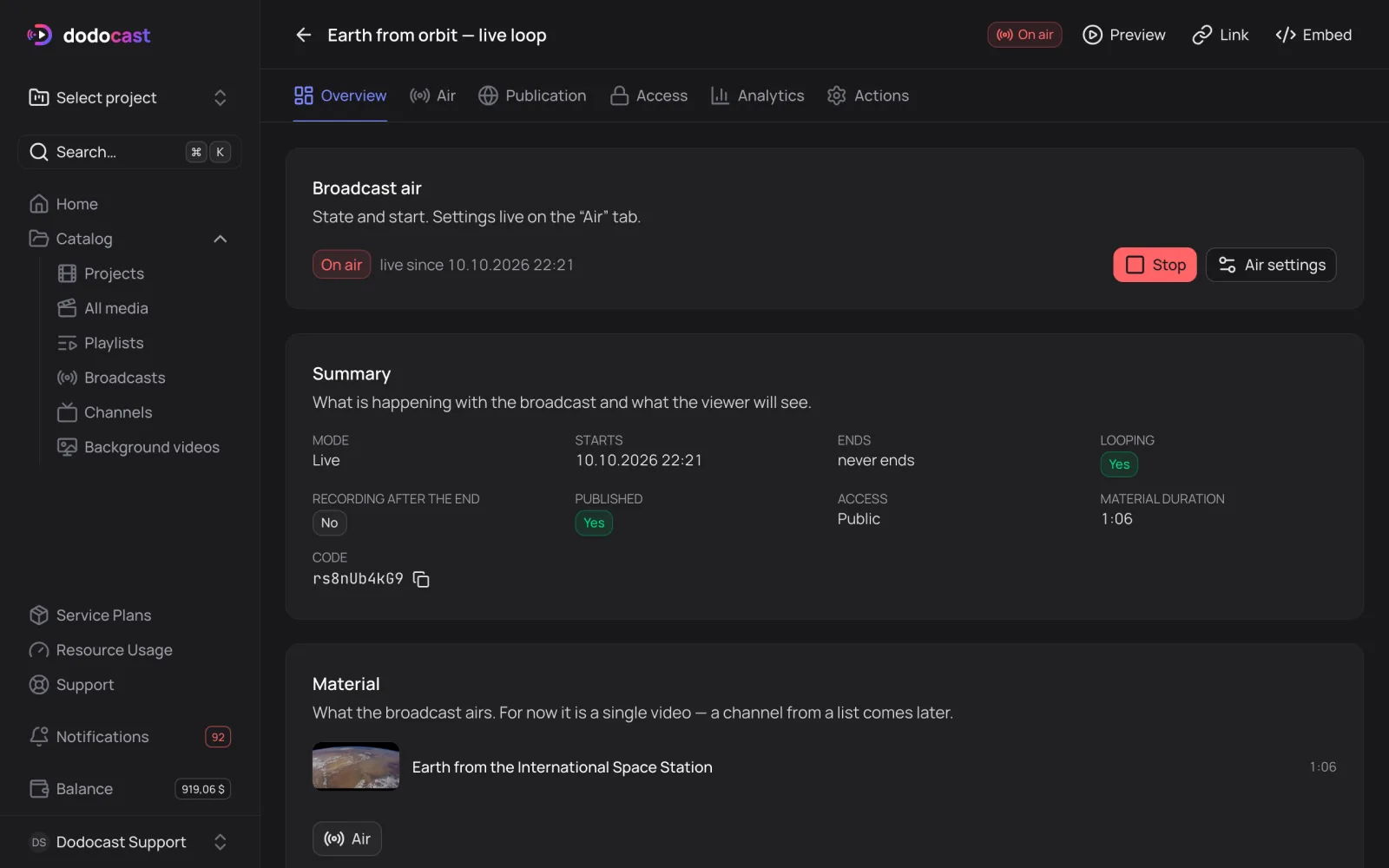
Overview shows the mode, start and end, looping, recording after the end, publishing, access, the video's duration and the code. Below that are Direct links (HLS) for your own player (Pro and Business): they follow the broadcast's access policy, not the video's.
Updated: