Docs sections
Search⌘KPublish a channel and its page
Publishing opens the channel page and embedding. Direct HLS links don't depend on it.
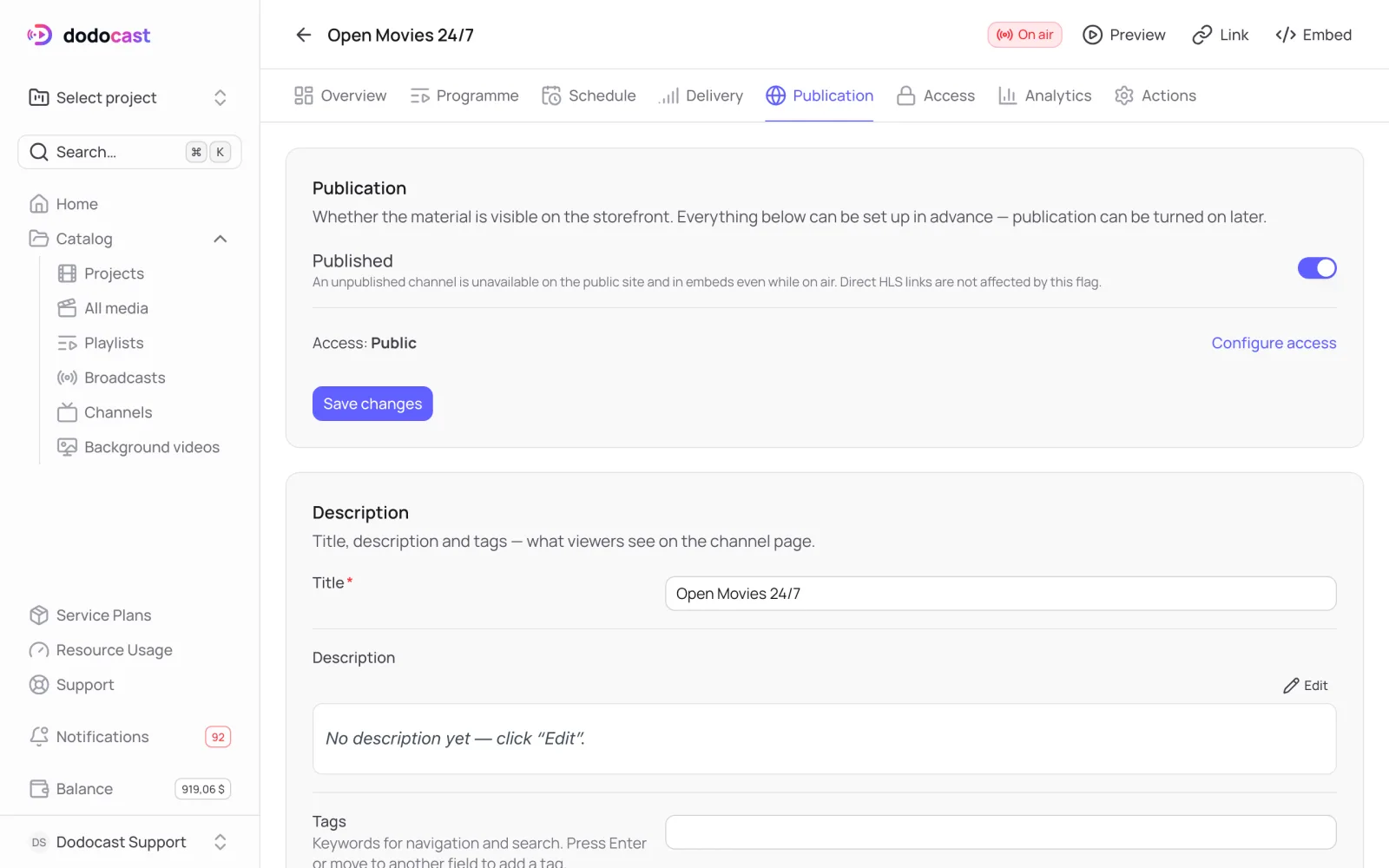
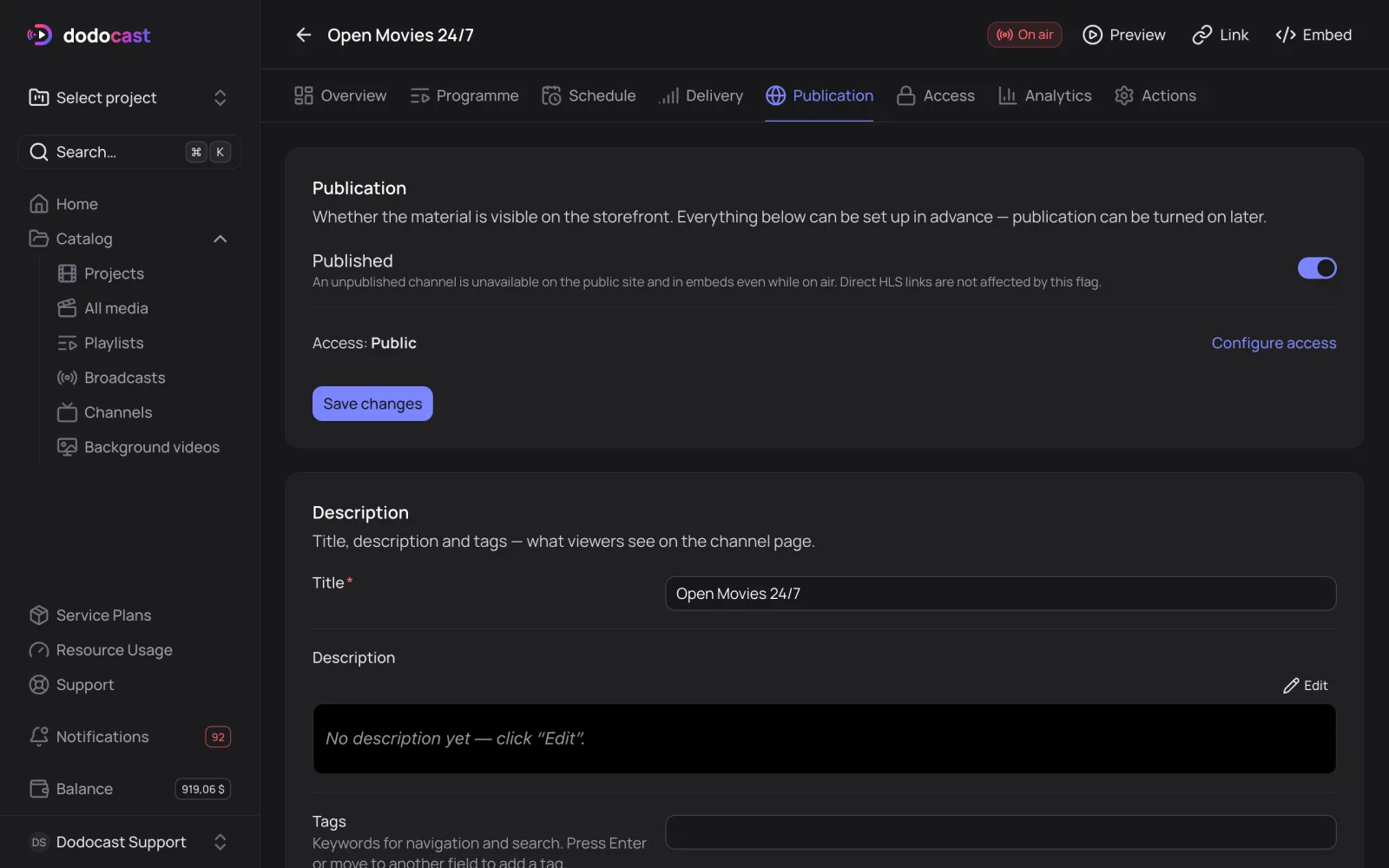
- On the Publication tab, turn on Published → Save changes.
- Description — the name, description (Markdown) and tags for the channel page.
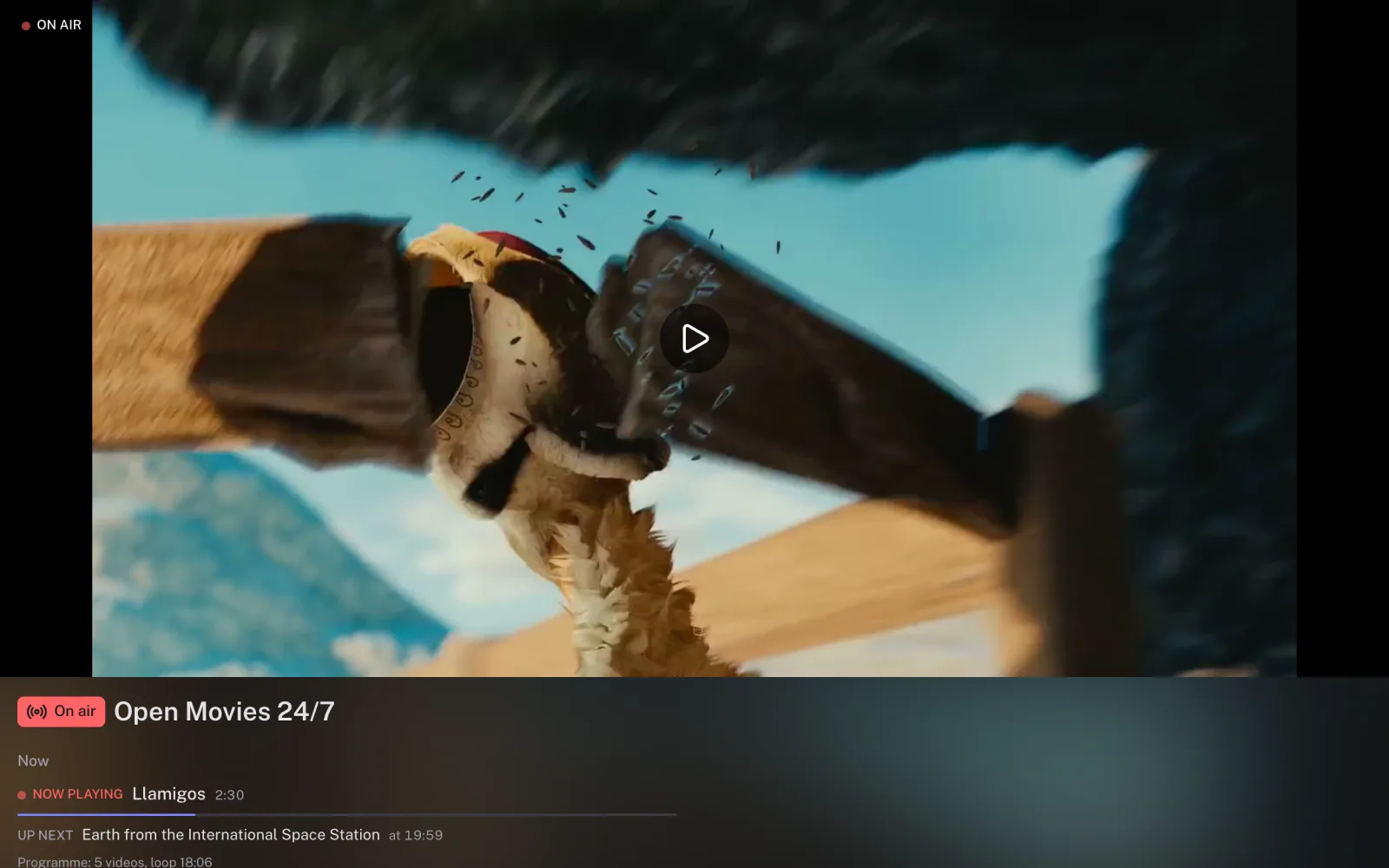
- Storefront appearance — turn off Inherit from account and choose a Watch page layout: On air, with an on-air badge and Now and Up next lines, or Minimal — player only for a lobby screen.
Note
An unpublished channel isn't available on the watch page or in the embedded player, even while it's on air. This flag doesn't close direct HLS links — use the access policy for those.
Updated: