Docs sections
Search⌘KChapters
Chapters split a video into parts. Viewers see them on the progress bar and jump to the one they need.
On this page
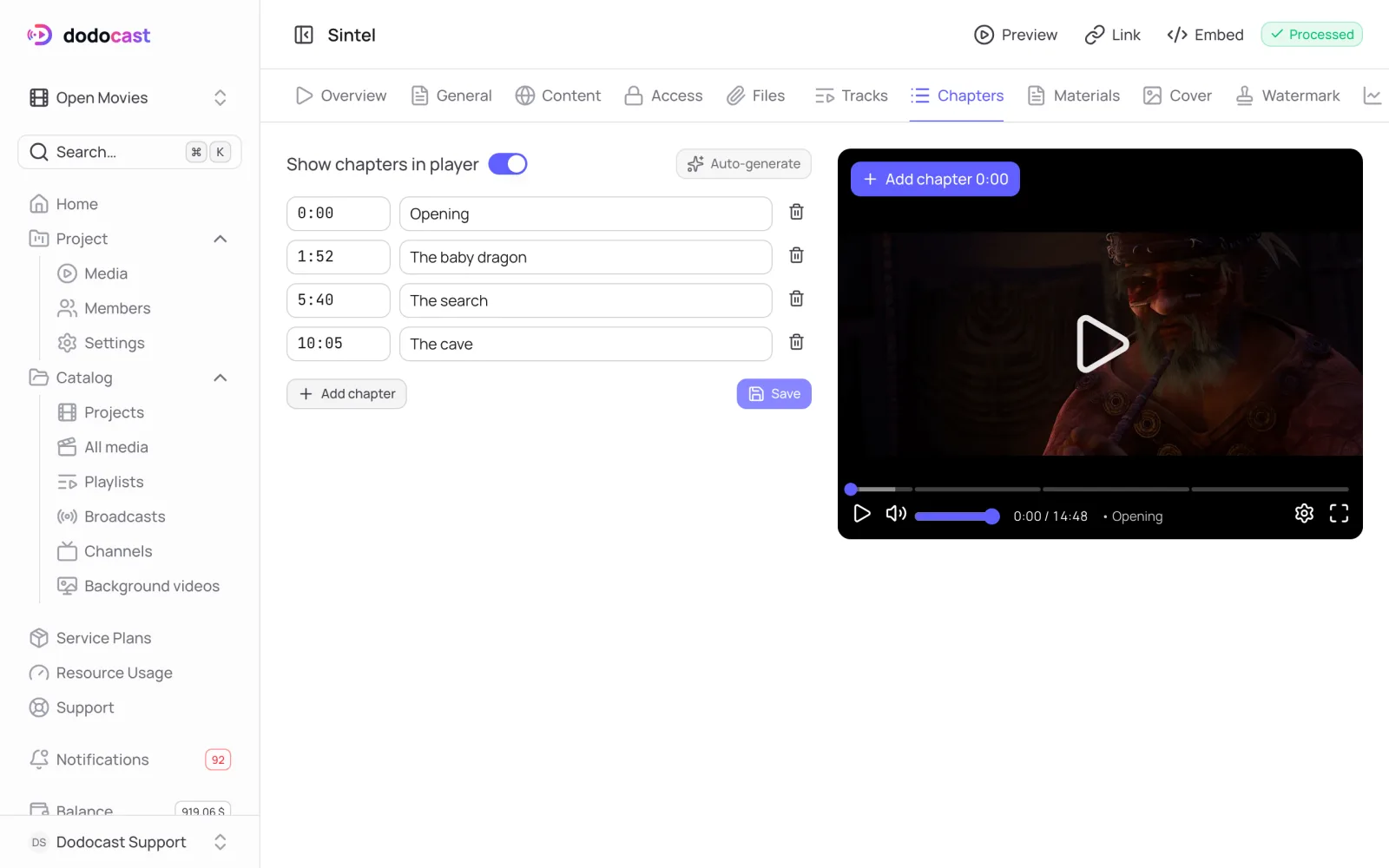
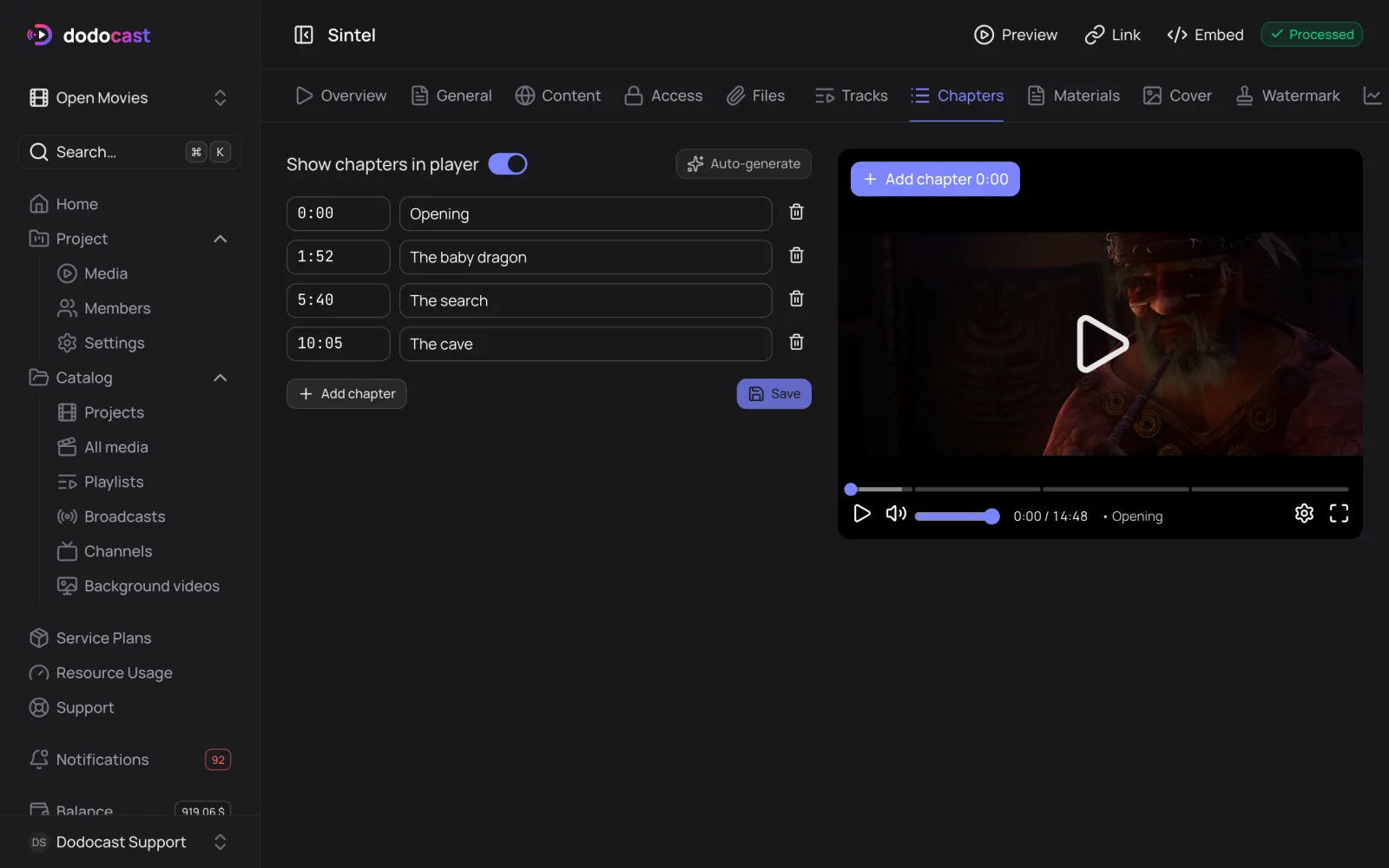
Add chapters
- Open the media → Chapters tab.
- Seek the player on the right to where the chapter starts and click Add chapter 0:00 on the player; the time fills in automatically. Or click Add chapter below the list and enter the time manually (
1:52,10:05). - Enter a Chapter title.
- Turn on Show chapters in player and click Save.
To delete a chapter, click the trash icon in its row.
What viewers see
- the progress bar is split into segments by chapter, and the current chapter's title appears next to the time;
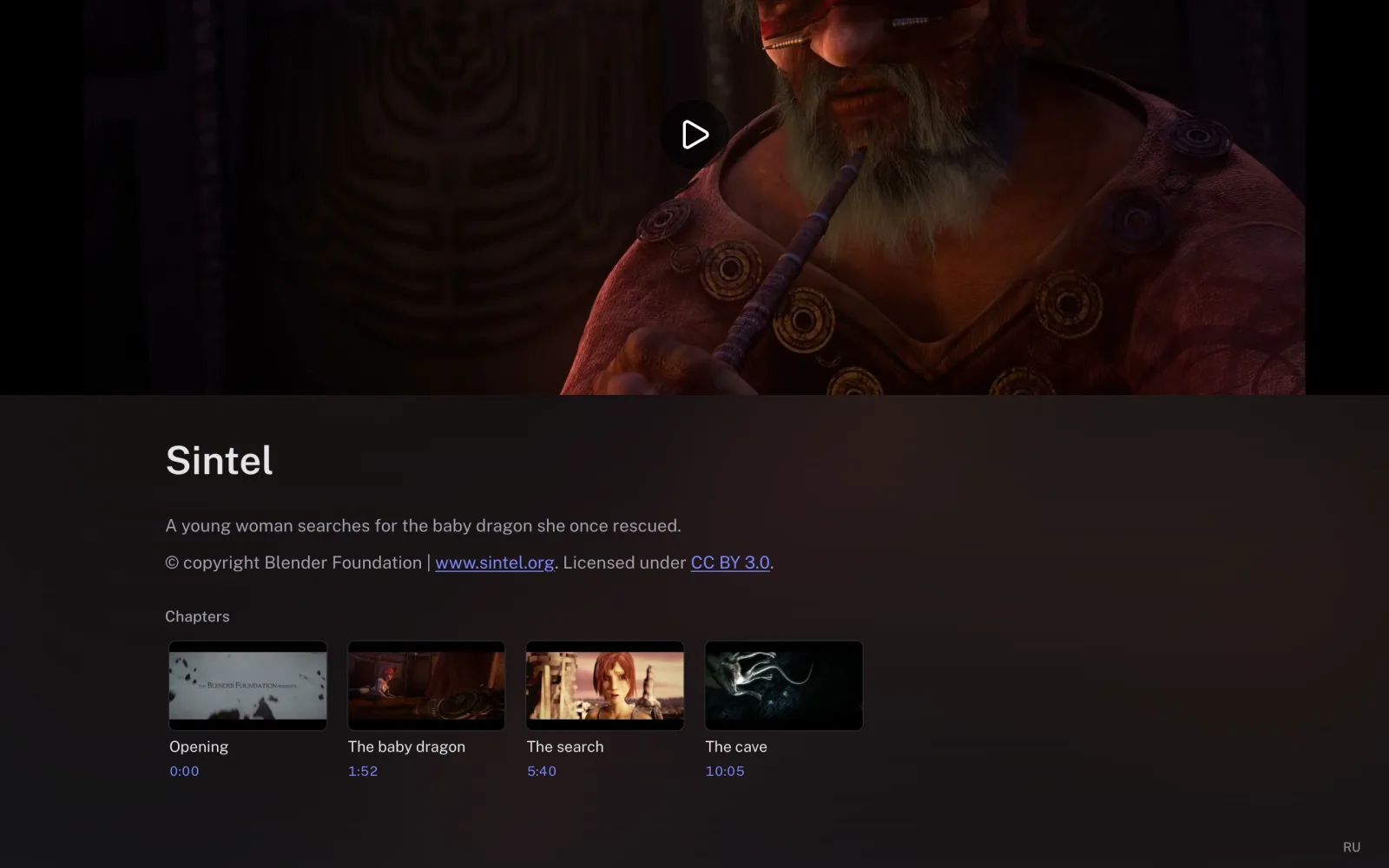
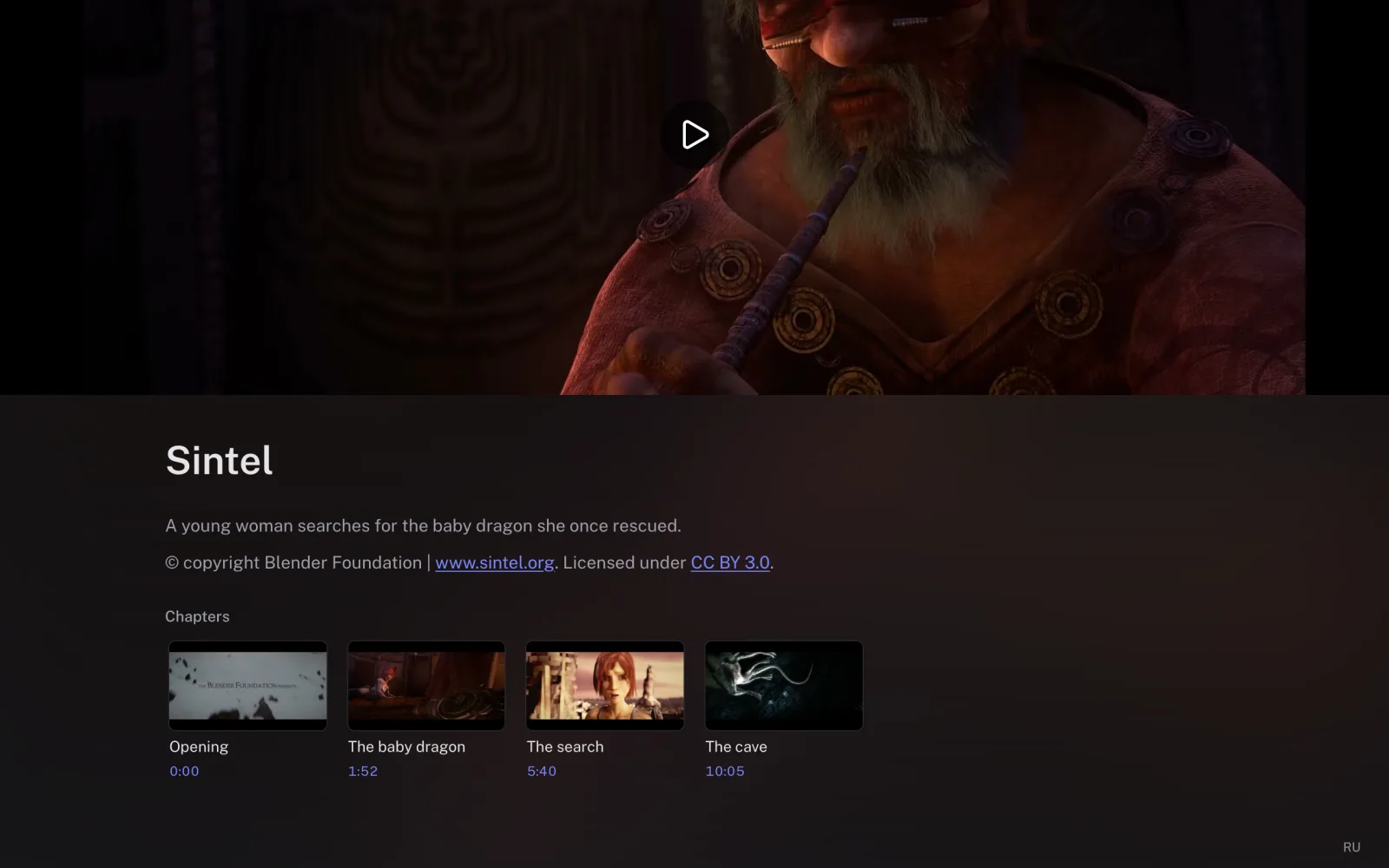
- on the watch page, a list of chapters with frames and timestamps appears below the description; clicking one jumps the player to that chapter.
For your own player, chapters are available as a WebVTT file: the link is in the Player resources block on the Overview tab.
Updated: