Docs sections
Search⌘KProject members
Invite colleagues to a project with an invite code.
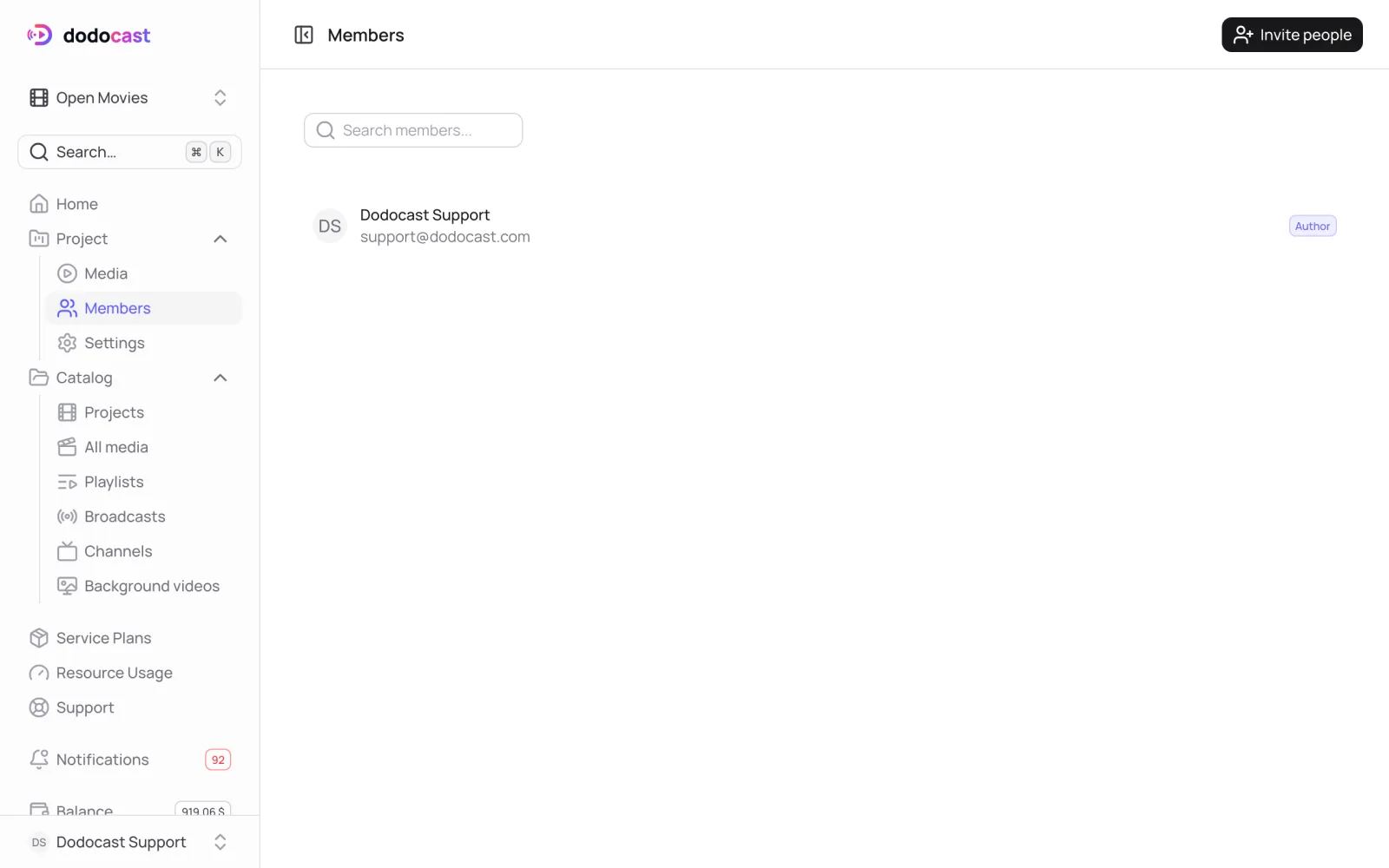

Invite
- Select the project → Members → Invite people.
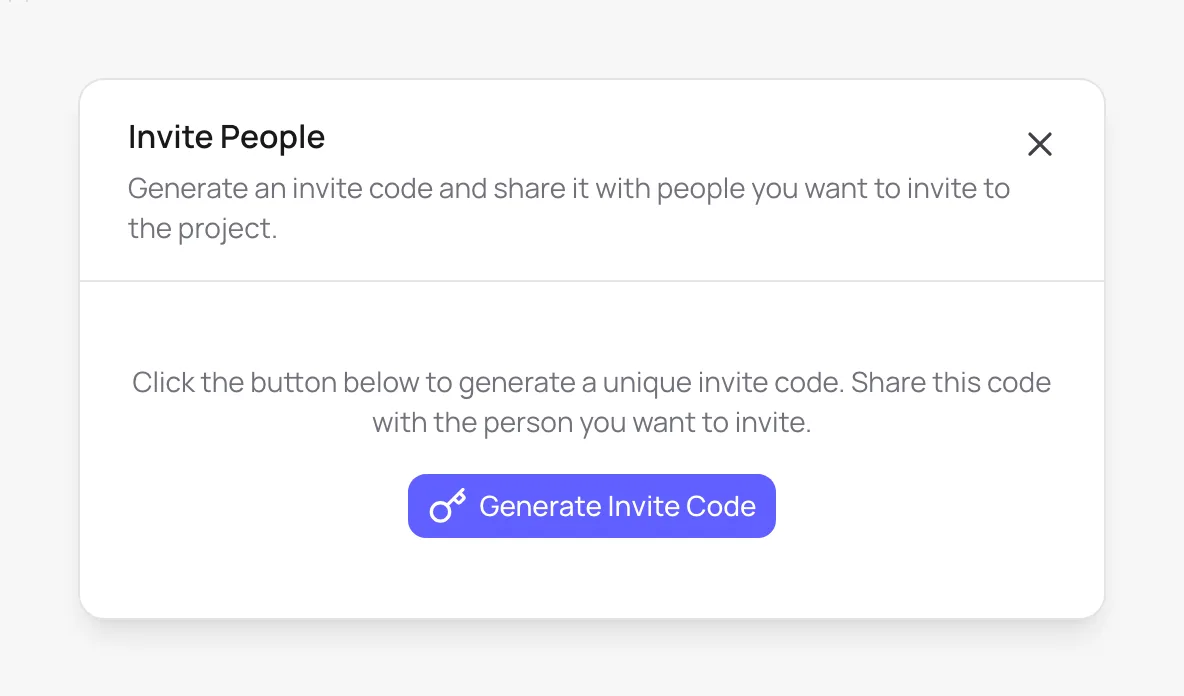
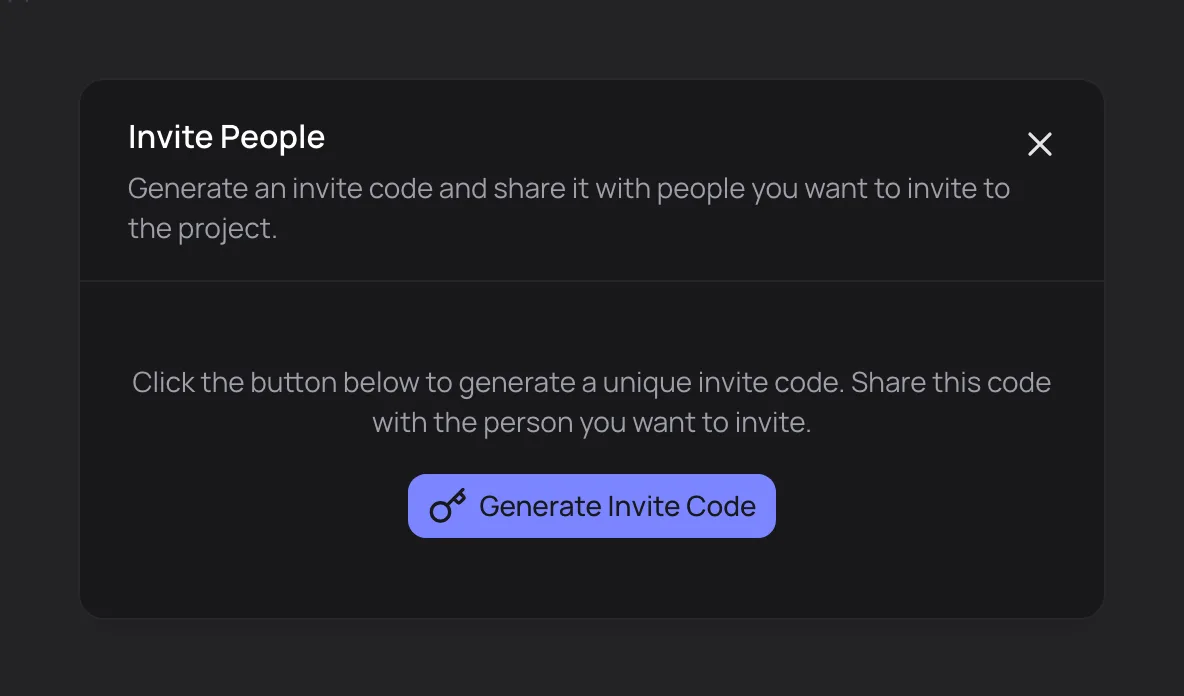
- Click Generate Invite Code. The code is copied to your clipboard.
- Send the code to your colleague.
Join
Your colleague opens Catalog → Projects → Join Project, enters the Invite Code and clicks Join. The project appears in their project list.
Roles
| Role | Who |
|---|---|
| Author | the project owner |
| Contributor | an invited member; can Leave Project at any time |
The author can remove a member, who then loses access to the project.
Note
A member gets access to the project's videos. Playlists, broadcasts and channels belong to the account, not the project, so they are not shared along with it.
Updated: