Docs sections
Search⌘KDefault settings
Set access, embedding and styling once, in the account or a project, and your media inherits them.
Inheritance chain
- Video: account → project → video.
- Playlist, broadcast, channel, background video: account → item (these don't belong to projects).
On the relevant tab of every item there is an Inherit from project or Inherit from account toggle: turn it off to set your own values.
What you can set by default
| Where | What |
|---|---|
| Settings → Access | access policy and embedding for everything; Not set lets each item decide for itself |
| Settings → Publication | page layout and colors for everything |
| Settings → Storage | automatic file cleanup |
| Project → Access | access, embedding and encryption for the project's videos |
| Project → Publication | styling for the project's videos |
| Project → General | default encoding qualities |
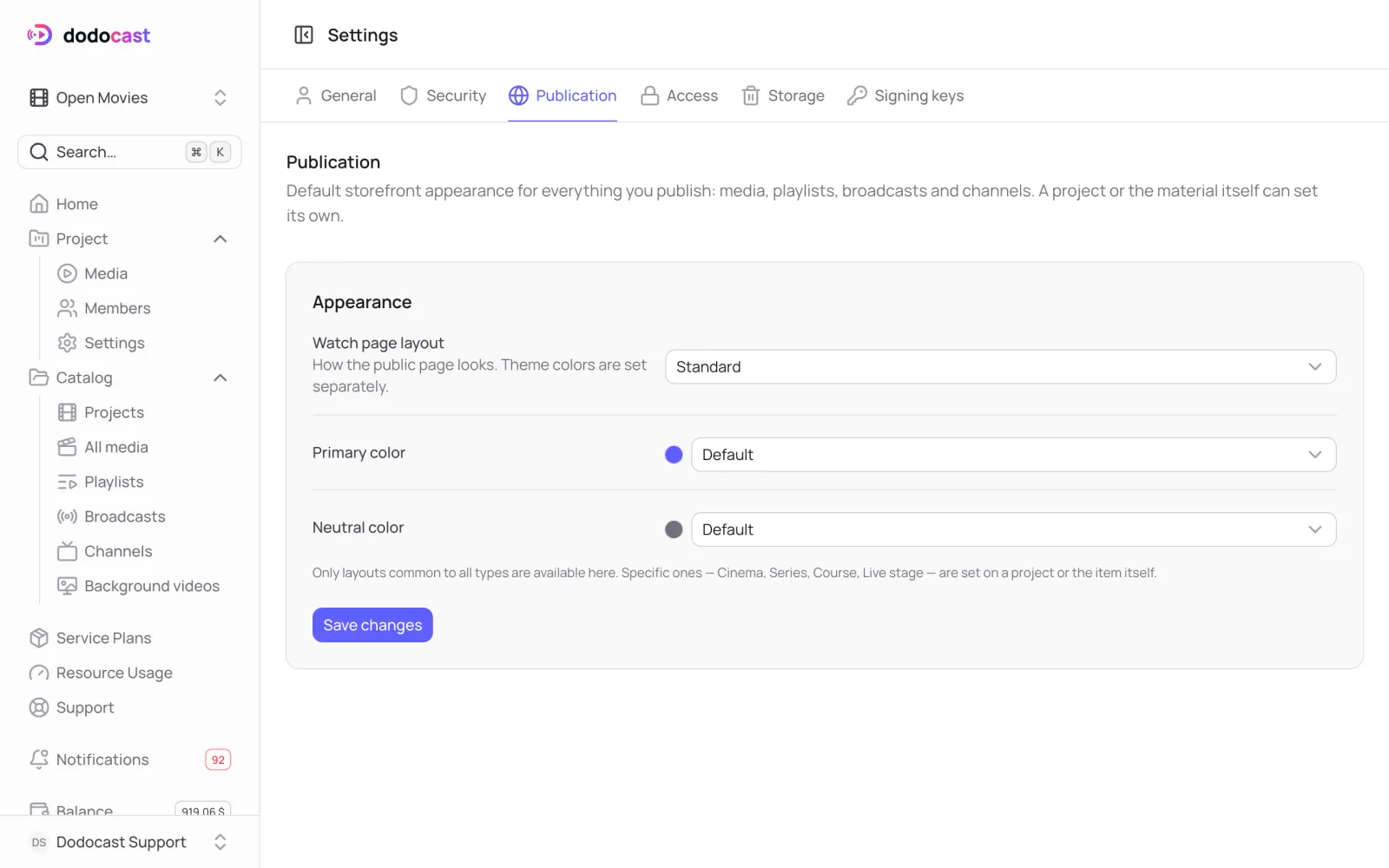
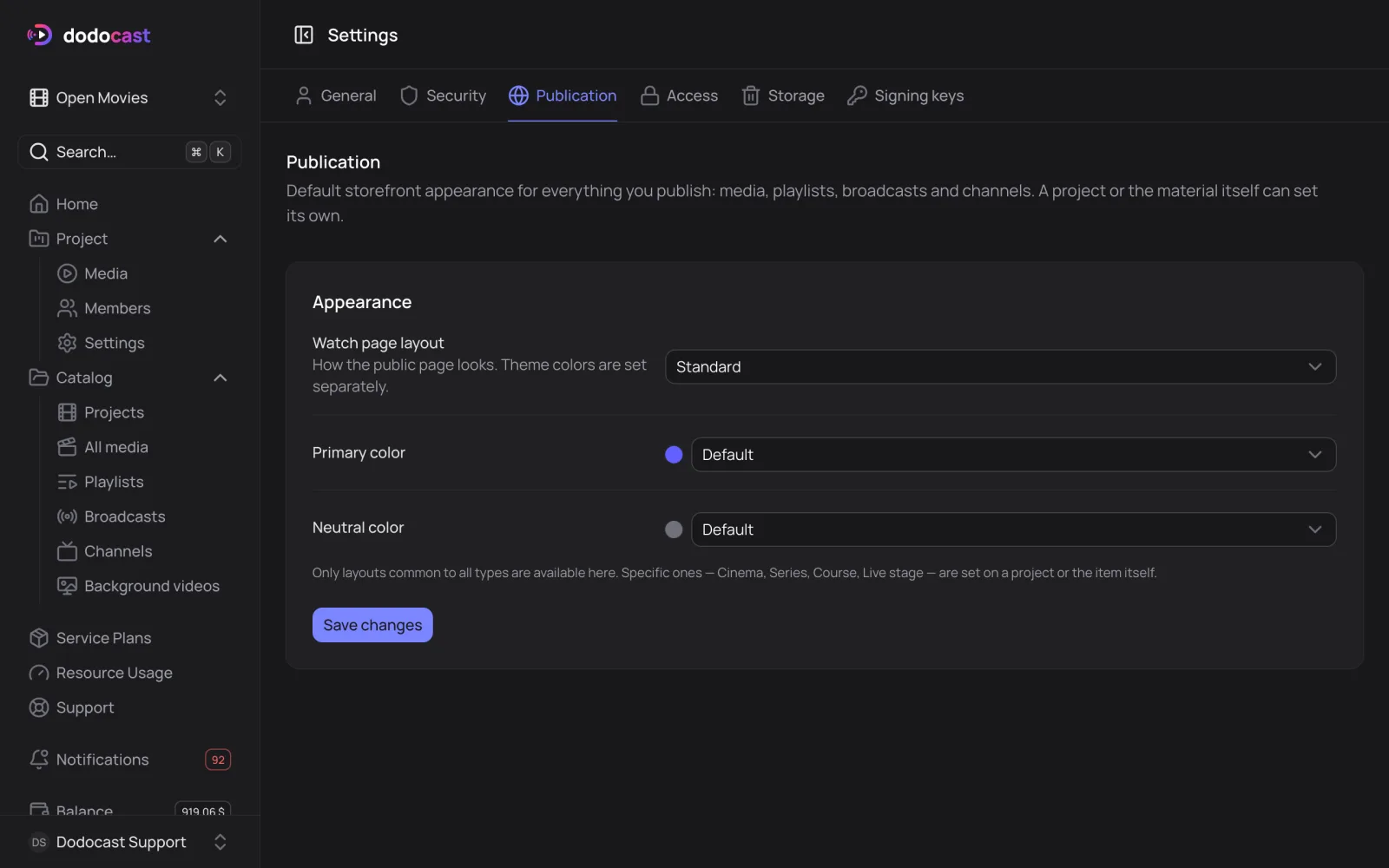
Note
Account settings offer the page layouts shared by all item types. The special ones (Cinema, Series, Course, On air) are set on a project or on the item itself.
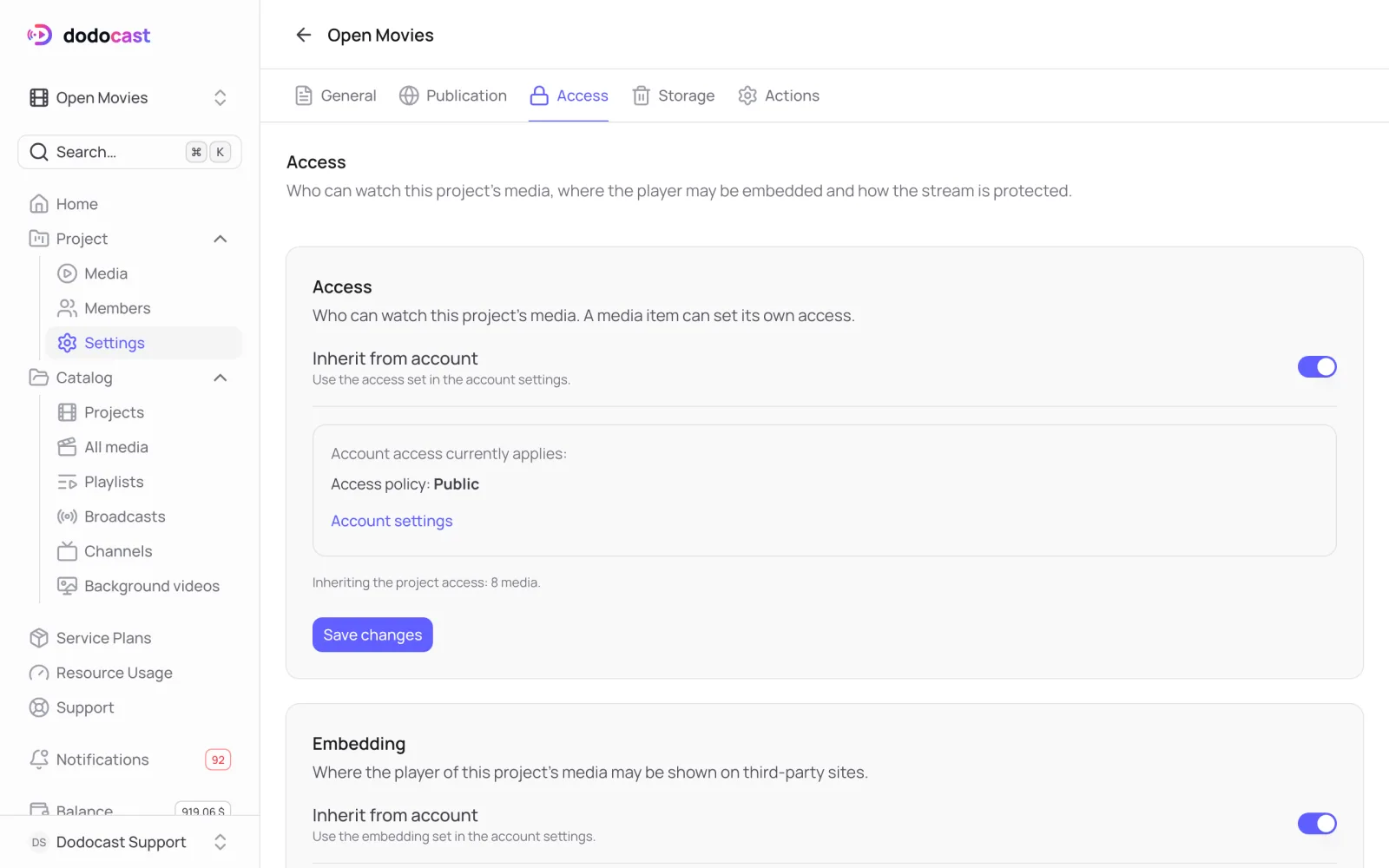
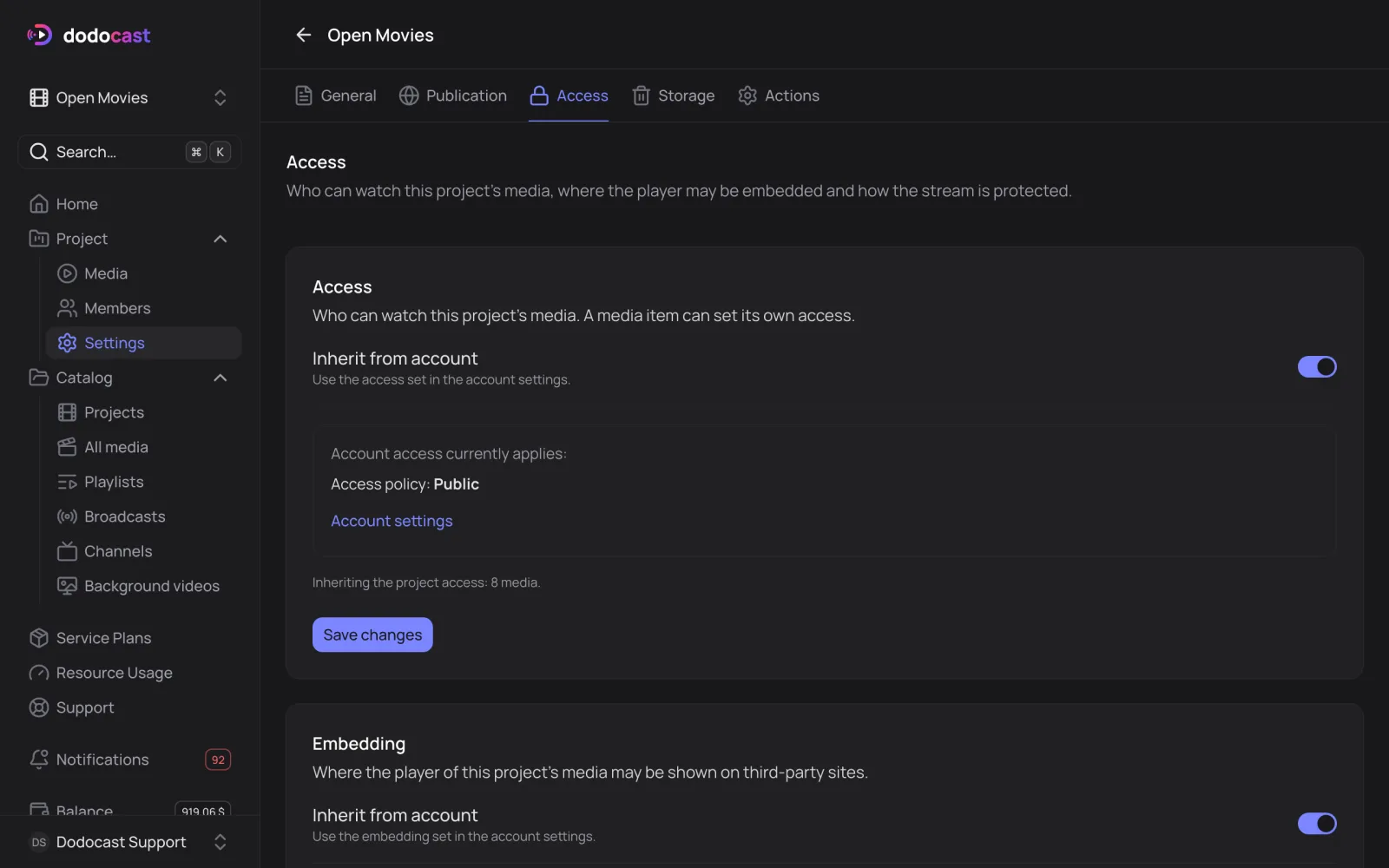
Reset everything to the project
Project → Actions → Media settings of the project shows how many videos have their own styling or access. Reset overrides returns all of them to the project settings at once.
Updated: