Docs sections
Search⌘KContact support
If something doesn't work or isn't clear, write to support right from the console.
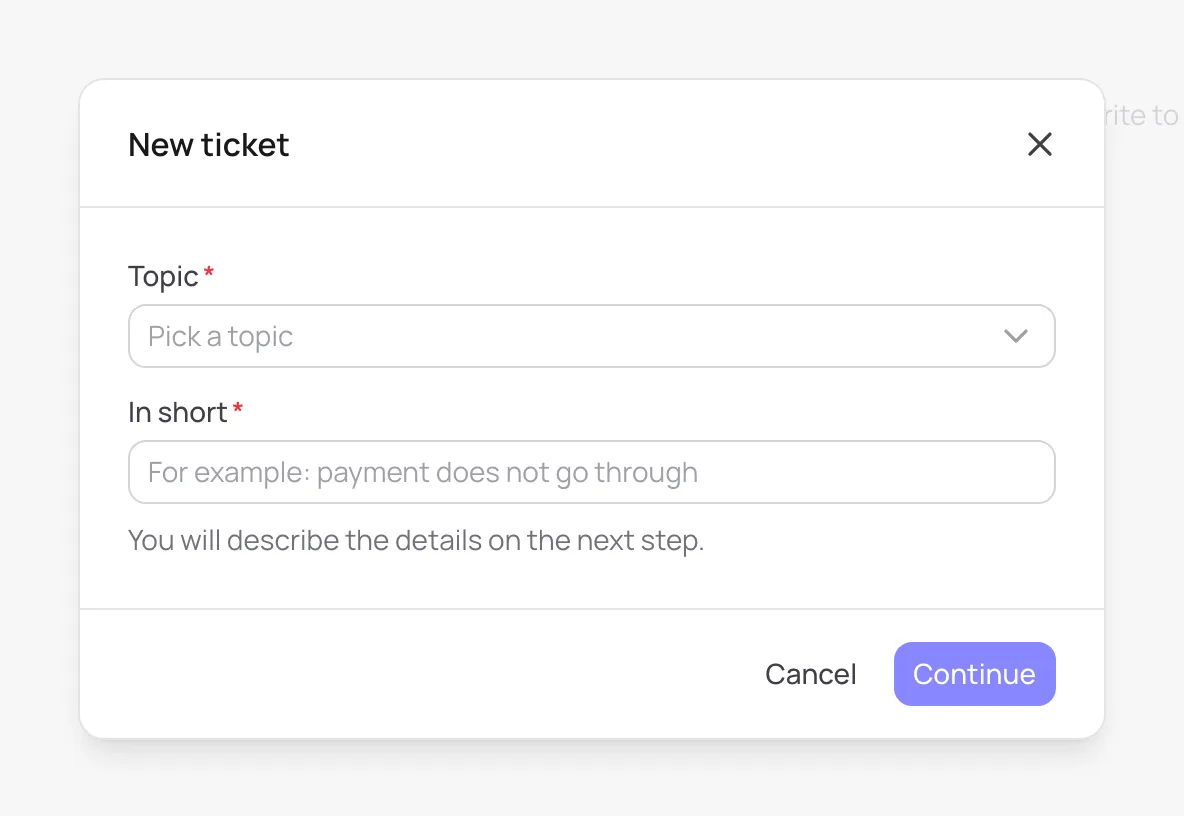
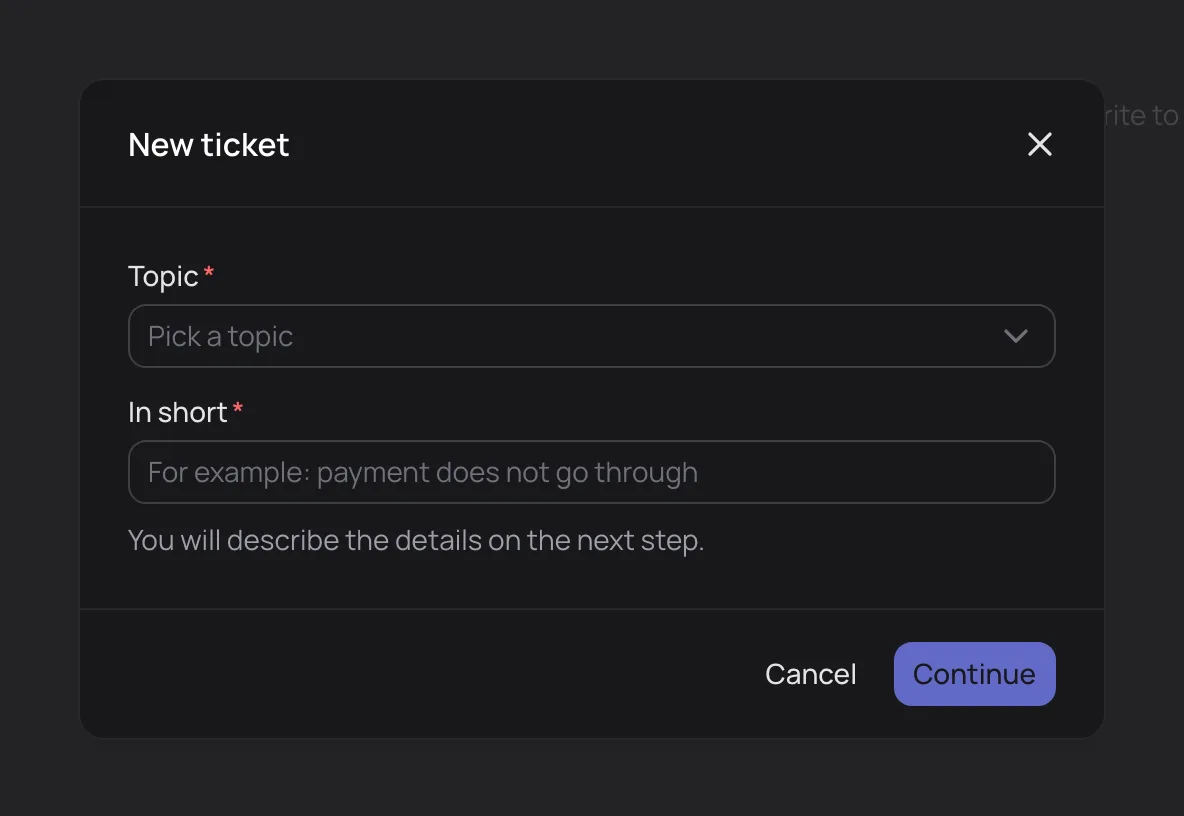
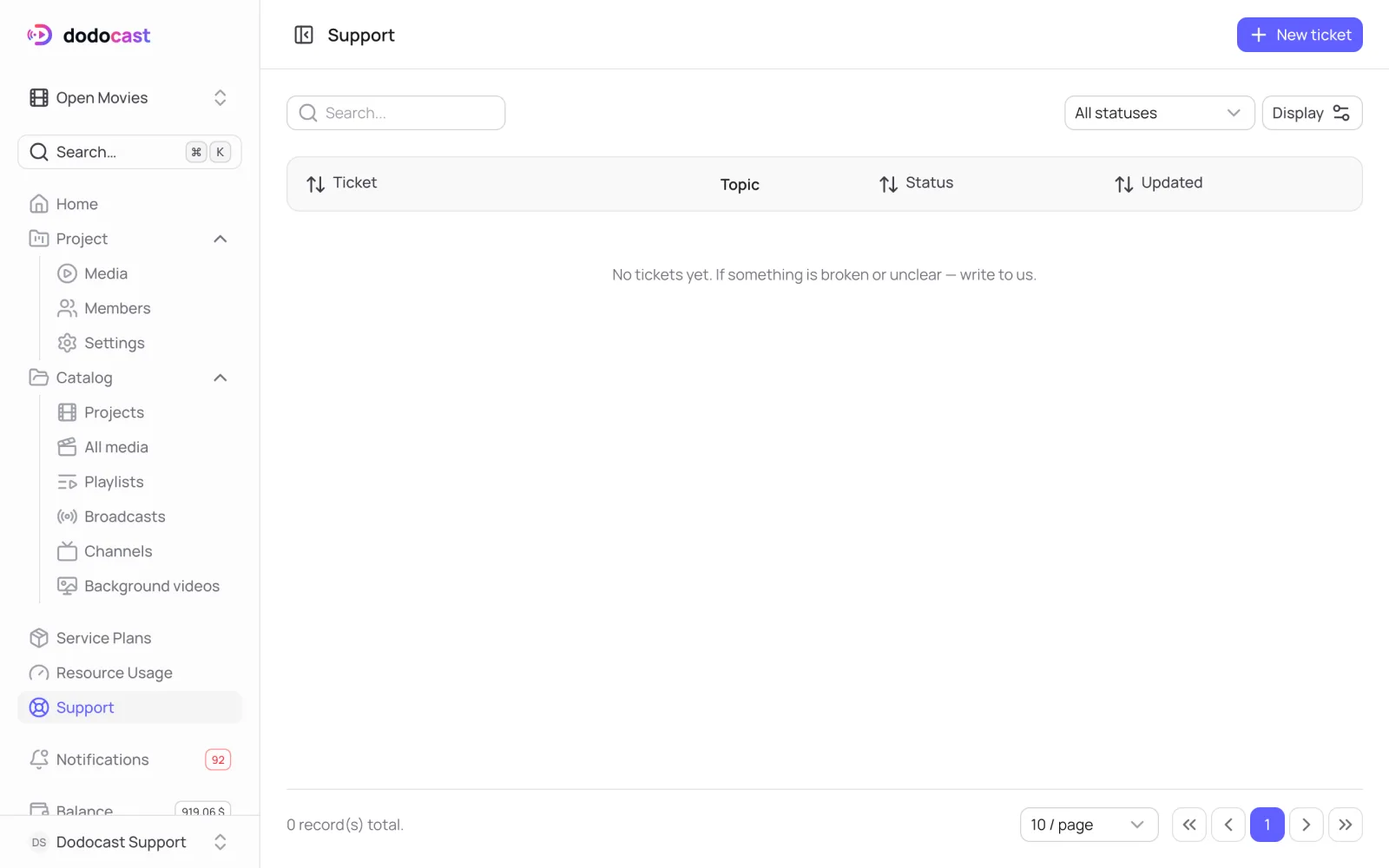
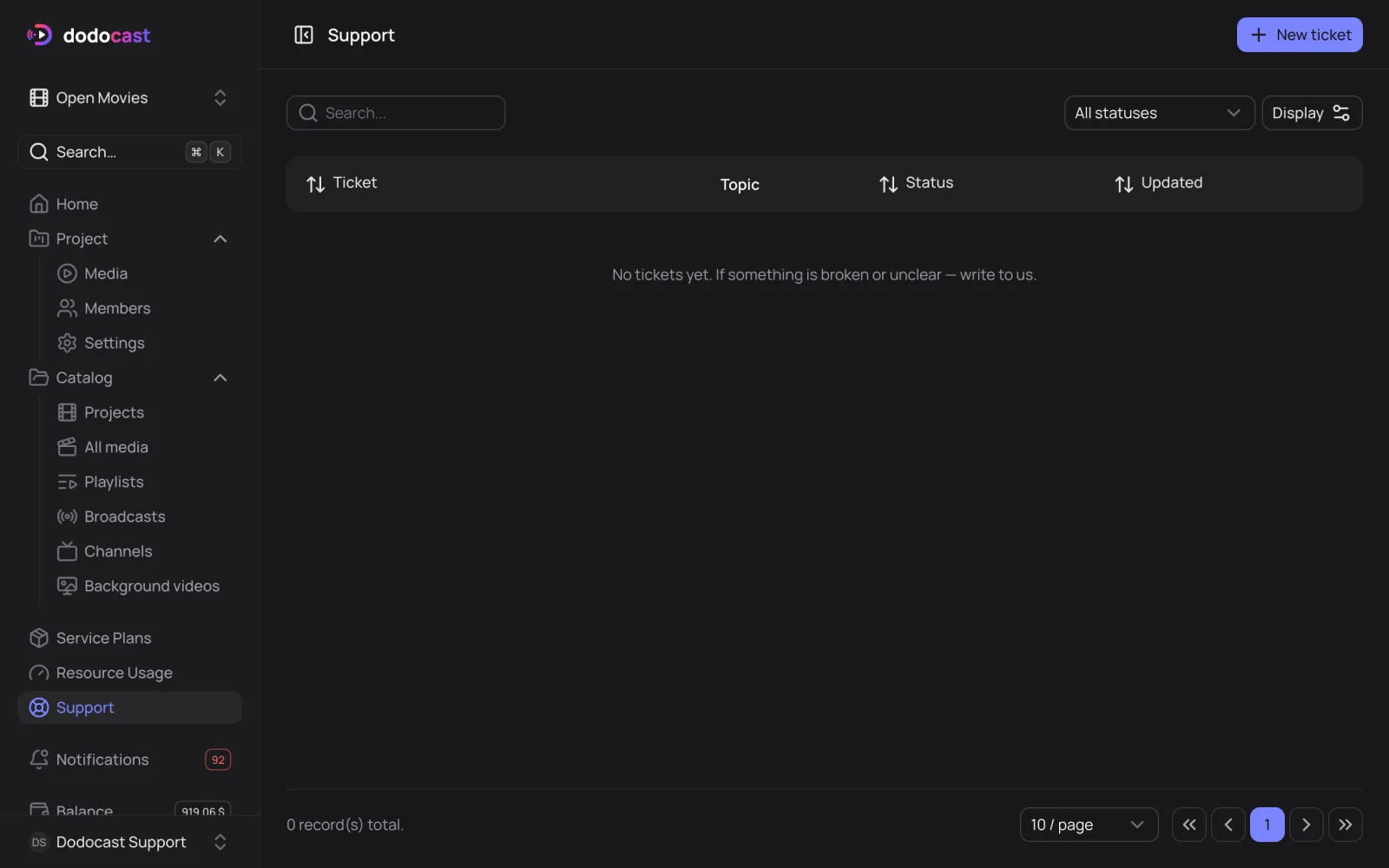
- In the left menu, open Support → New ticket.
- Choose a Topic: Billing and plan, Upload and processing, Playback, Publishing and access, Account and members or Other.
- Fill in In short → Continue, then describe the details on the ticket page.
All your tickets and their status are listed on the Support page.
You can also email us at hello@dodocast.com.
Tip
Include the code of the video, playlist or channel (10 characters, shown next to the title) to get an answer faster.
Updated: