Docs sections
Search⌘KCreate a 24/7 channel
A 24/7 channel is a continuous stream of your videos: the program plays in a loop and shows air on a schedule.
On this page
Plan and source
Channels are available on Pro (1 channel) and Business (5); each extra channel is $29 per month. A channel is built from uploaded videos — dodocast does not accept a live signal from a camera or encoder yet.
Steps
- Go to Catalog → Channels → Create channel.
In the New channel dialog, enter a name and set the Channel format:
- the qualities the channel will broadcast (240p–1080p);
- Aspect ratio — the frame for all qualities, for example 16:9.
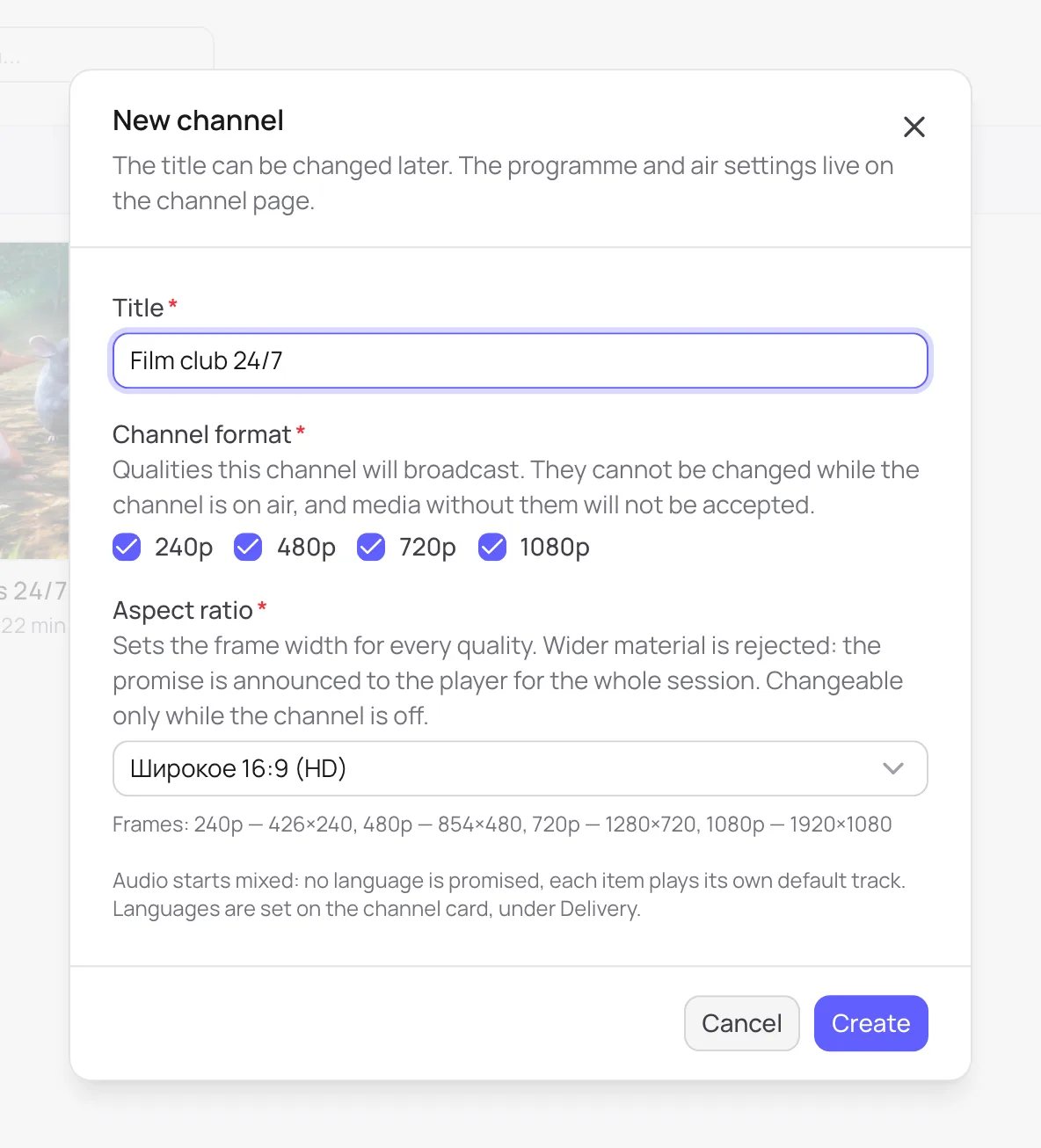
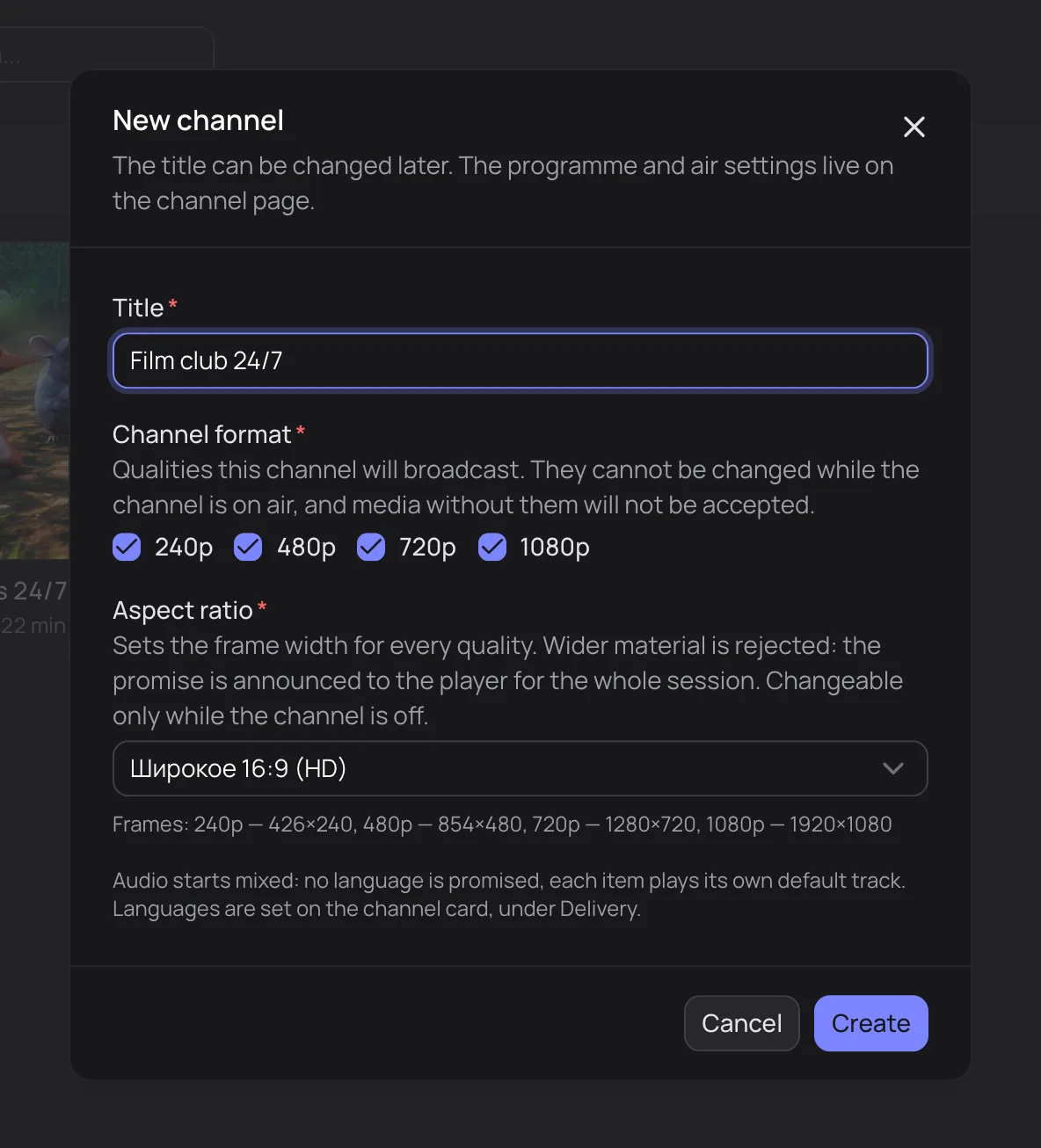
Set the channel format up front — it can't be changed while the channel is on air - On the Programme tab, add videos — see Channel program.
- On the Overview tab, click Switch on — the channel is on air.
- Publish it: Publication tab → Published → Save changes. Link and Embed now work.
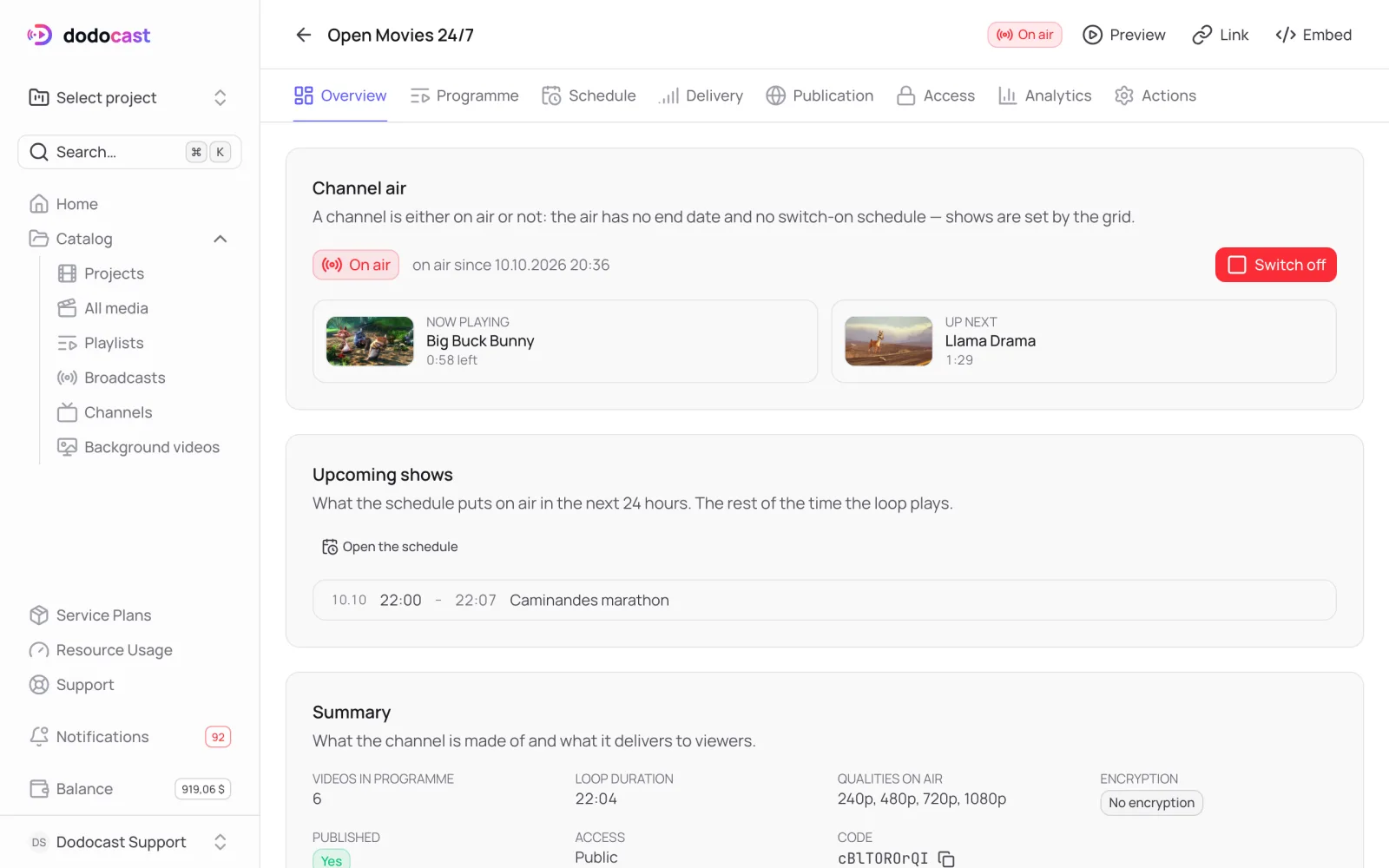
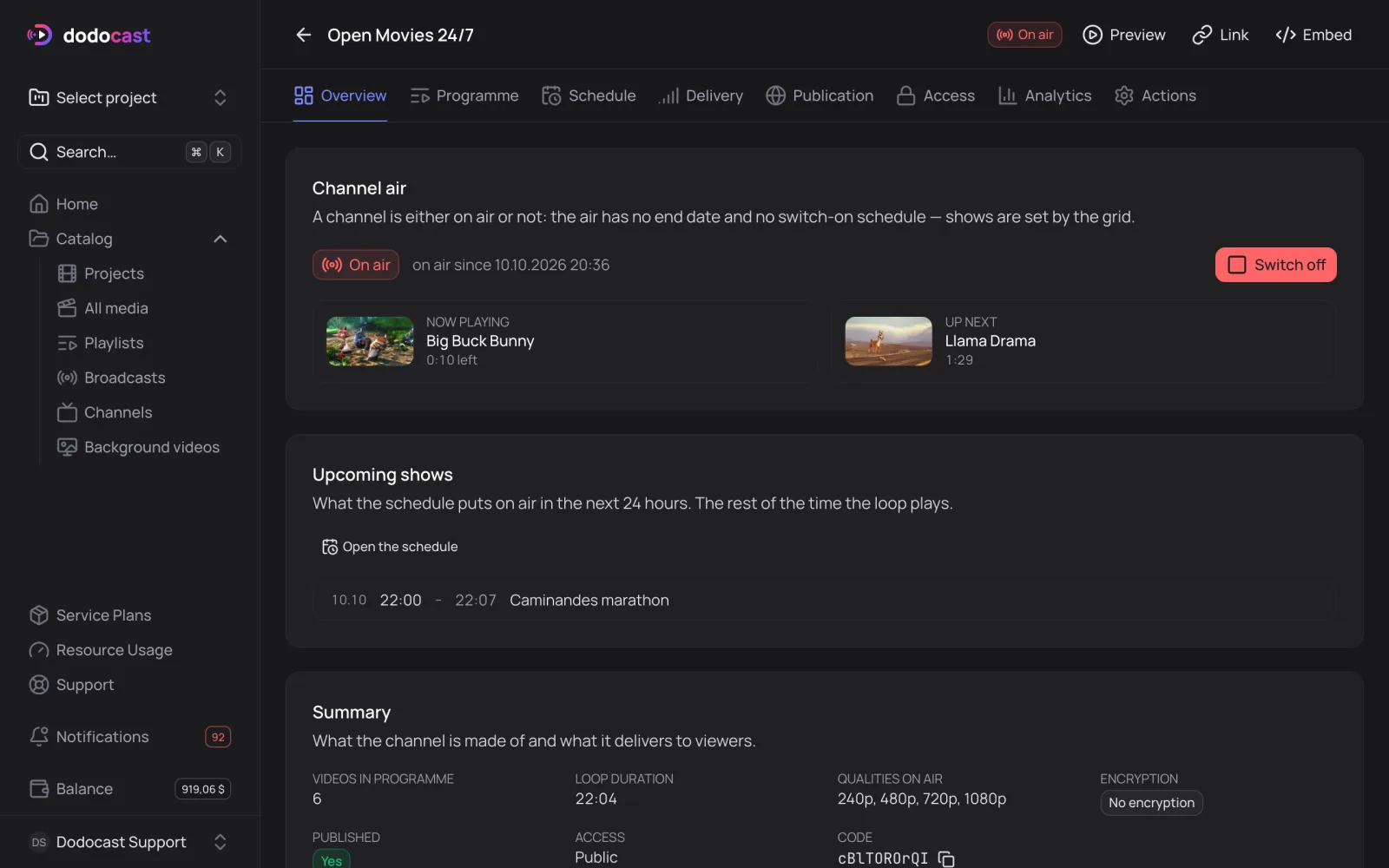
On air
A channel is either on air or off air: the stream has no end date. Switch off stops the stream — viewers see "The channel is off air", and the program is kept.
Overview shows Now playing (with the time remaining) and Up next.
Why the channel won't switch on
- The programme is empty: the channel cannot be switched on. — add videos.
- The programme contains an unprocessed video — the channel will not start. — wait for processing to finish.
- The videos in the program have no quality in common — check the qualities on the Delivery tab.
Channel tabs
| Tab | What's there |
|---|---|
| Overview | stream status, summary, direct links, JSON data |
| Programme | videos played in a loop |
| Schedule | shows on a schedule |
| Delivery | channel format, audio and subtitles |
| Publication | publishing, description, page layout |
| Access | who can watch, embedding, encryption |
| Analytics | plays, viewers, traffic |
| Actions | deletion (switched-off channels only) |
Updated: