文档目录
搜索⌘K网站背景视频:代码与链接
Embedding 标签页提供可直接用于网站的 HTML 区块,以及适用于建站工具的播放器页面。
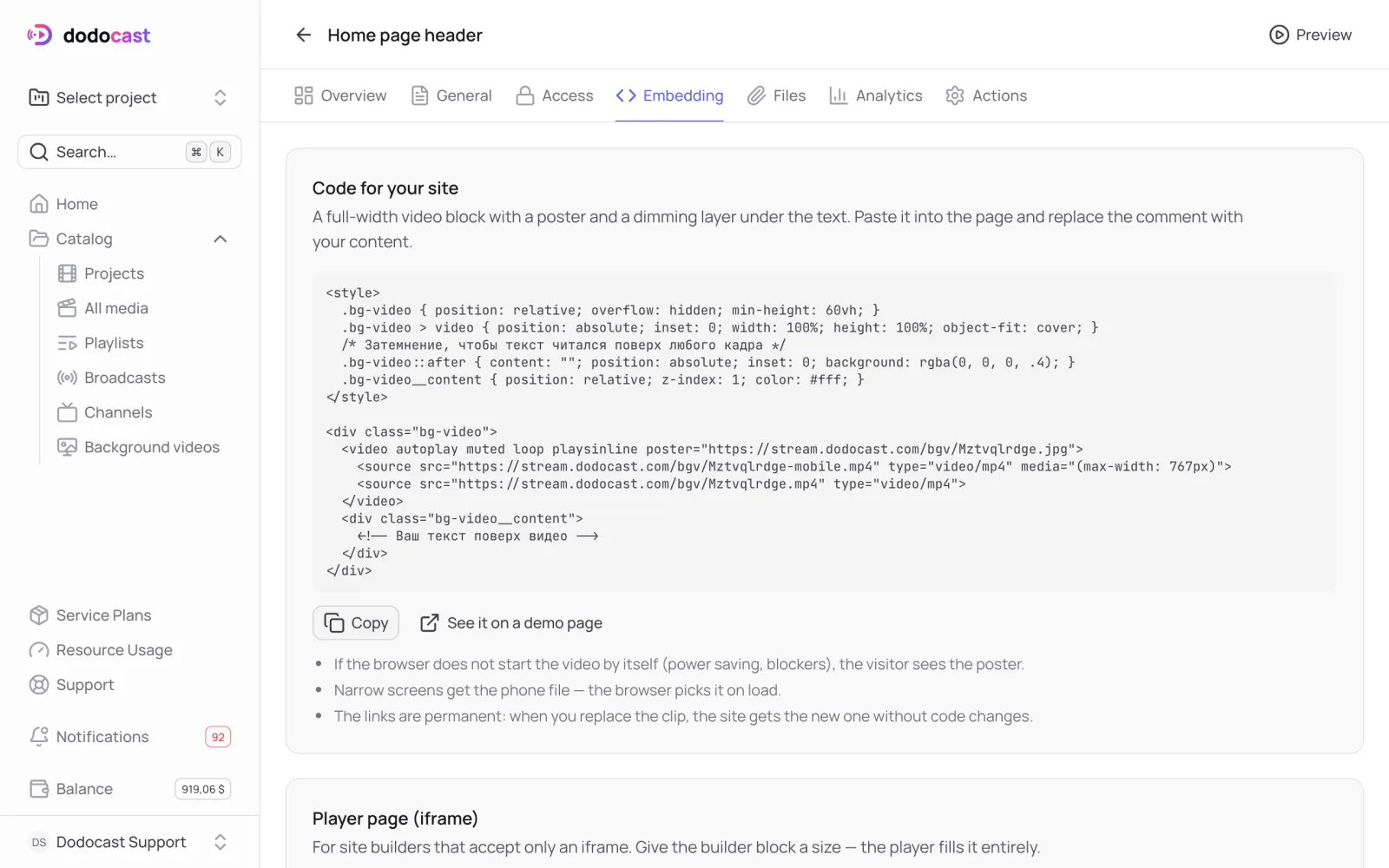
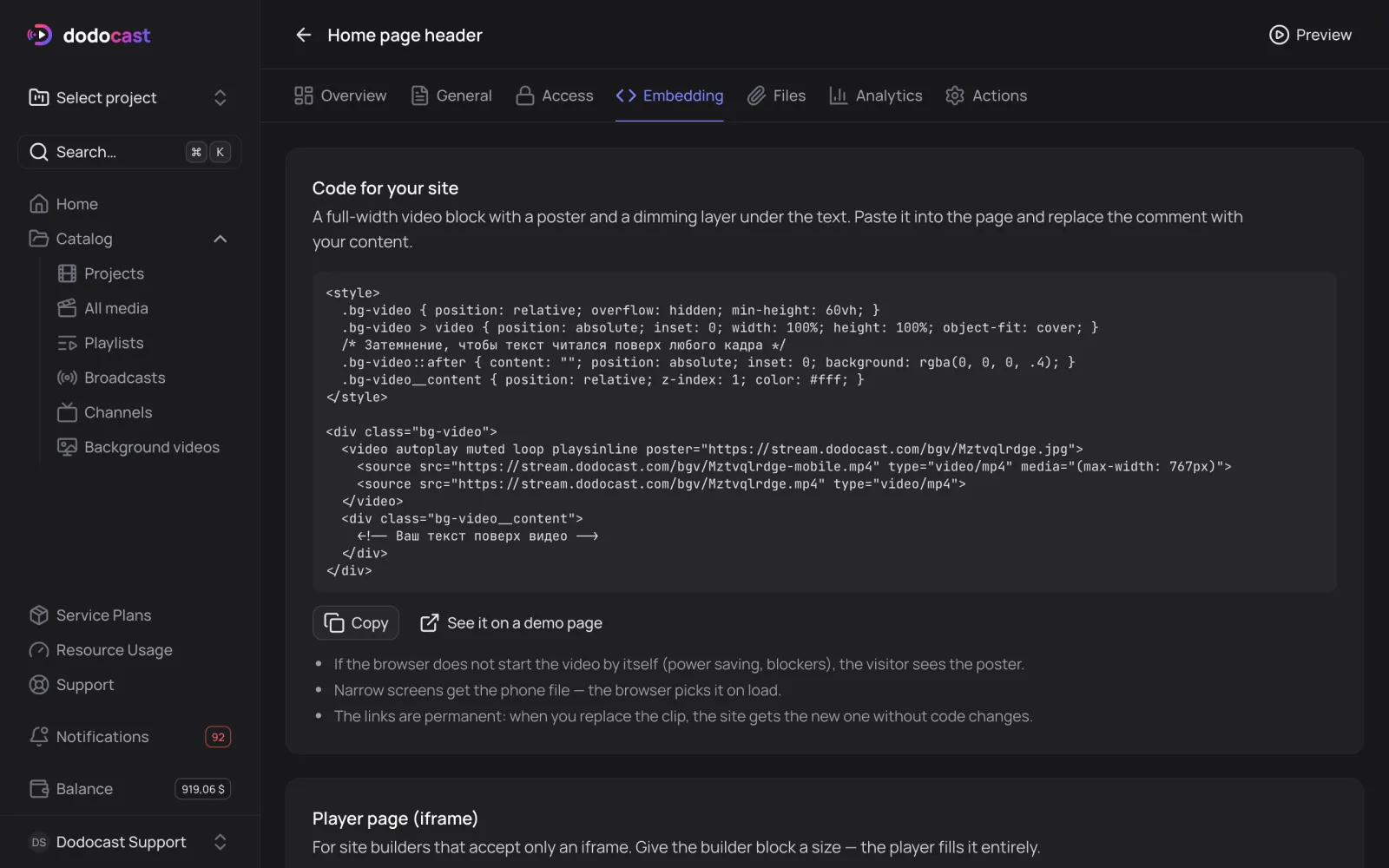
网站代码
一个全宽视频区块,带封面图和位于文字下方的深色遮罩。点击 Copy,粘贴到你的页面中,并用你的内容替换注释:
html
<style>
  .bg-video { position: relative; overflow: hidden; min-height: 60vh; }
  .bg-video > video { position: absolute; inset: 0; width: 100%; height: 100%; object-fit: cover; }
  .bg-video::after { content: ""; position: absolute; inset: 0; background: rgba(0, 0, 0, .4); }
  .bg-video__content { position: relative; z-index: 1; color: #fff; }
</style>
<div class="bg-video">
  <video autoplay muted loop playsinline poster="https://stream.dodocast.com/bgv/code.jpg">
    <source src="https://stream.dodocast.com/bgv/code-mobile.mp4" type="video/mp4" media="(max-width: 767px)">
    <source src="https://stream.dodocast.com/bgv/code.mp4" type="video/mp4">
  </video>
  <div class="bg-video__content">
    <!-- 显示在视频上方的文字 -->
  </div>
</div>- 如果浏览器不自动播放视频(省电模式、拦截插件),访客会看到封面图。
- 窄屏设备获取手机文件,浏览器会自动选择。
- 链接是永久的:当你替换片段时,网站无需修改代码即可获得新片段。
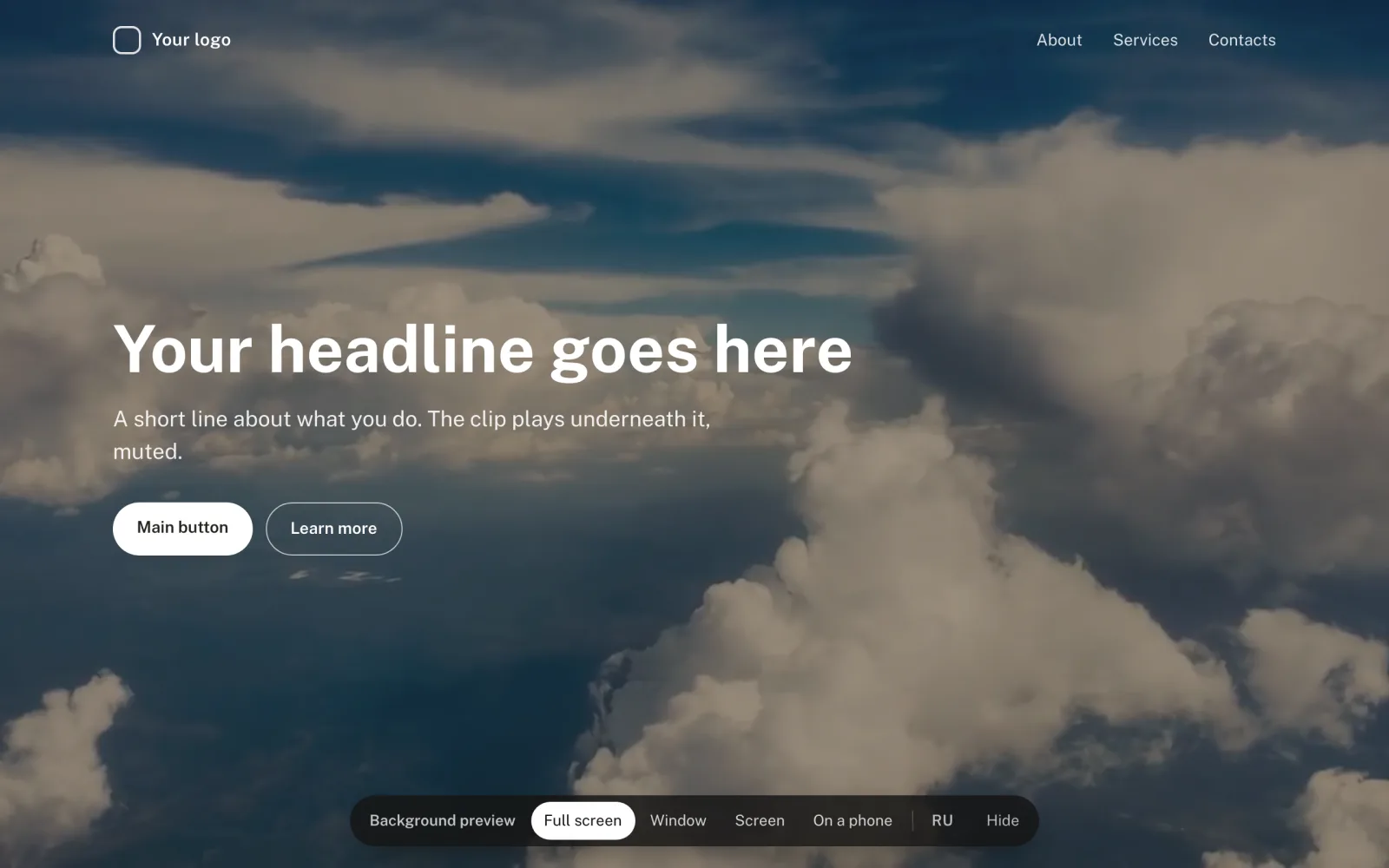
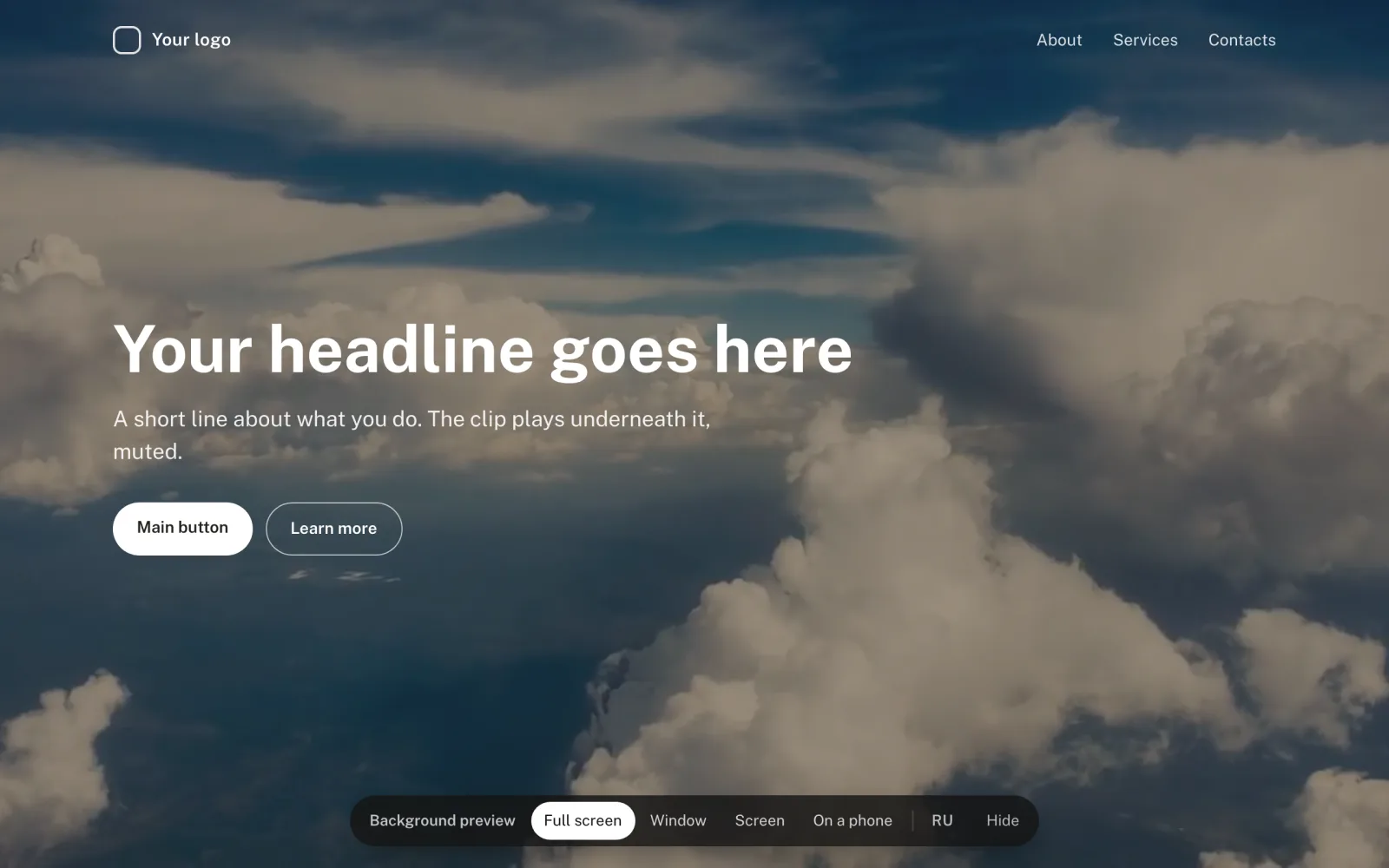
See it on a demo page 以四种视图展示你的背景视频:全屏、文字旁的窗口内、设备屏幕上和手机上。
播放器页面(iframe)
适用于只接受 iframe 的建站工具。设置建站工具中区块的尺寸,播放器会完全填满它:
html
<iframe src="https://watch.dodocast.com/bgv/code" title="Background video"
  aria-hidden="true" tabindex="-1"
  style="width: 100%; height: 100%; border: 0; pointer-events: none;"></iframe>
通过 iframe 无法自行调暗或裁剪片段。如需这样做,请使用上面的代码。
永久链接
| 文件 | URL |
|---|---|
| 主文件 | https://stream.dodocast.com/bgv/<code>.mp4 |
| 手机文件 | https://stream.dodocast.com/bgv/<code>-mobile.mp4 |
| 封面图 | https://stream.dodocast.com/bgv/<code>.jpg |
更新于: